Add it to your home screen and it opens full screen: no browser bars, one tap away, and everything stays signed in. Free, nothing to download from an app store.
Takes about five seconds.
- Tap the Share button in your browser
- Scroll down and choose “Add to Home Screen”
- Open GrowSomeFood from your home screen
- Open your browser’s menu
- Choose “Add to Home screen” or “Install app”
- Open GrowSomeFood from your home screen
Plants
541 plants
541 plants
Planting dates are shown for USDA zone 7a. Tap the zone pill to set yours.
Garden staples
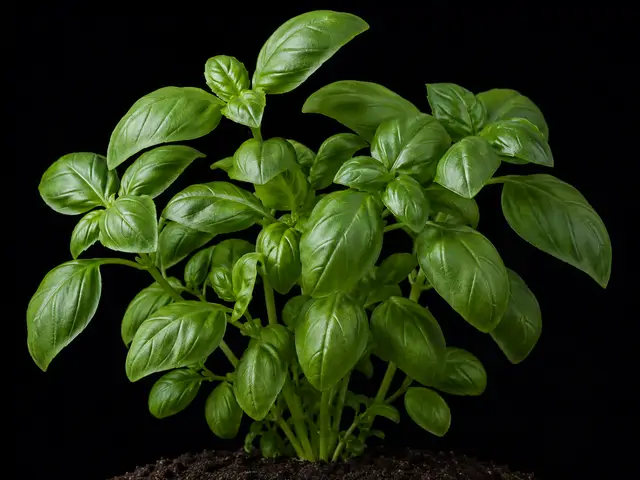
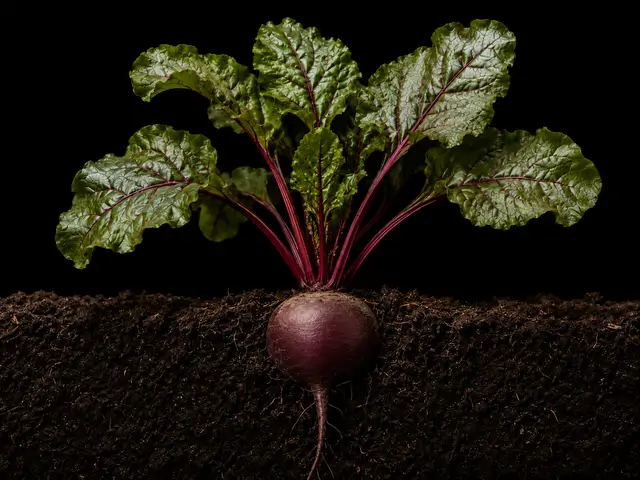
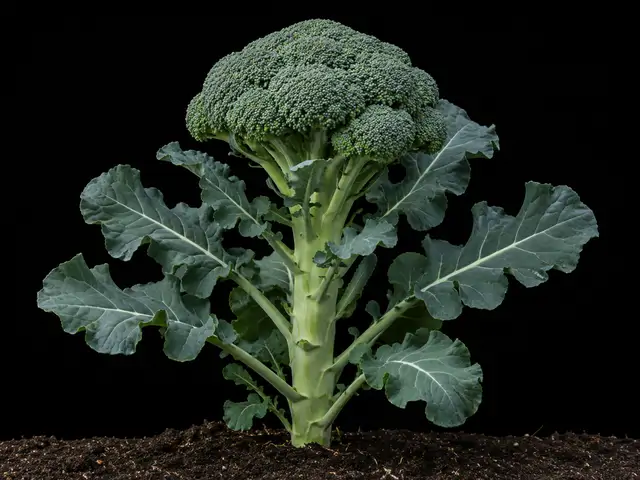
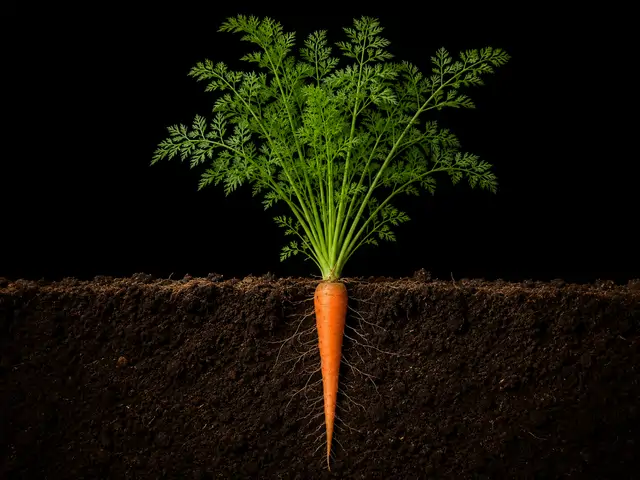
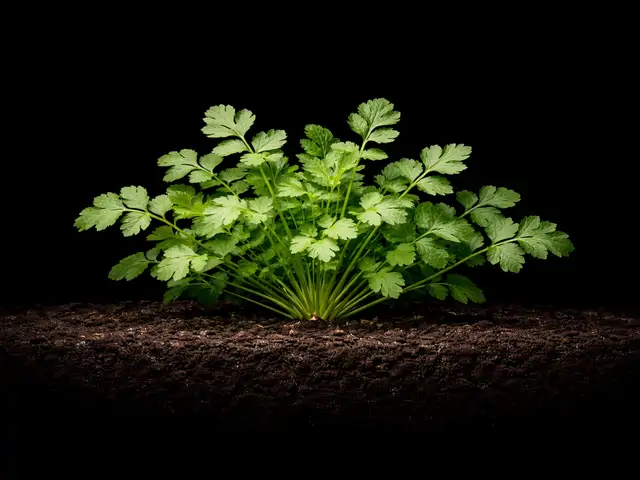
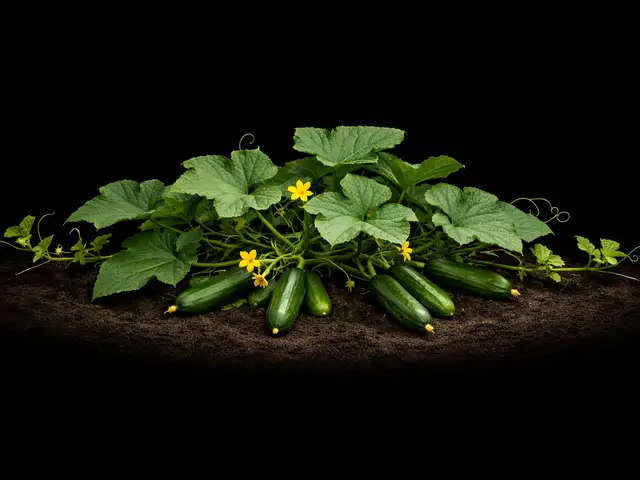
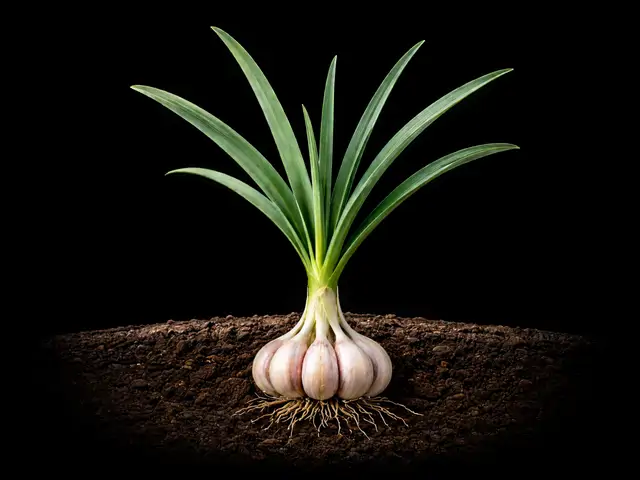
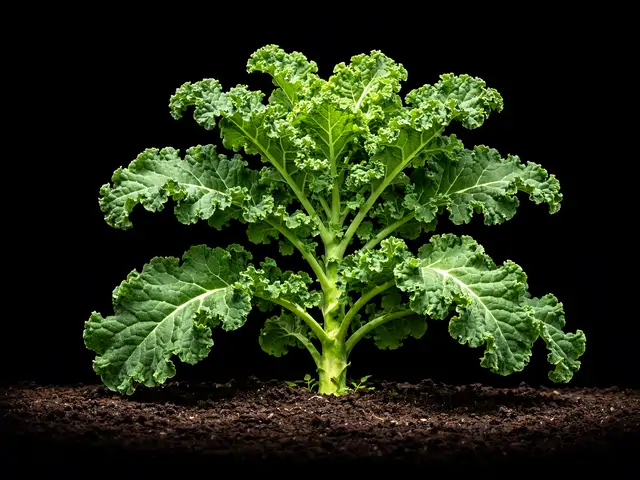
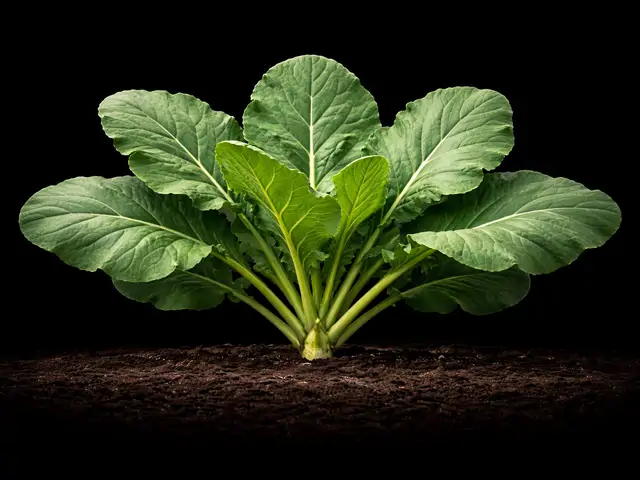
Kale
Brassica oleracea (Acephala Group); Russian and Siberian types are B. napus
Mar 13 – Apr 24
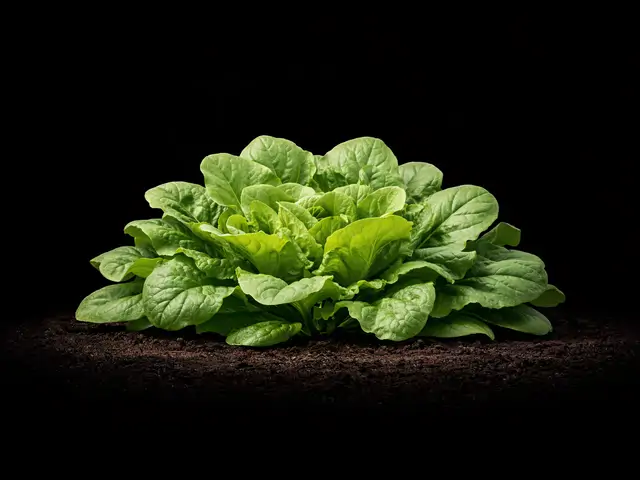
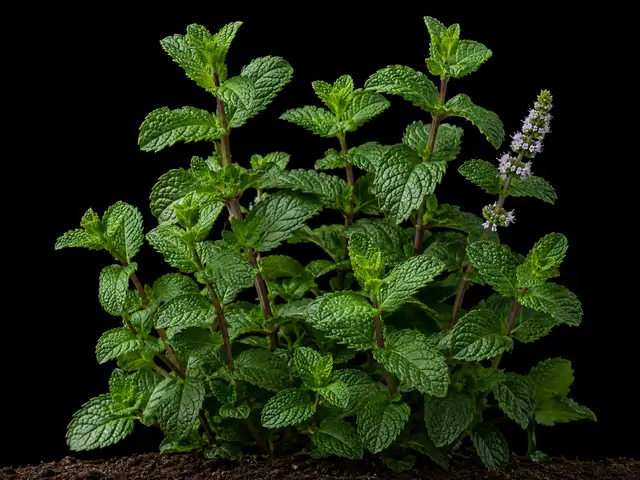
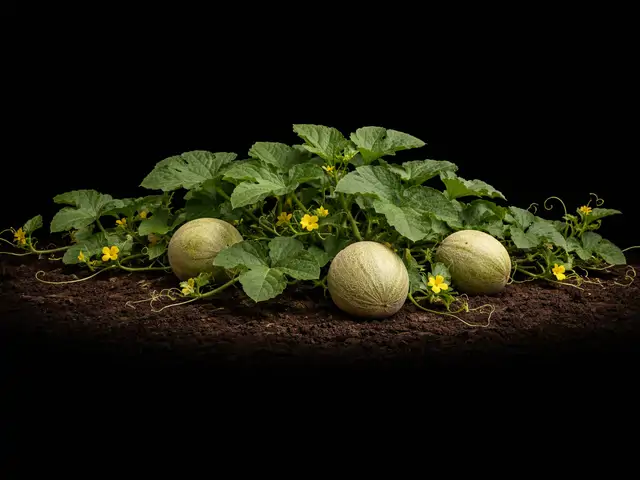
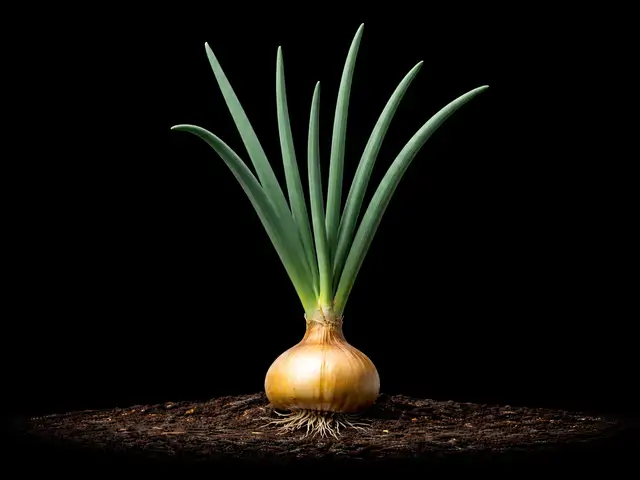
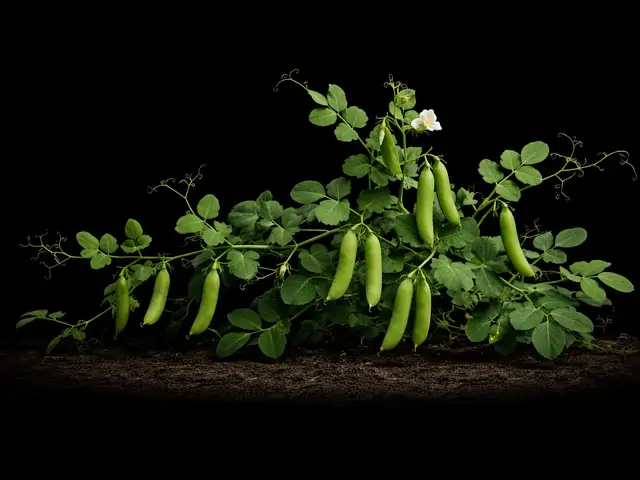
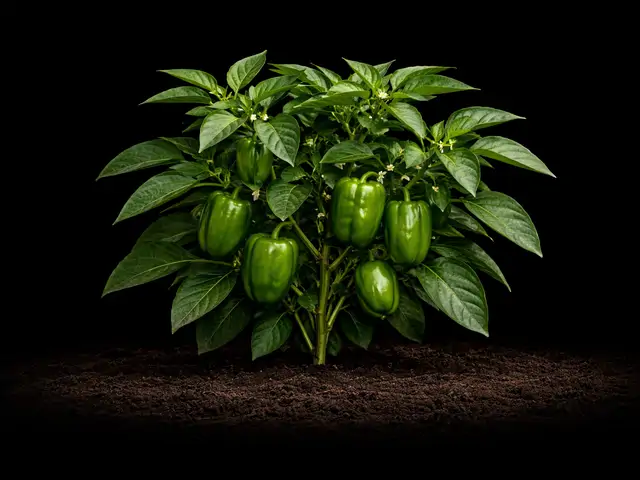
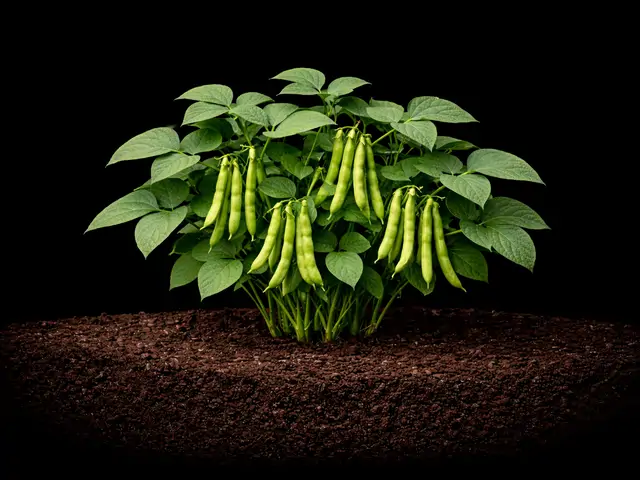
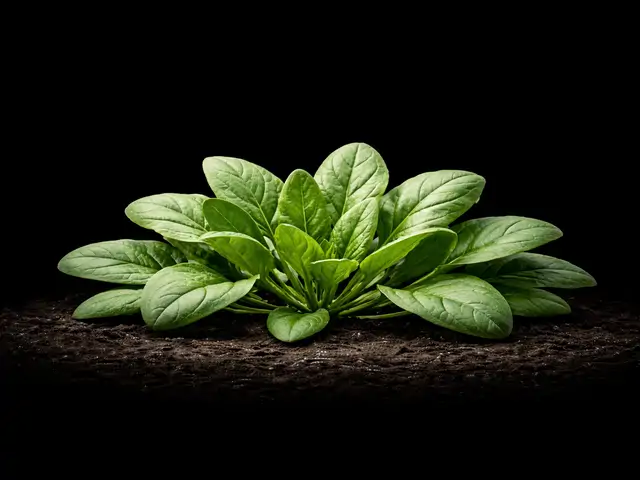
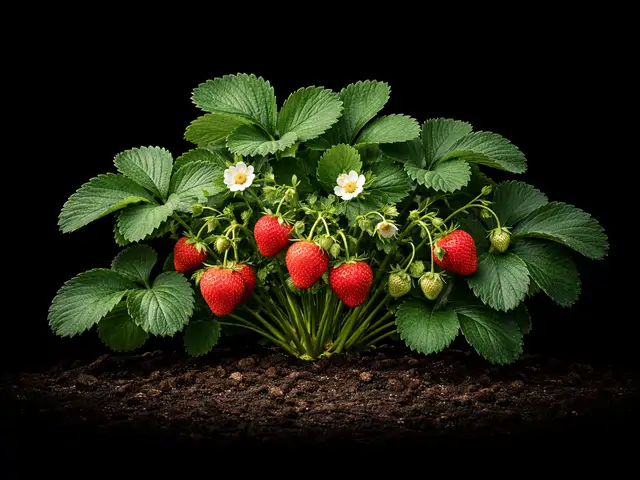
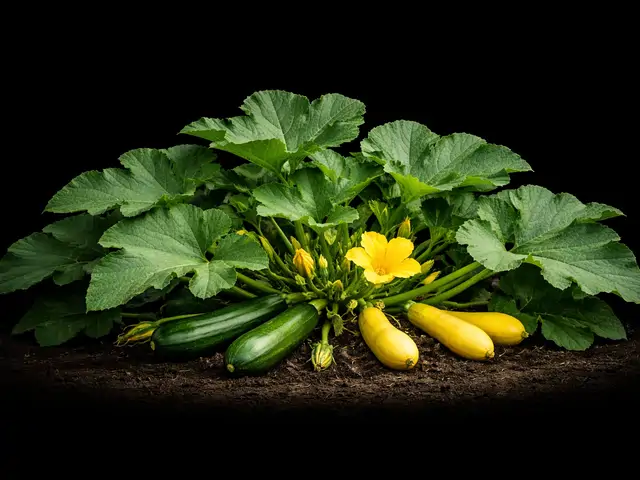
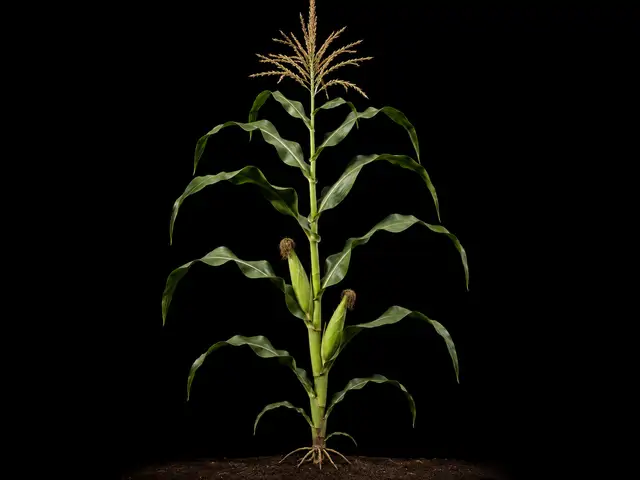
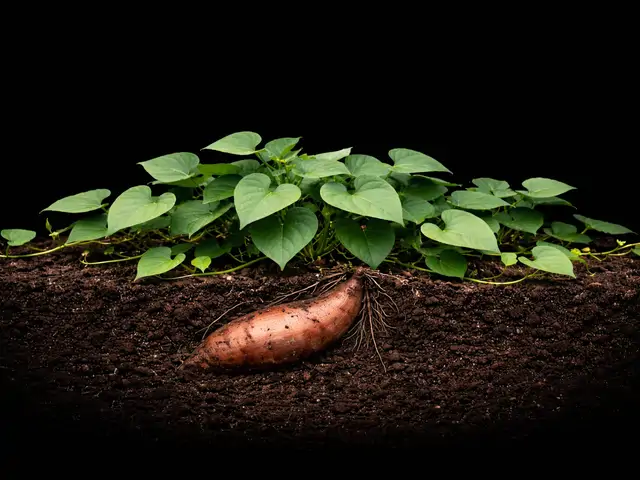
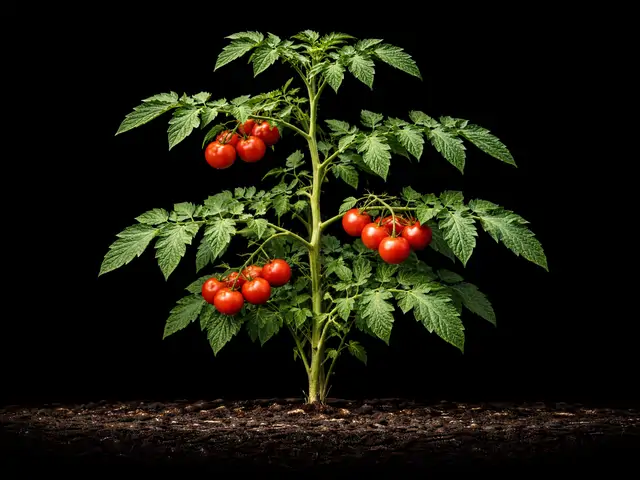
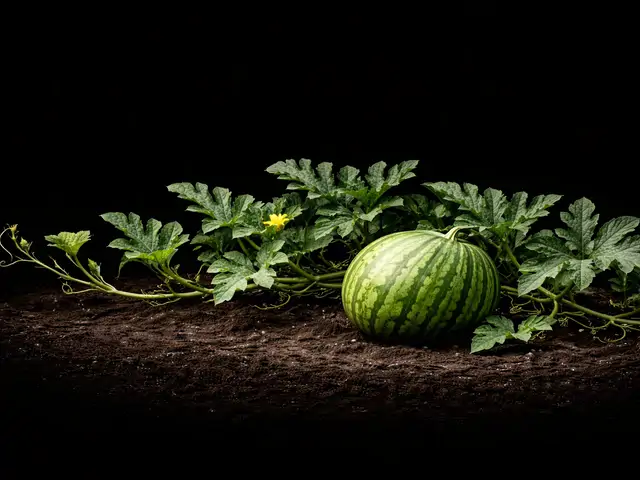
Commonly grown
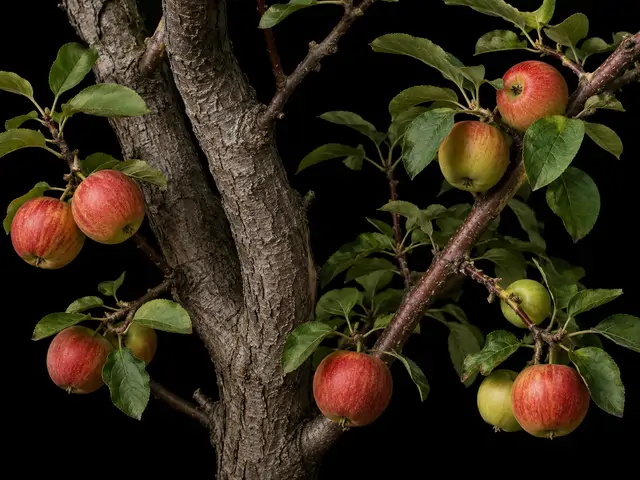
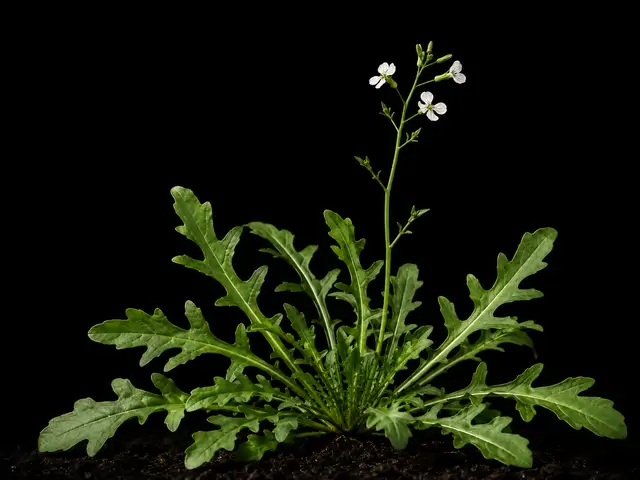
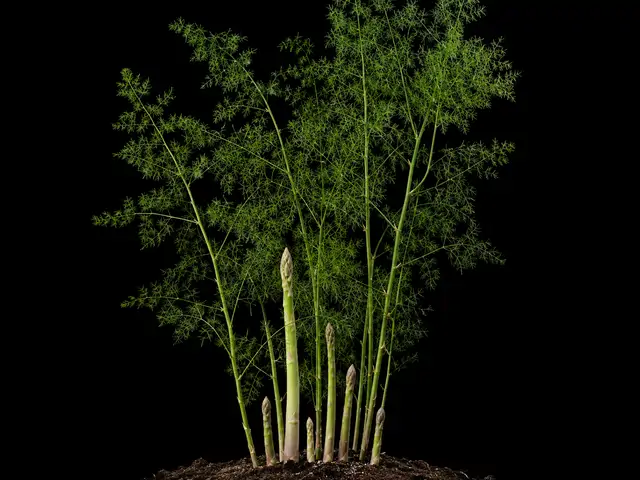
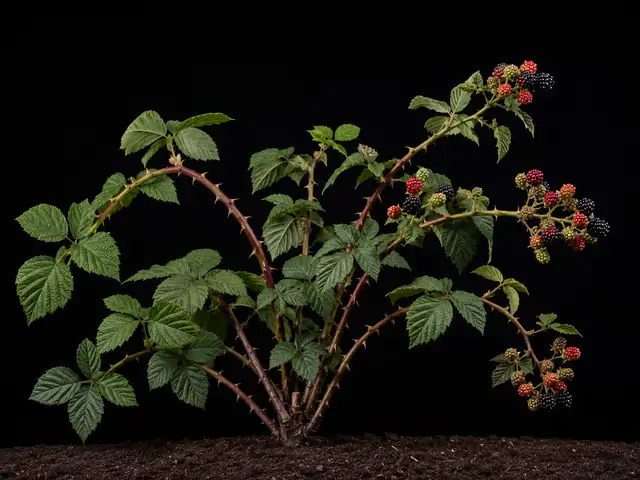
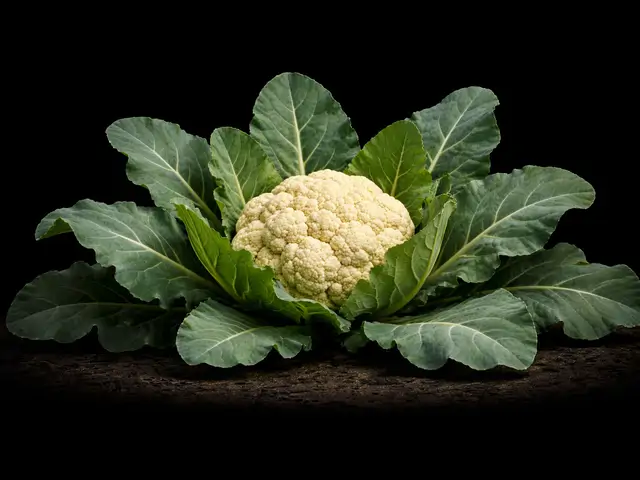
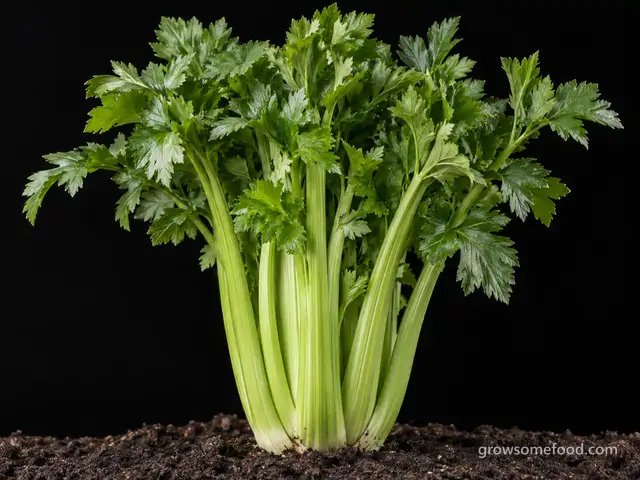
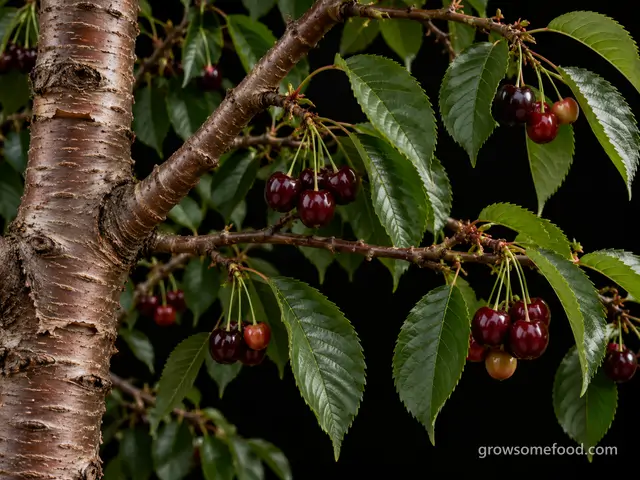
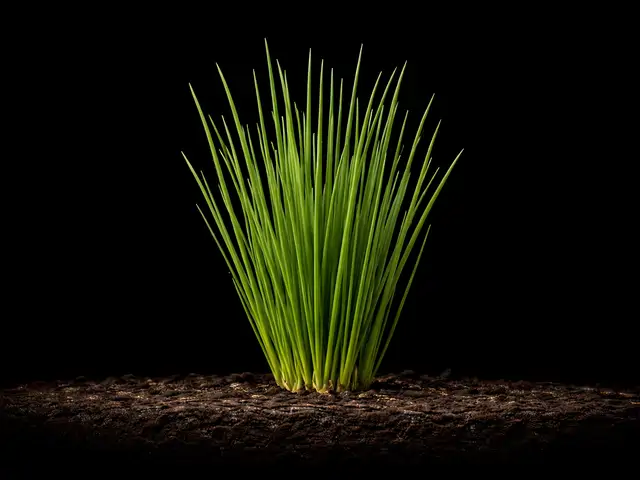
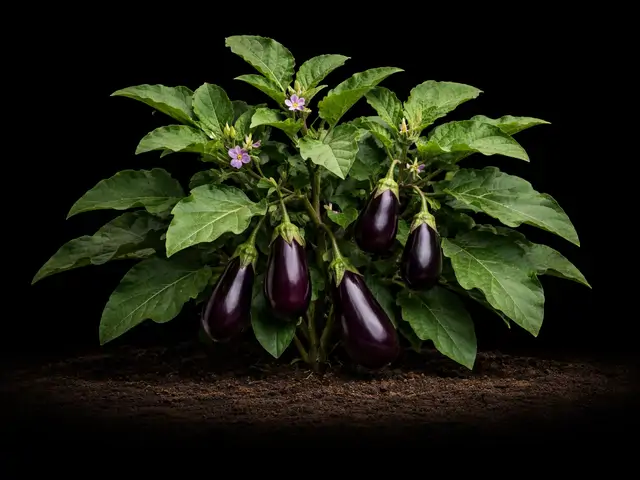
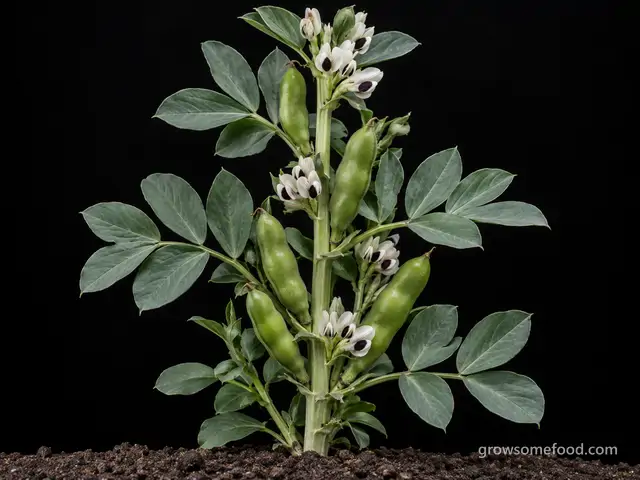
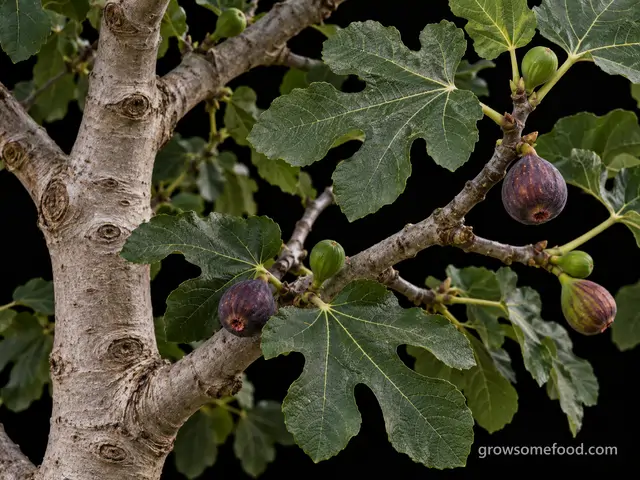
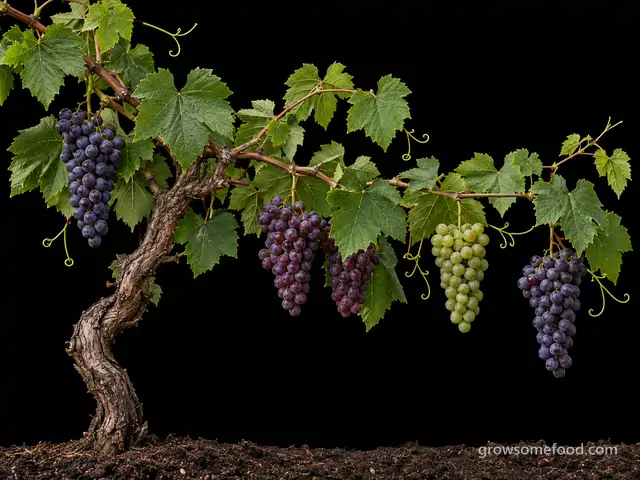
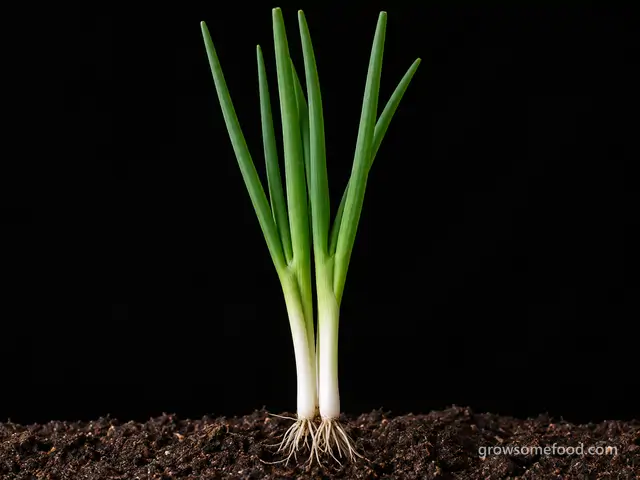
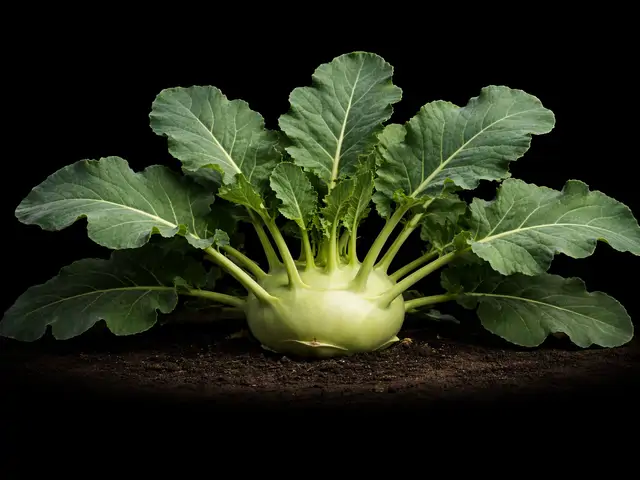
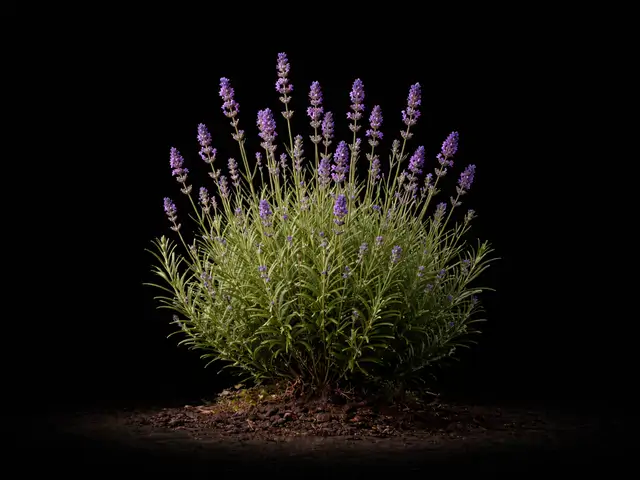
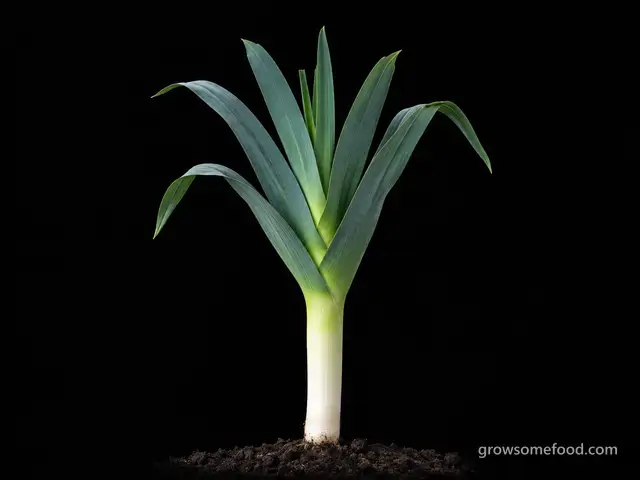
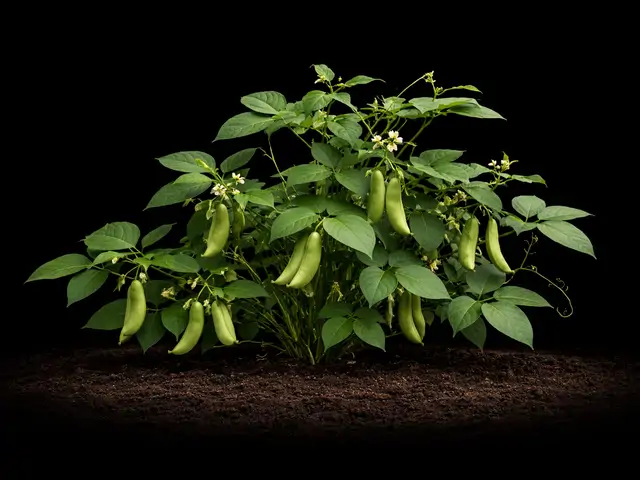
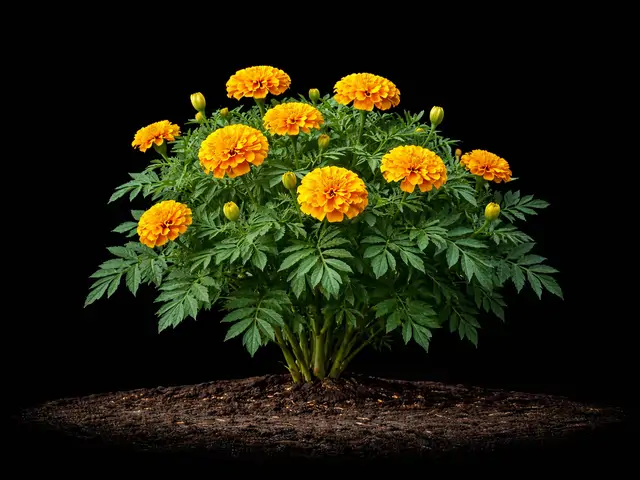
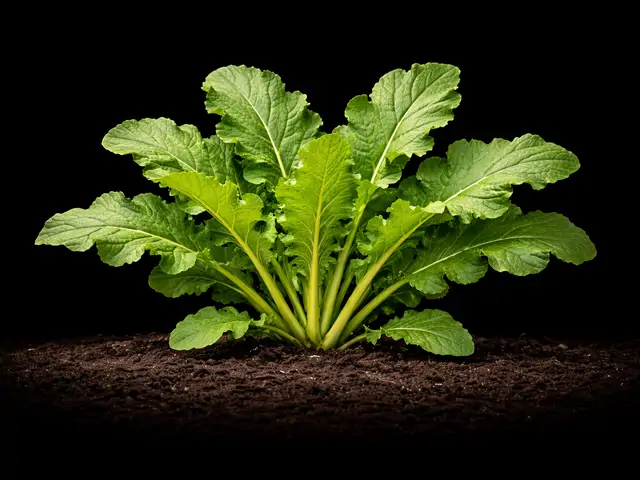
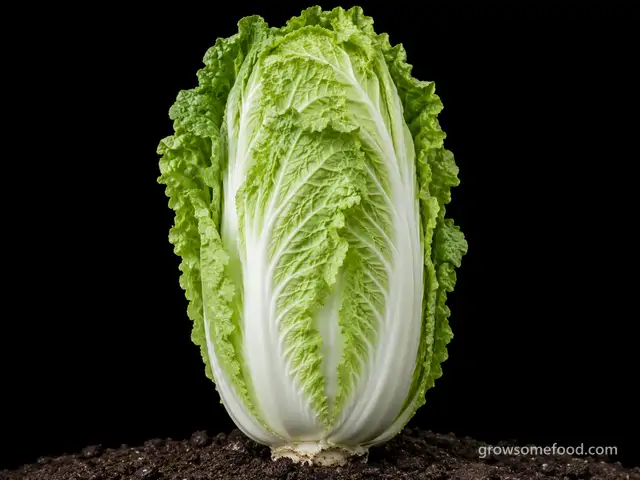
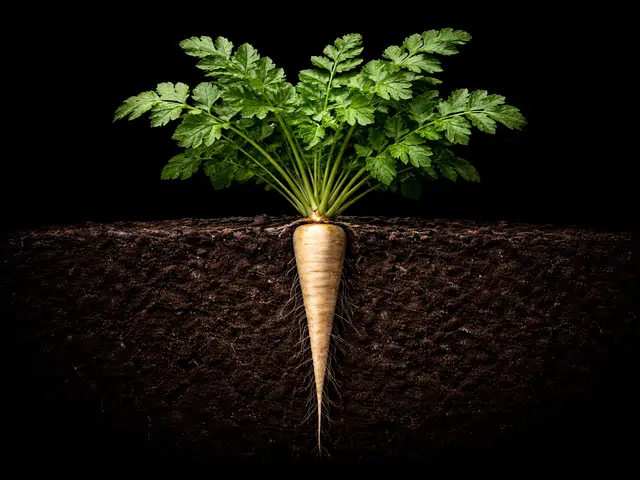
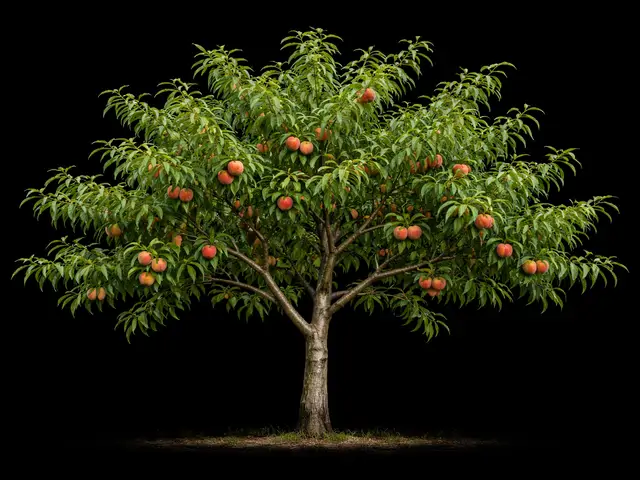
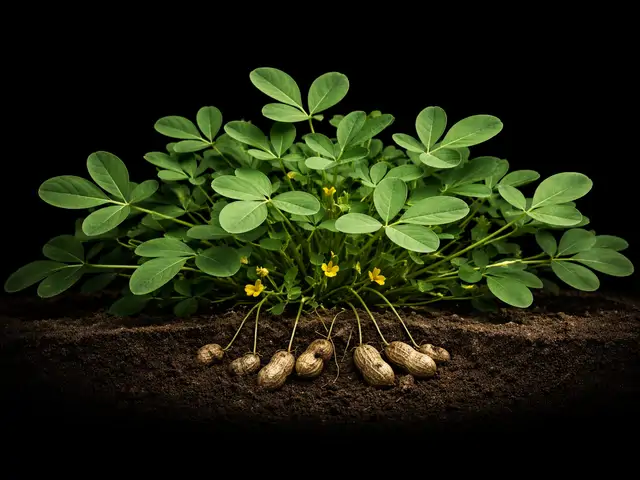
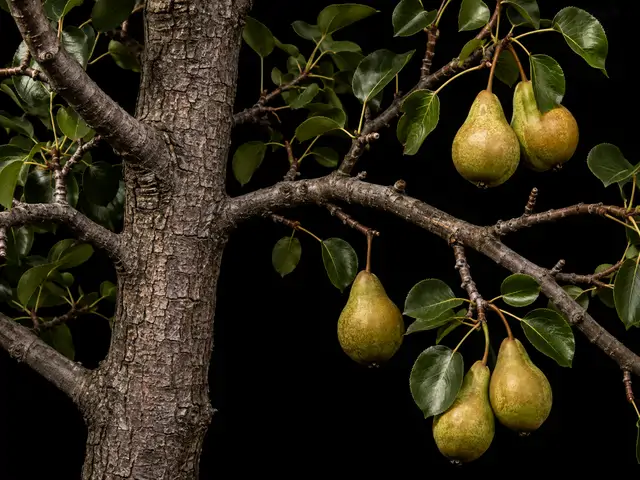
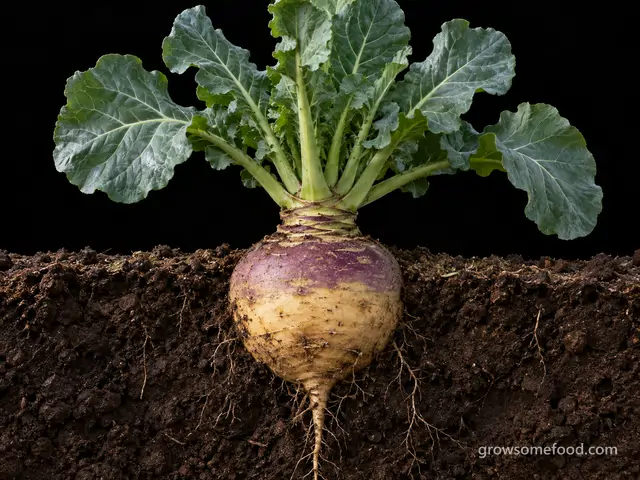
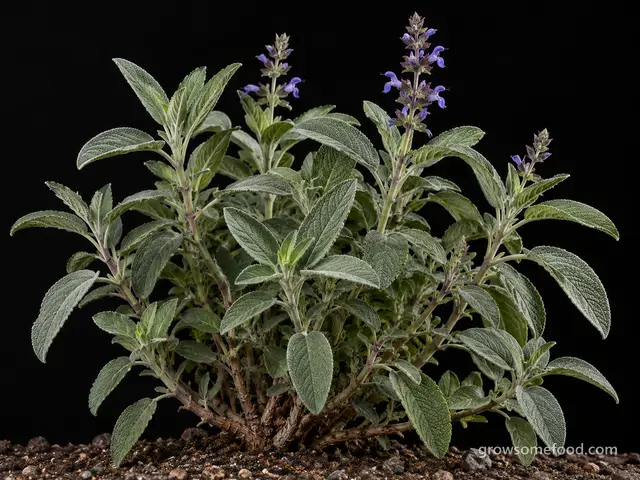
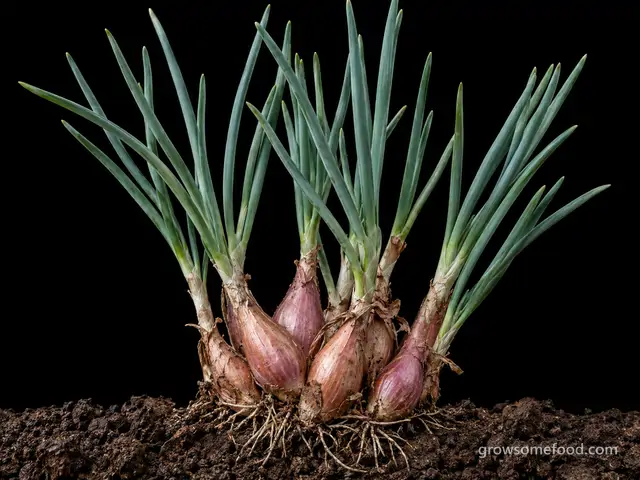
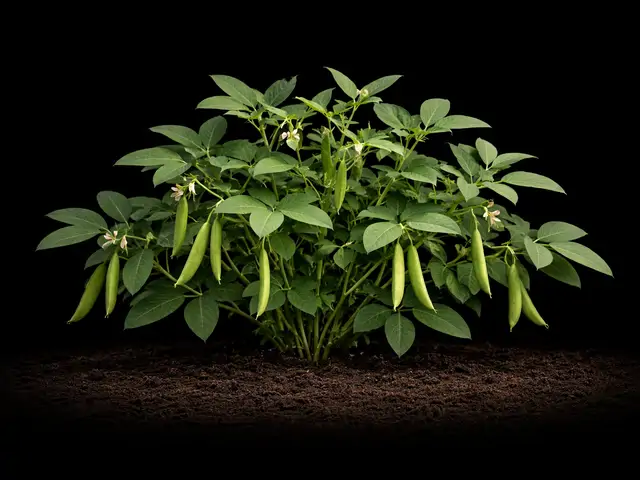

Everything else · A–Z
A
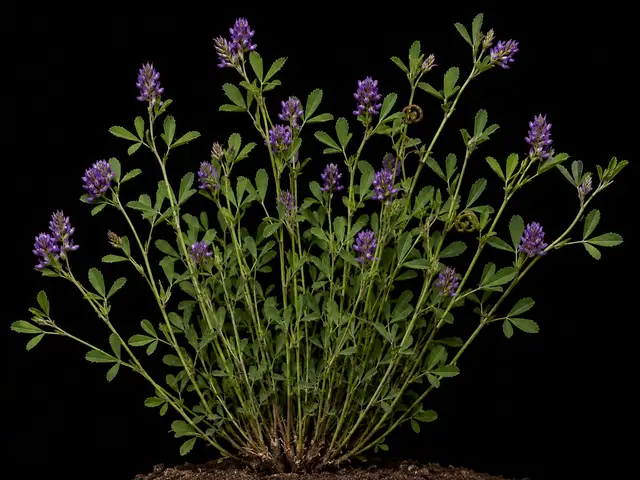
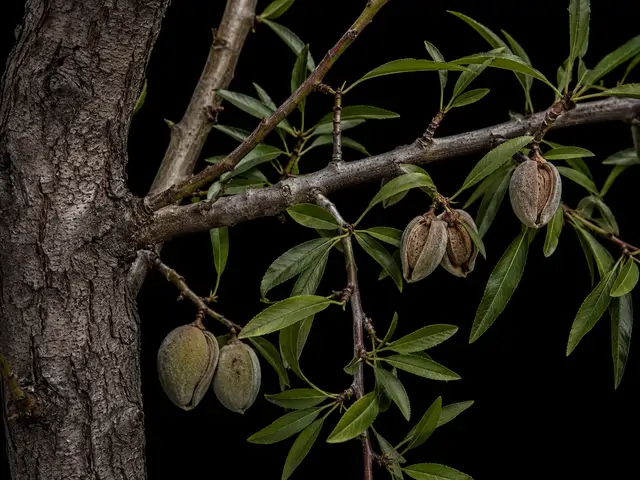
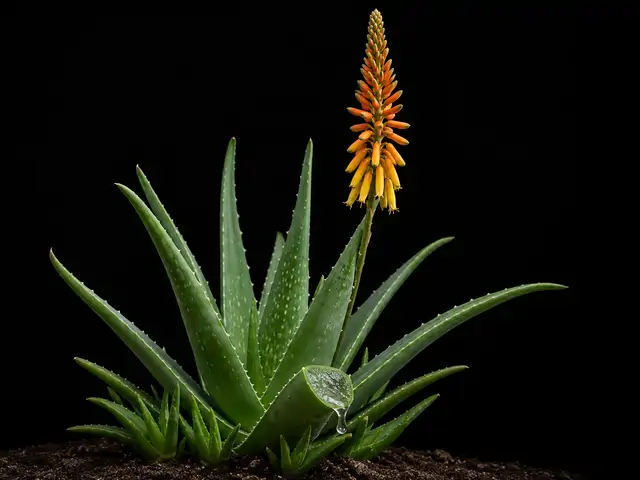
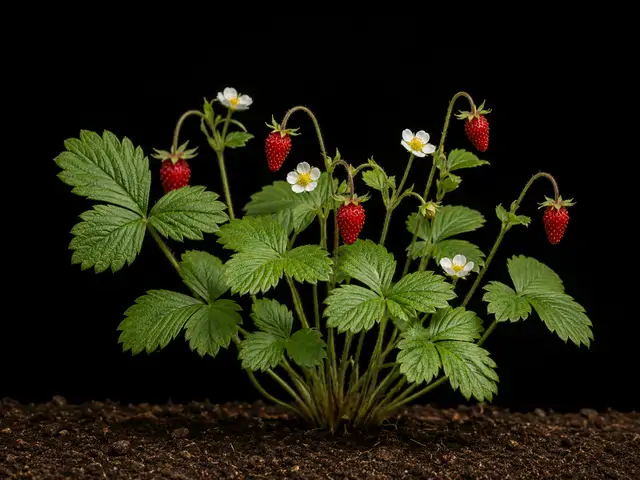
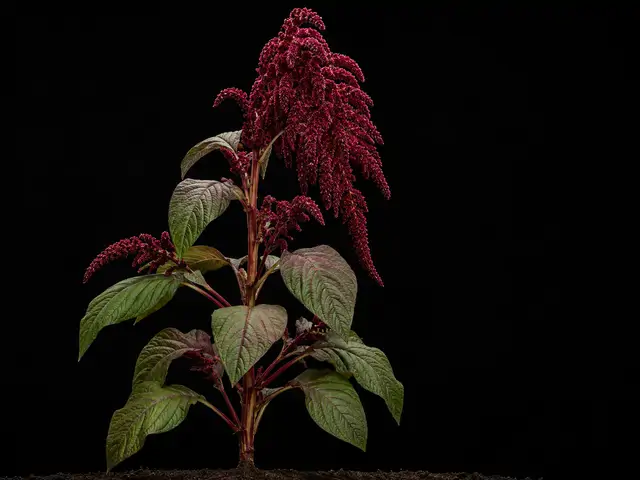
Amaranth
Amaranthus (grain types A. cruentus, A. caudatus, A. hypochondriacus)
Apr 17 – May 29
B
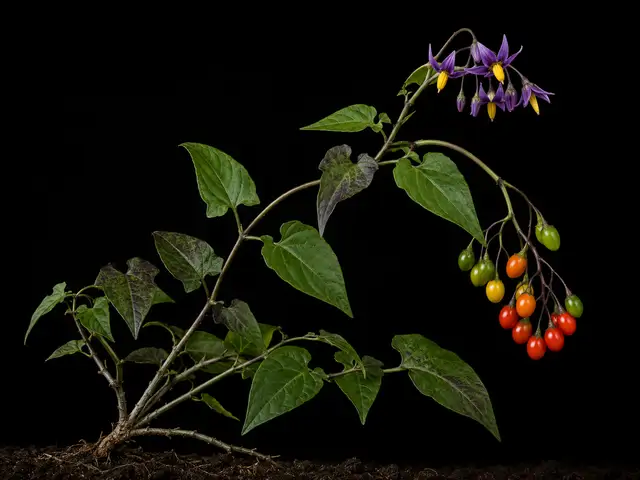
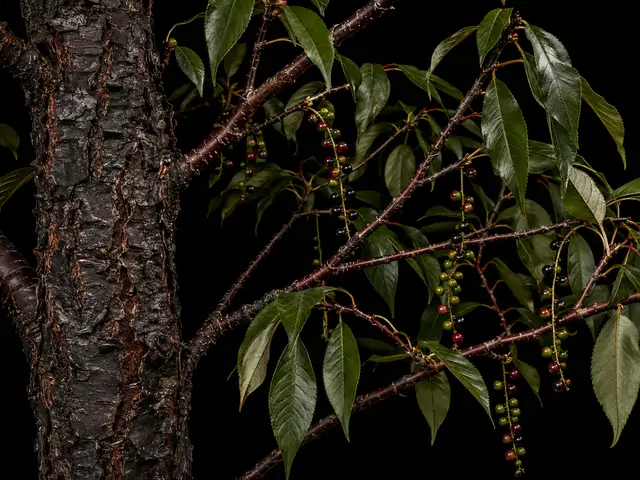
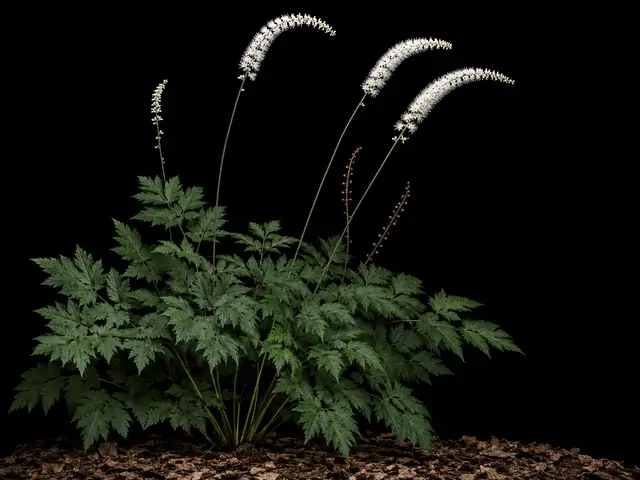
Black Cohosh
Actaea racemosa (syn. Cimicifuga racemosa)
Plant with care
Plant now · until Nov 15
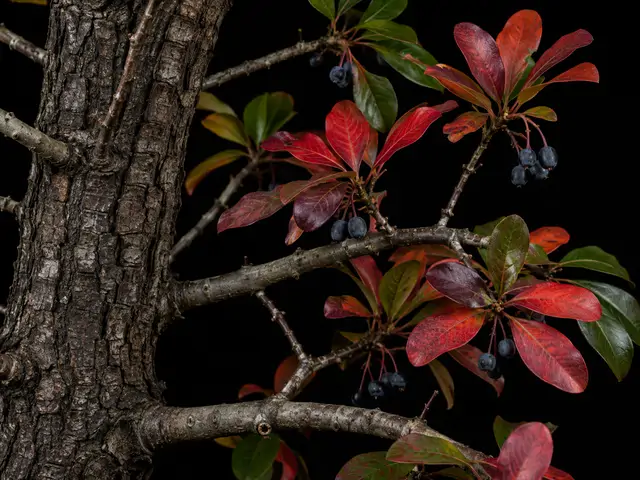
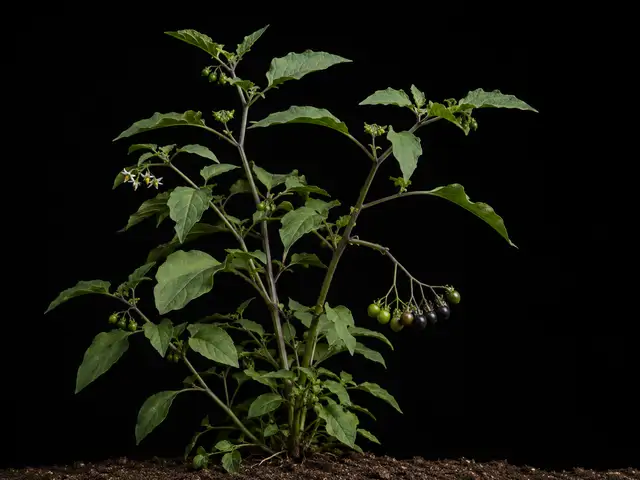
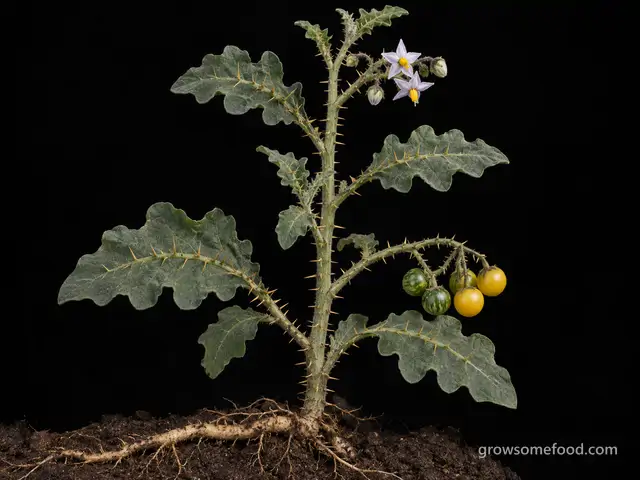
Black Nightshade
Solanum nigrum / S. ptychanthum (the black nightshade complex)
Plant with care
Apr 17 – May 29
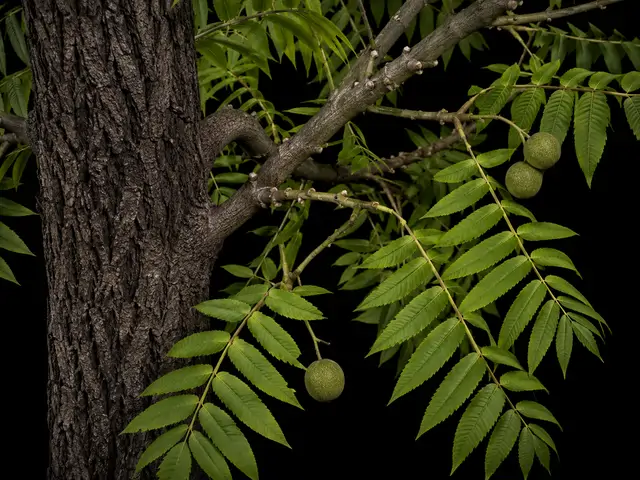
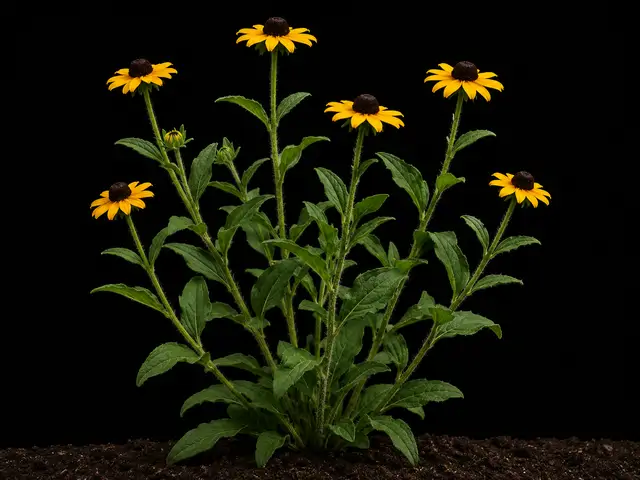
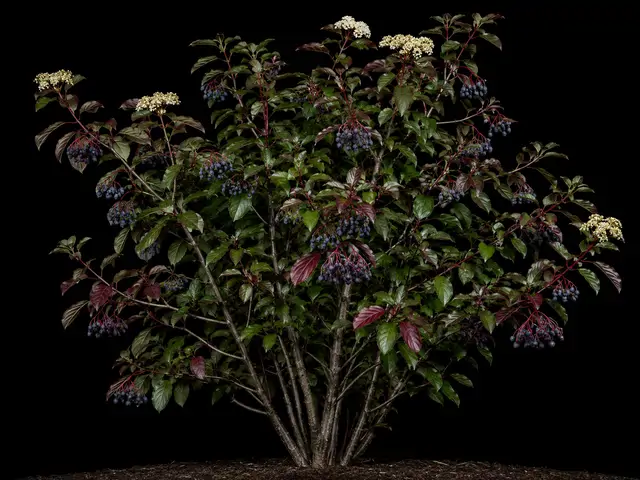
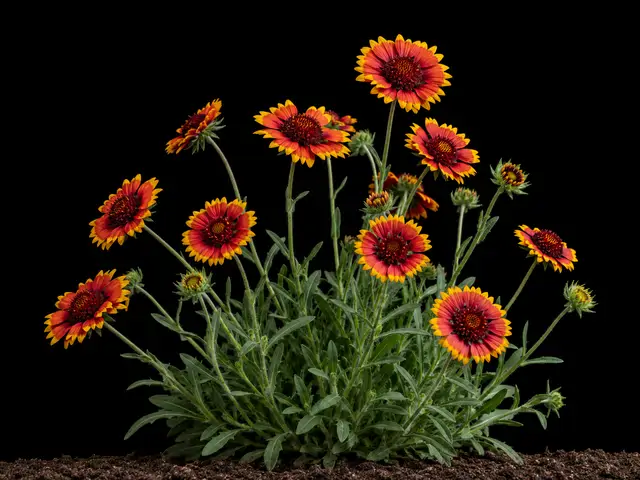
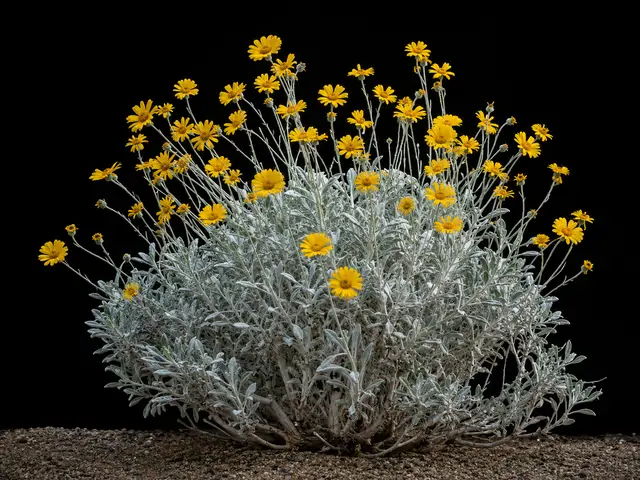
Blanketflower
Gaillardia spp. (G. x grandiflora, G. aristata, G. pulchella)
Plant now · until Nov 15
C
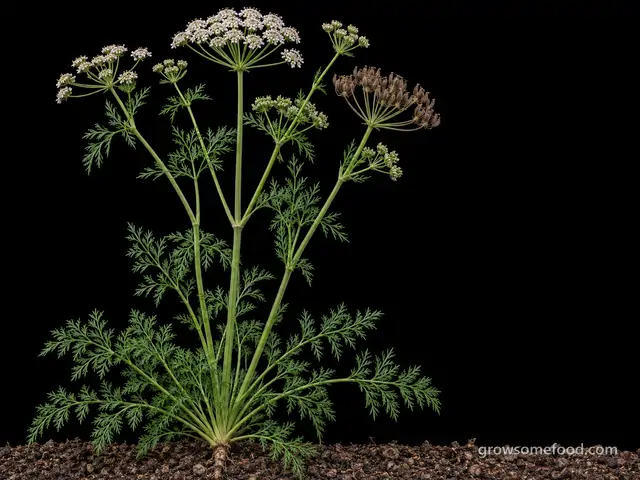
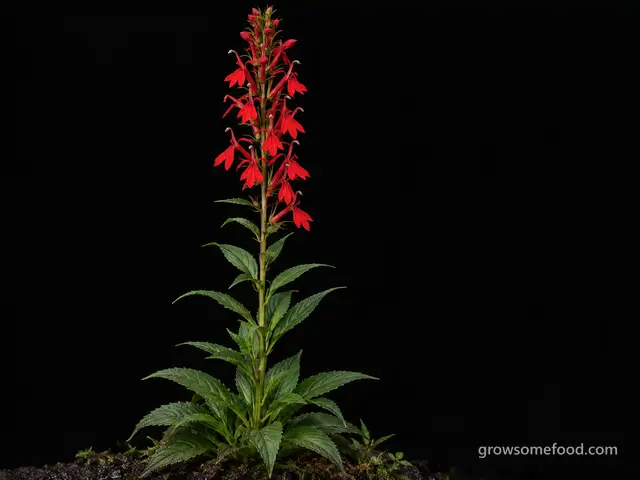
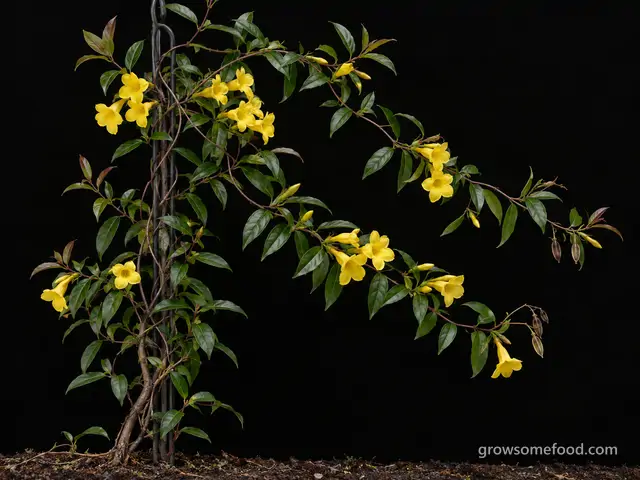
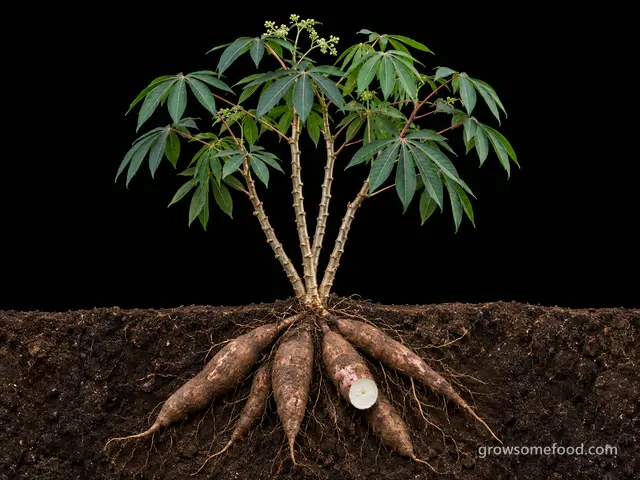
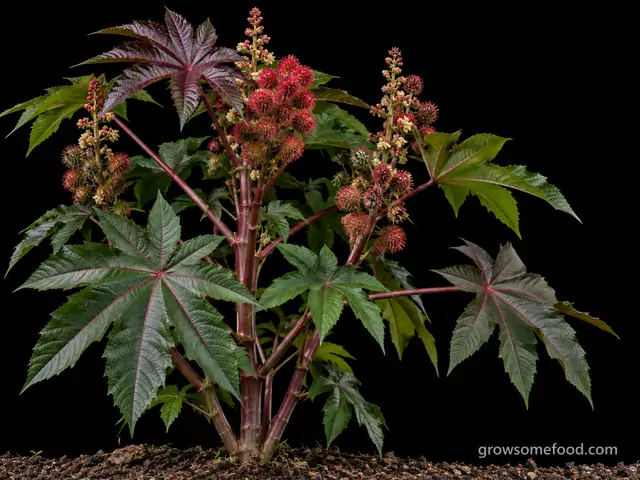
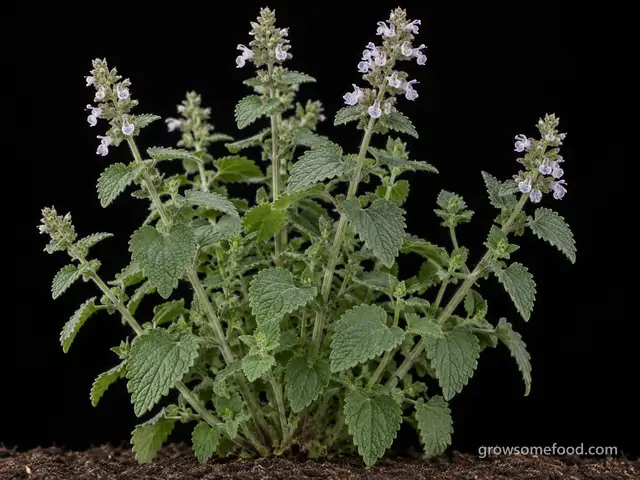
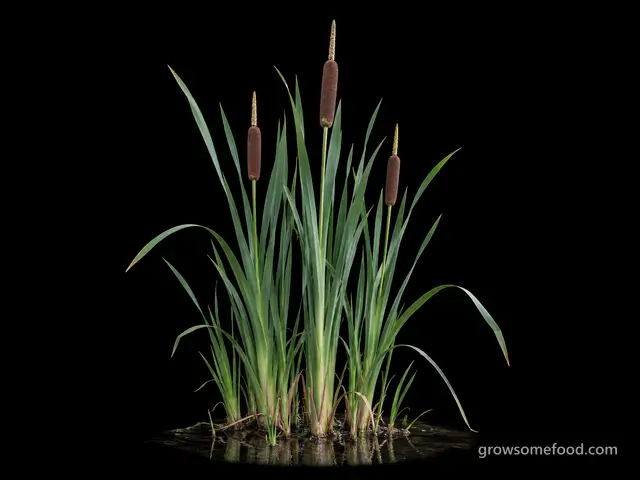
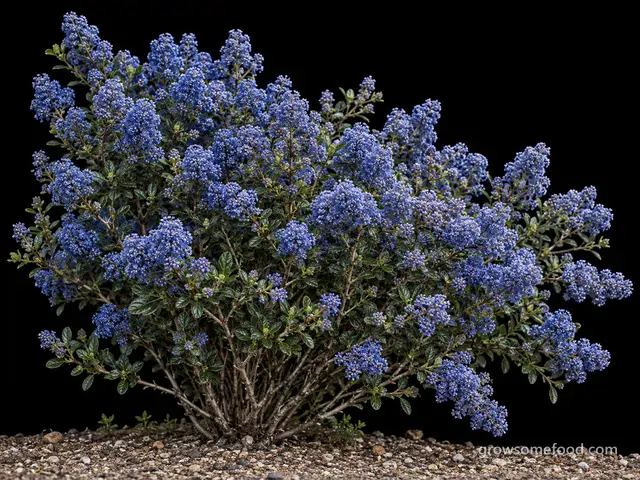
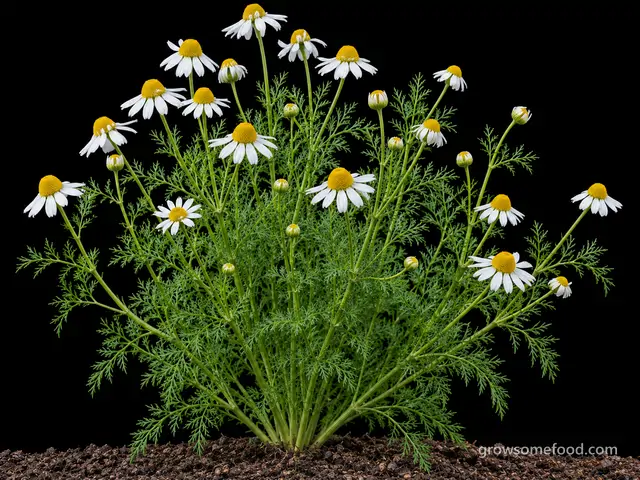
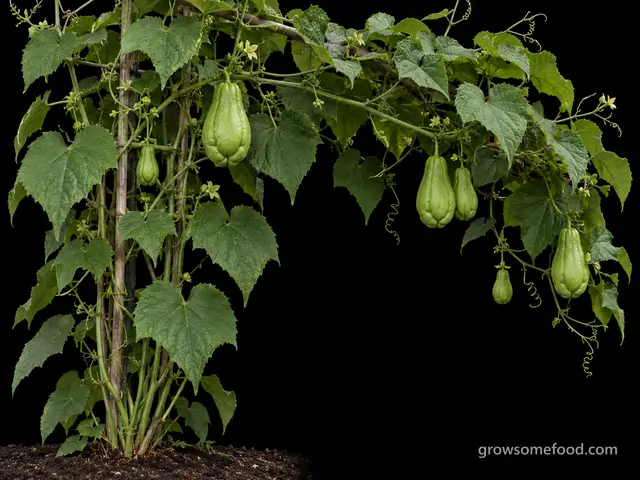
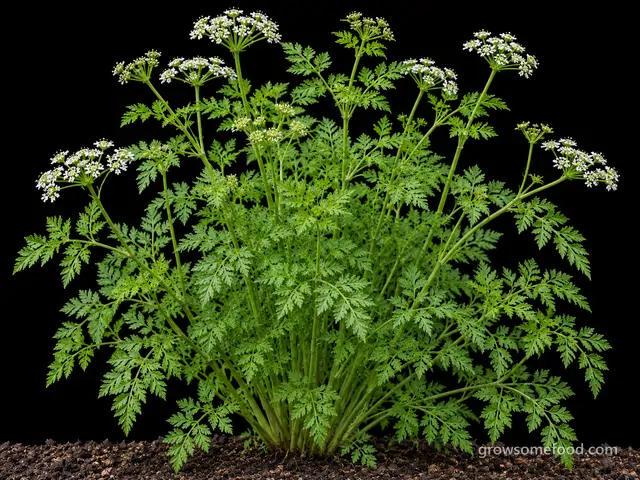
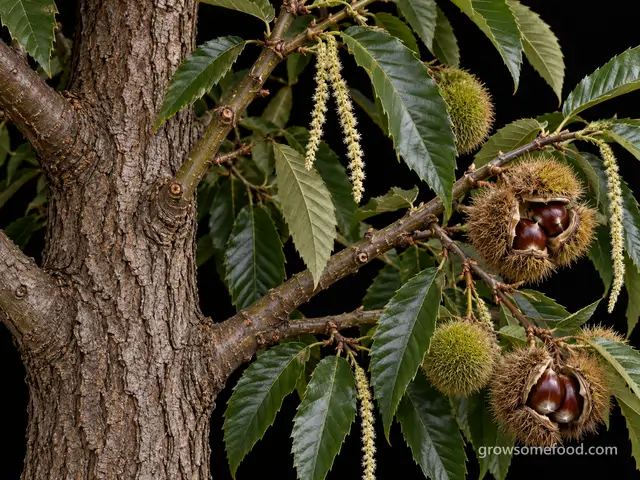
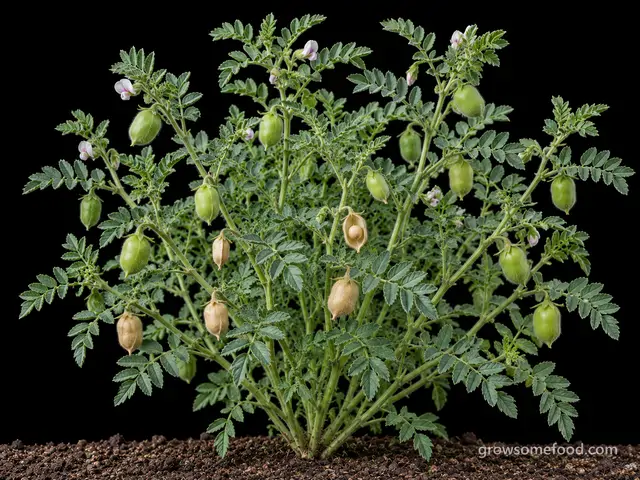
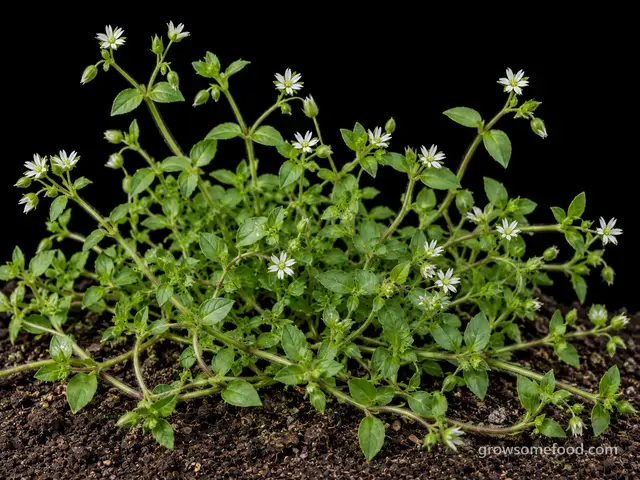
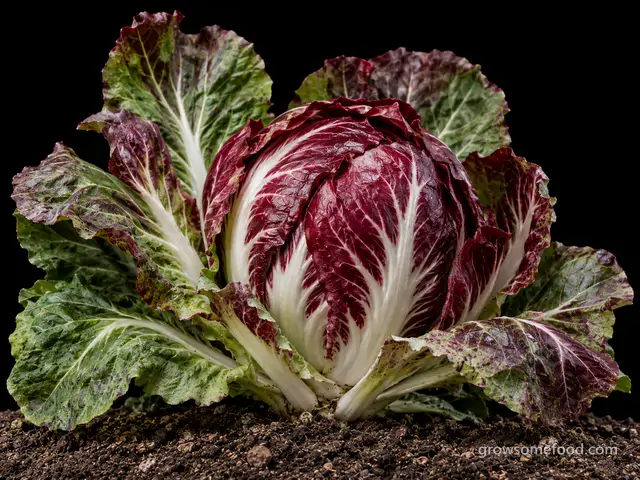
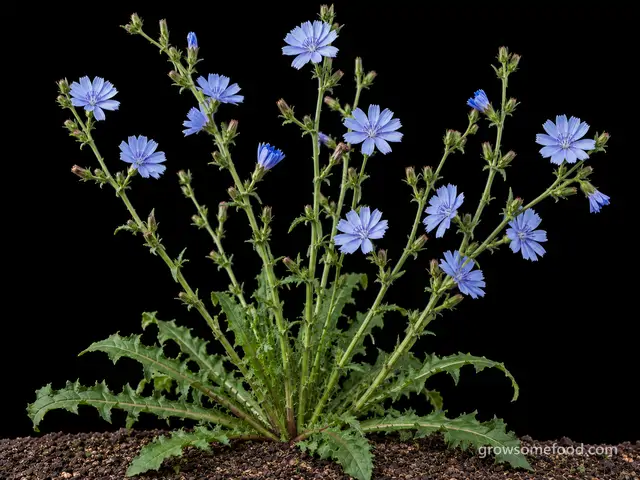
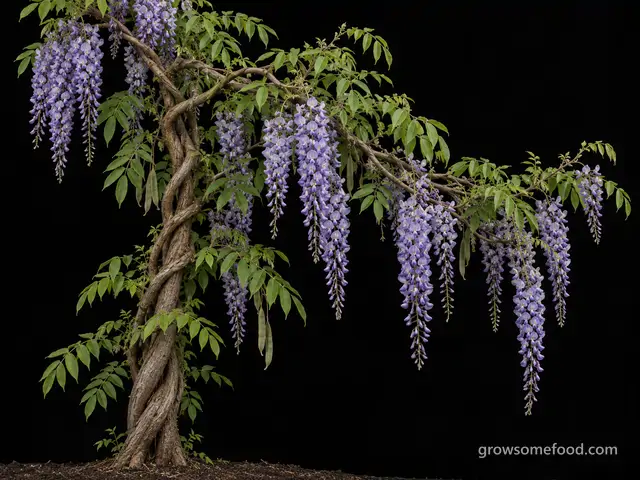
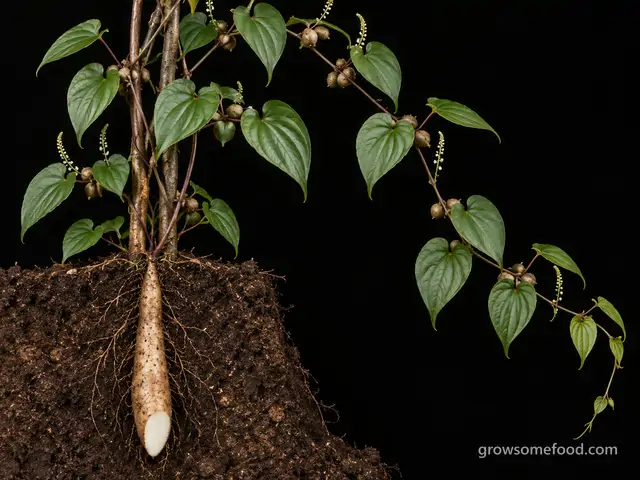
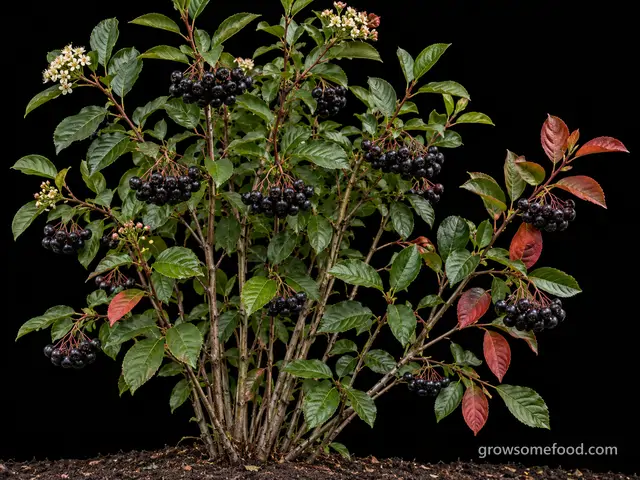
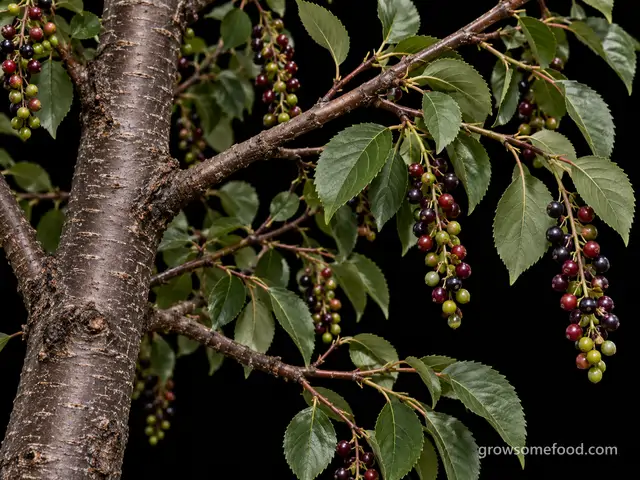
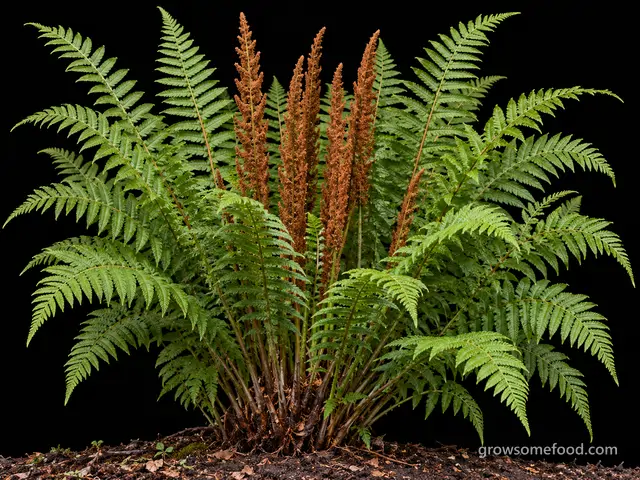
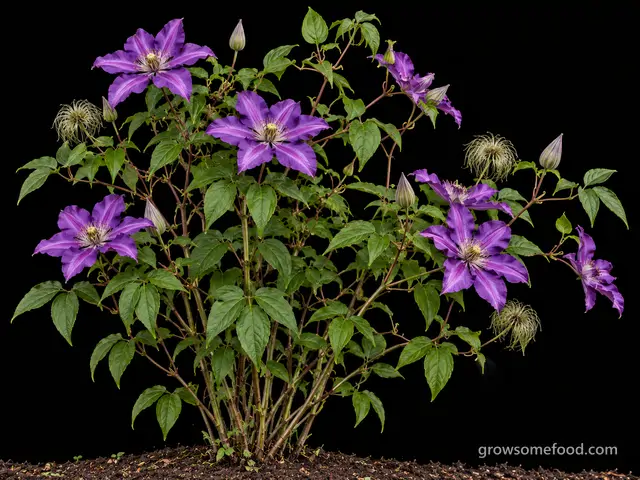
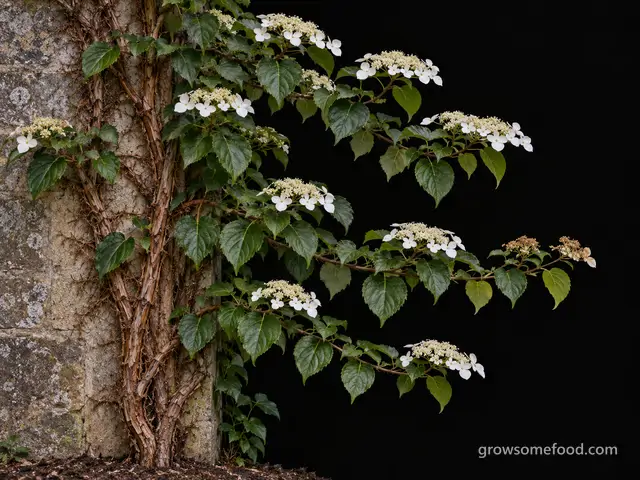
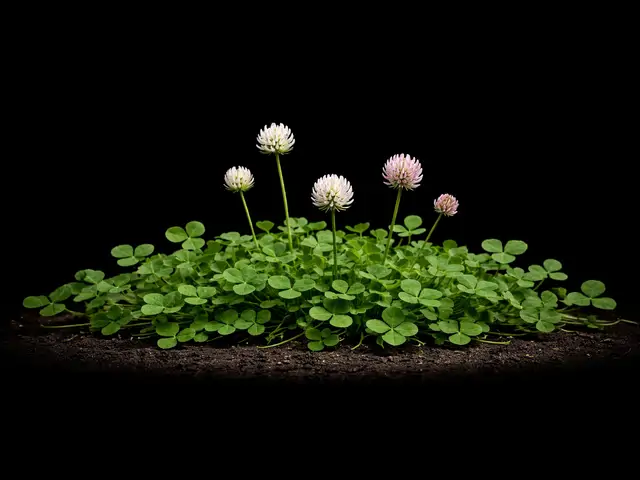
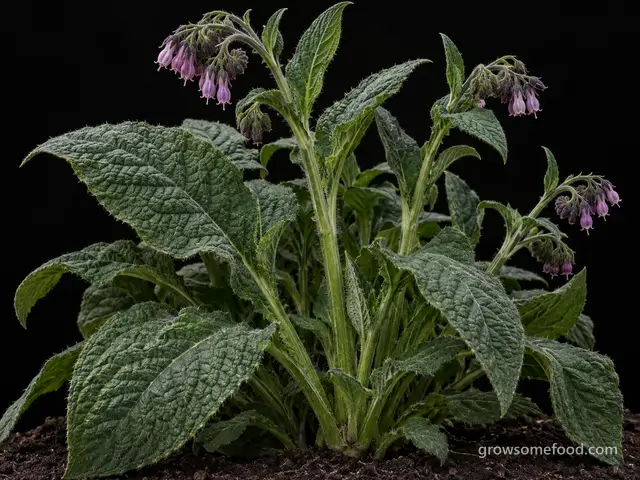
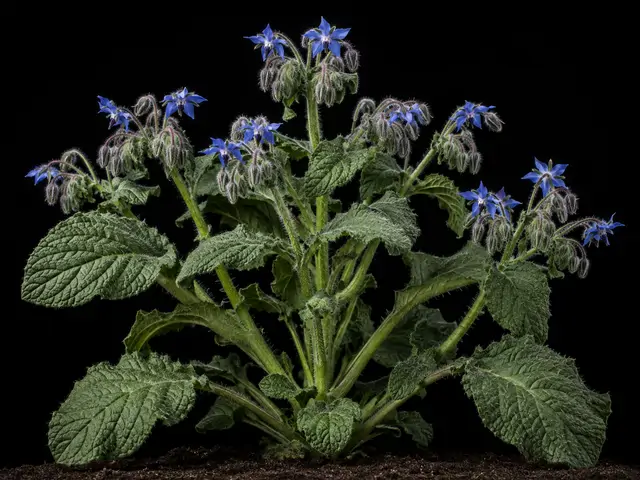
Comfrey
Symphytum officinale (and Symphytum x uplandicum, Russian comfrey)
Plant with care
Mar 20 – May 22
D
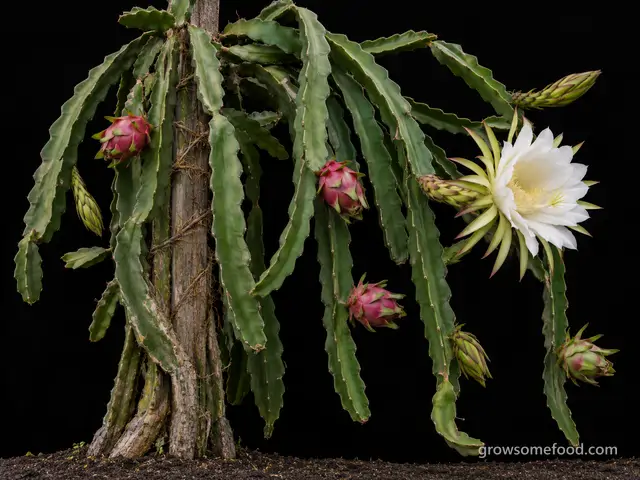
Dragon Fruit
Selenicereus undatus (syn. Hylocereus undatus) and related Selenicereus species
E
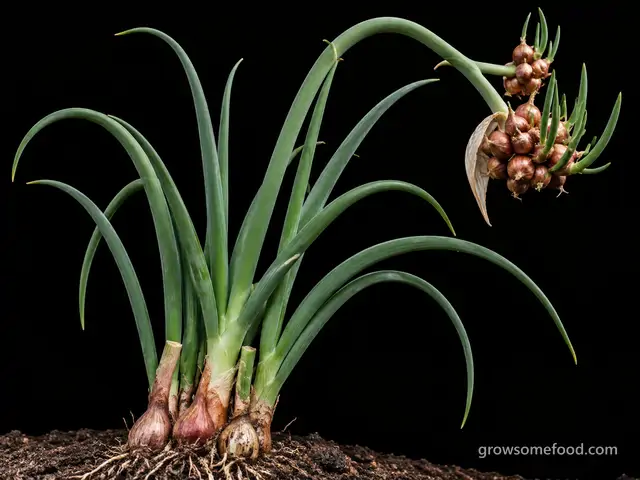
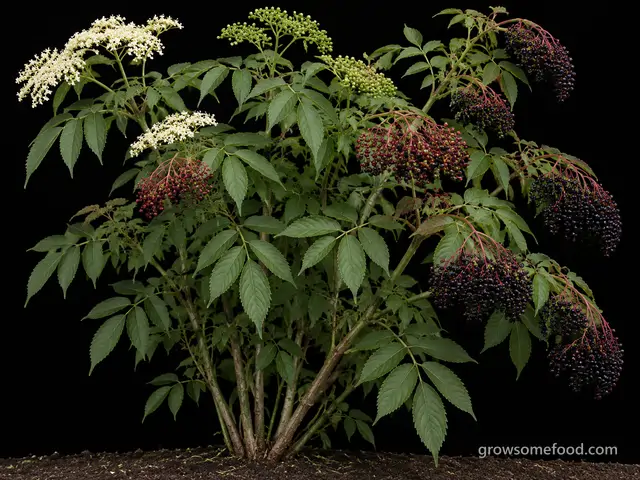
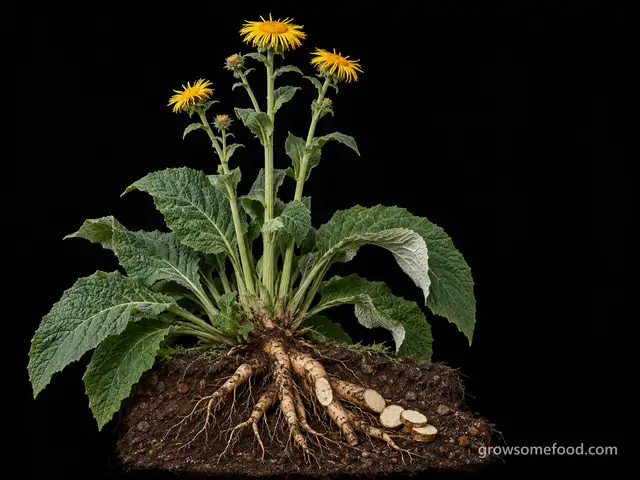
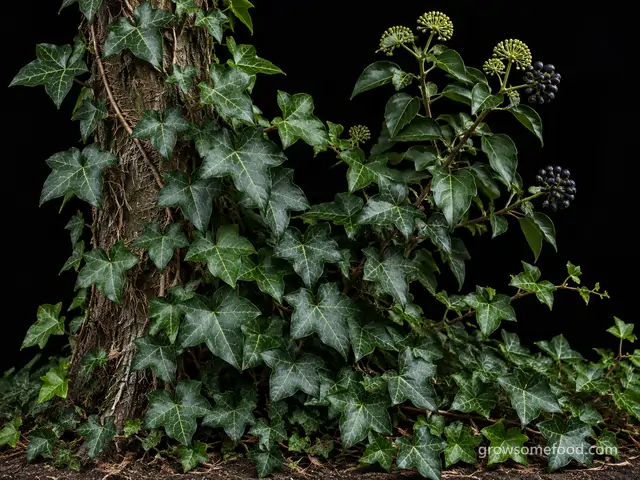
F
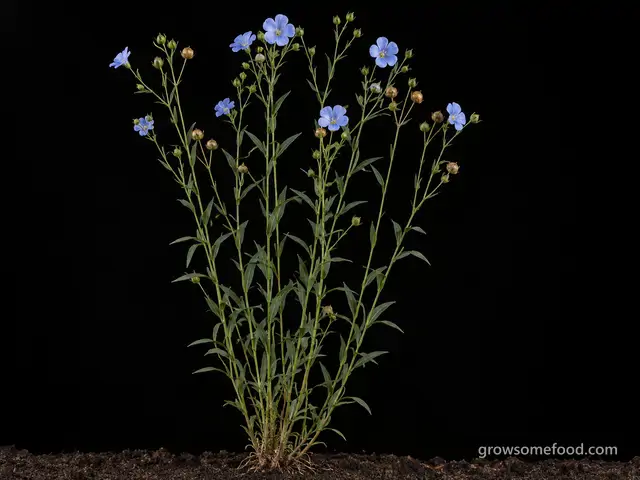
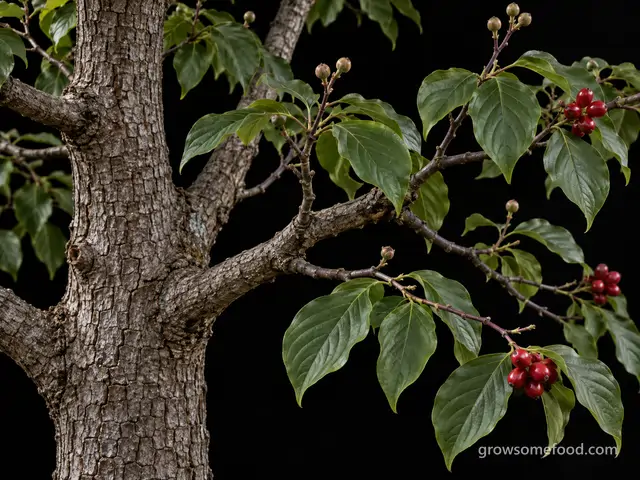
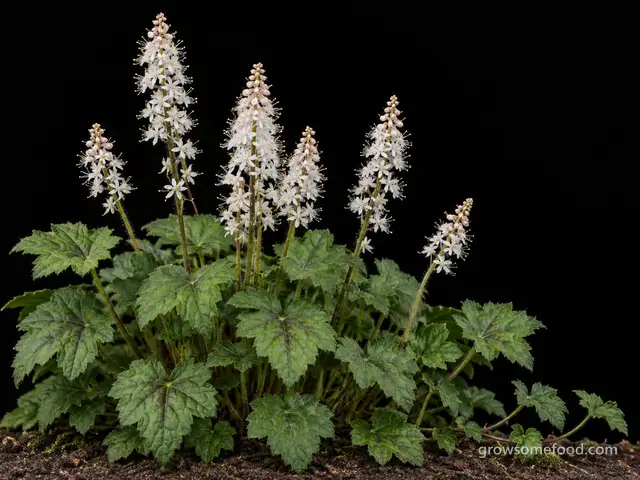
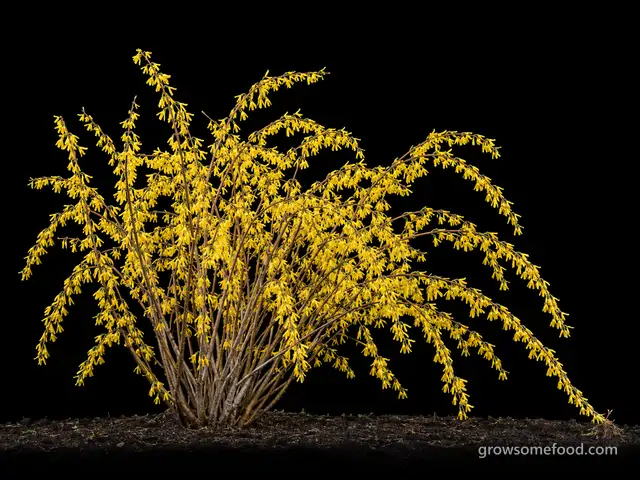
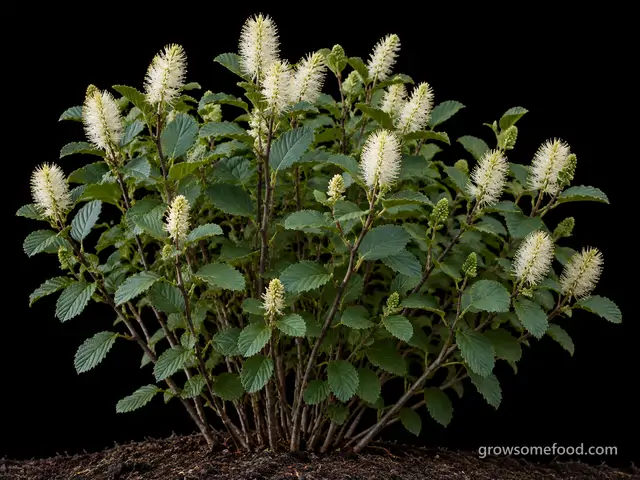
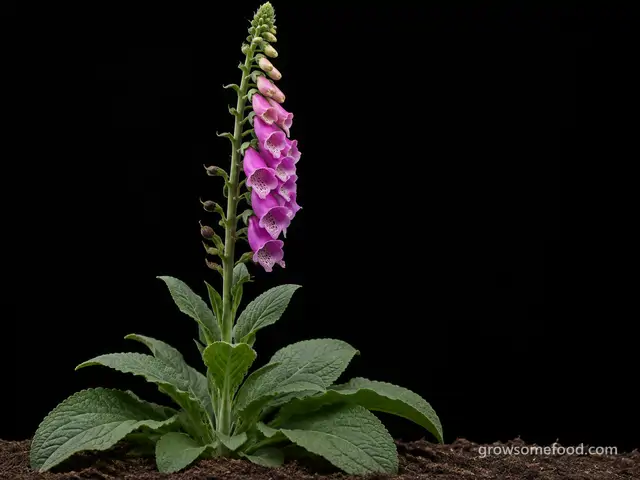
G
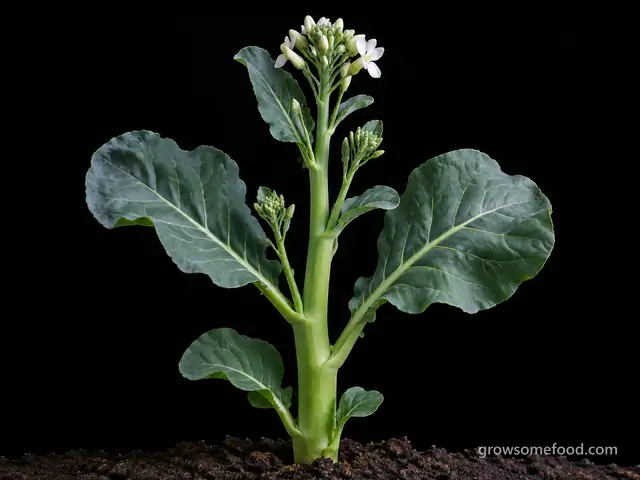
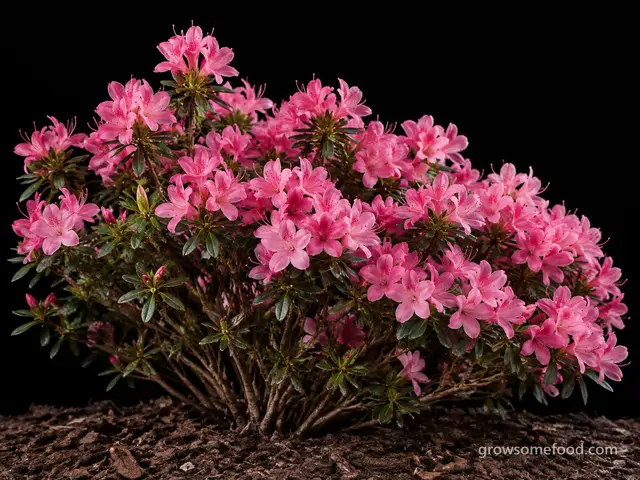
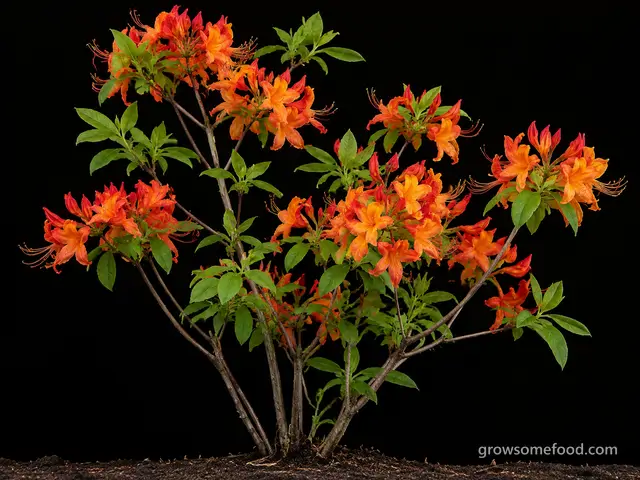
Garden Azalea
Rhododendron spp. (evergreen and deciduous garden hybrids)
Plant with care
Mar 20 – May 22
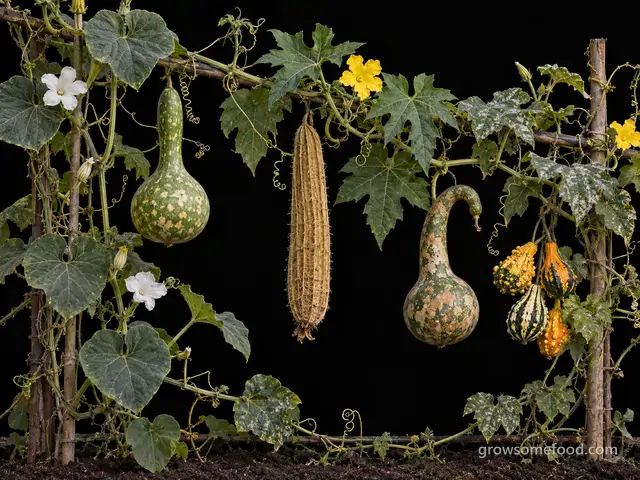
Gourds & Luffa
Lagenaria siceraria (hard-shell); Luffa aegyptiaca & L. acutangula (luffa); Cucurbita pepo (ornamental)
Apr 20 – May 15
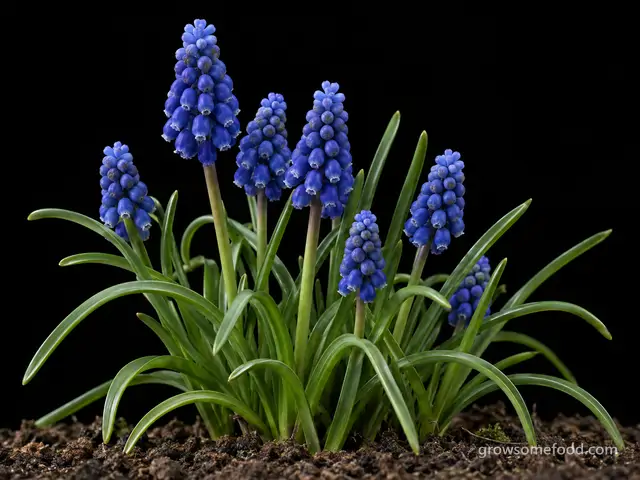
Grape Hyacinth
Muscari armeniacum (and related species)
Plant with care
Aug 30 – Oct 4
H
I
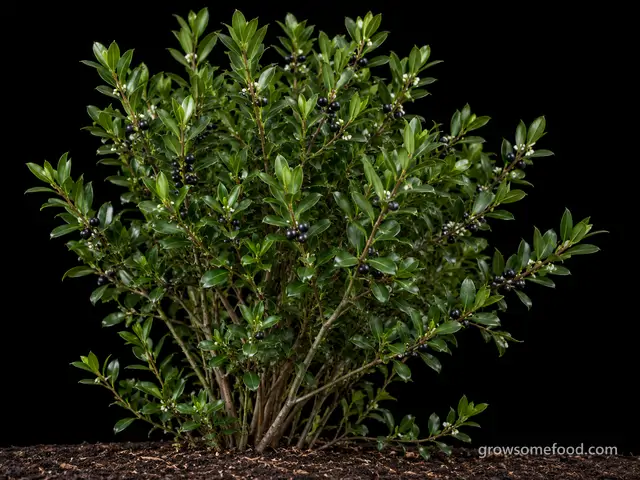
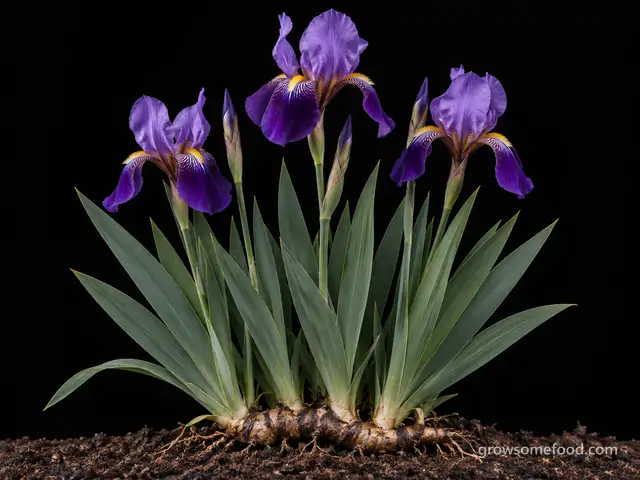
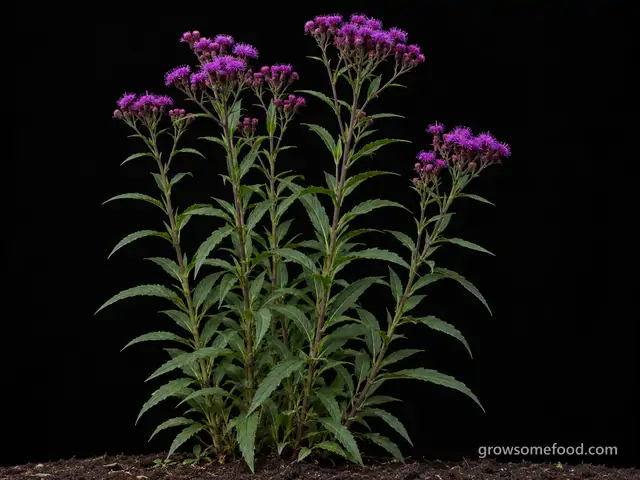
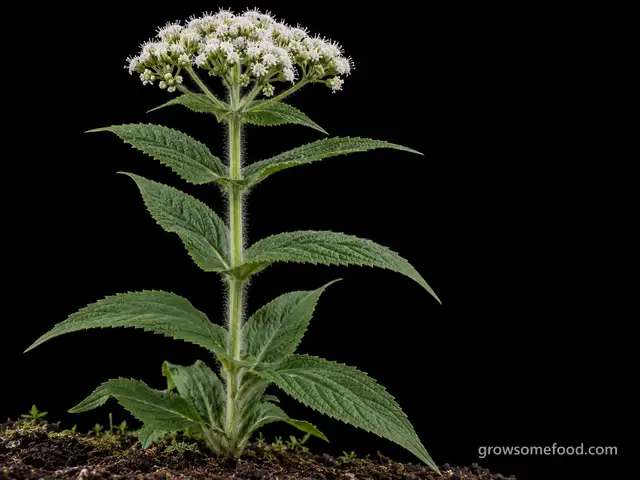
Ironweed
Vernonia spp. (V. noveboracensis, V. gigantea, V. lettermannii)
Plant now · until Nov 8
J
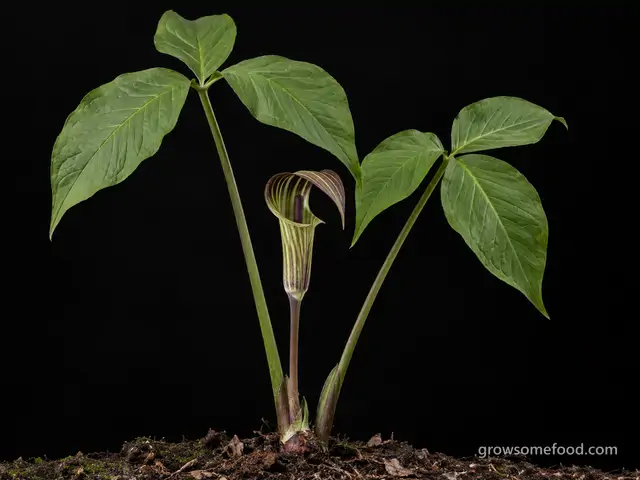
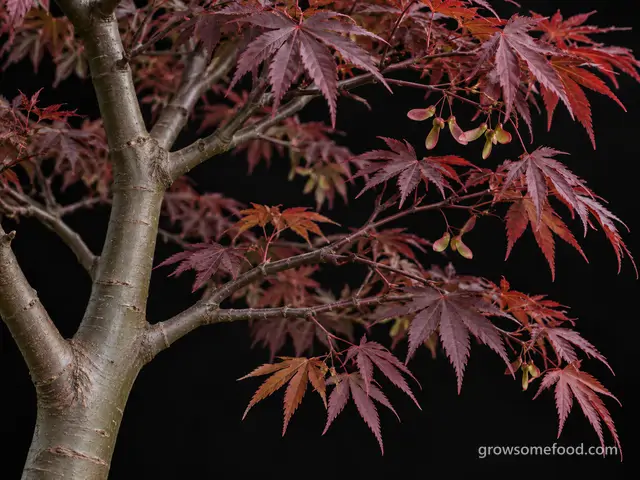
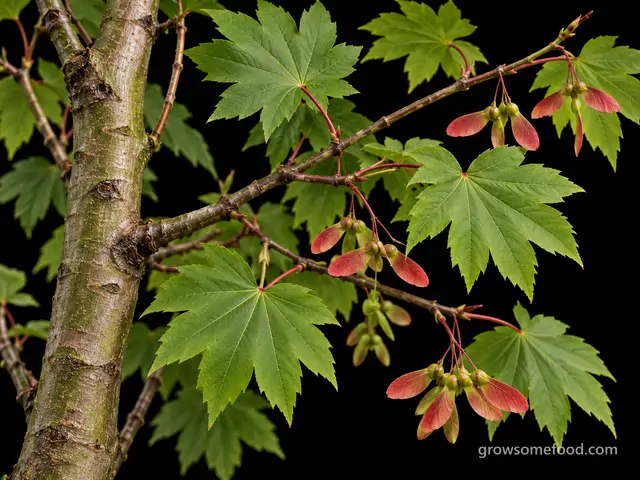
Japanese Maple
Acer palmatum (with A. japonicum and A. shirasawanum)
Plant now · until Nov 8
K
L
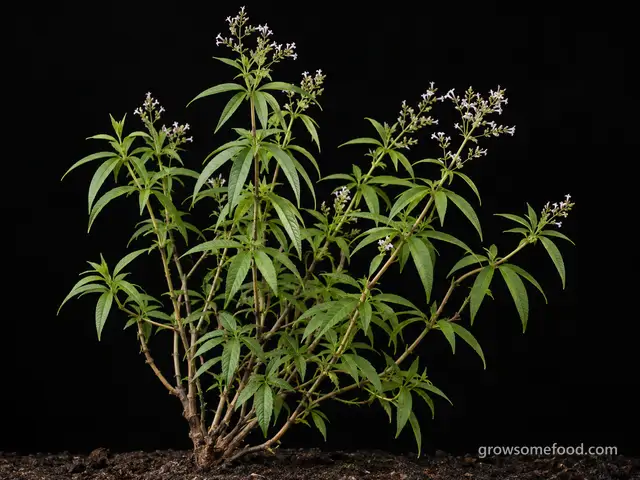
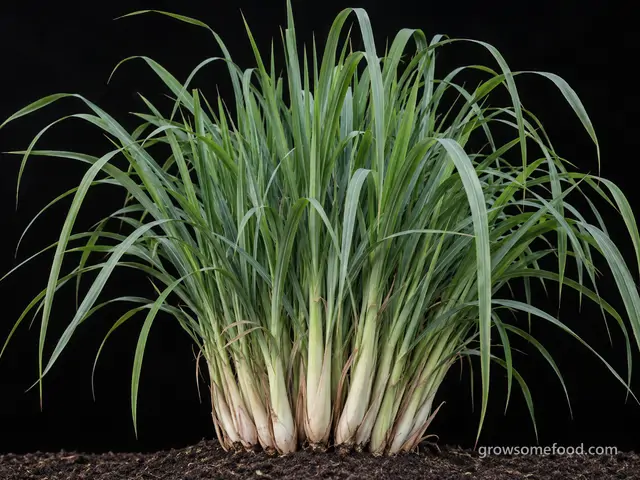
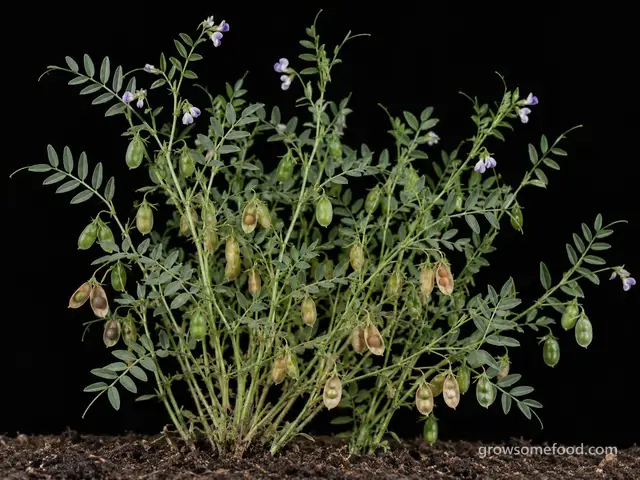
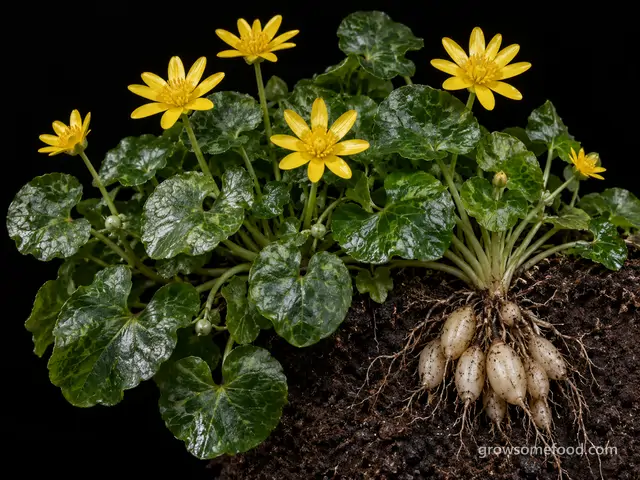
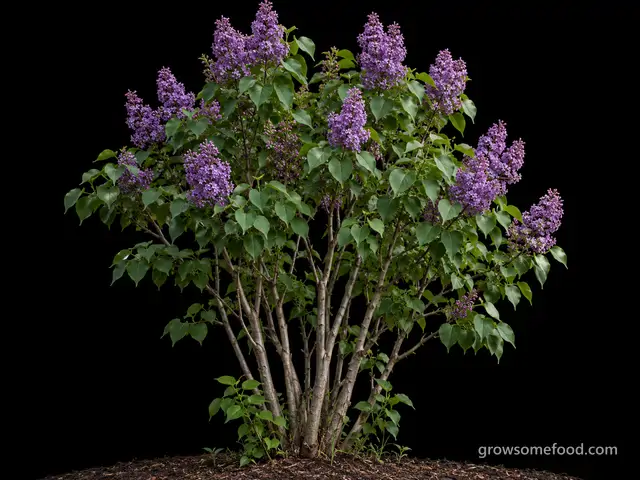
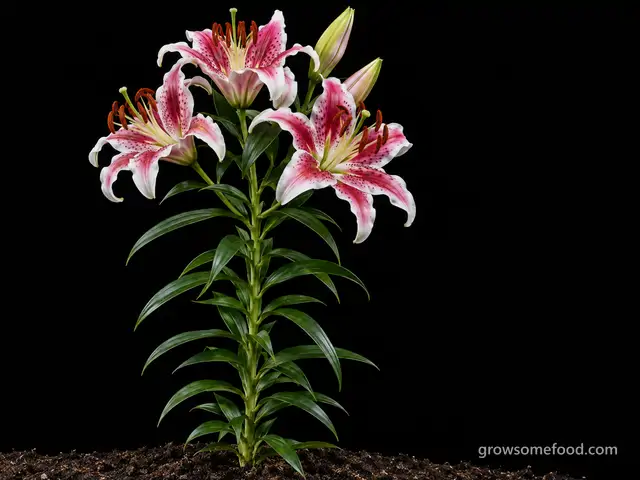
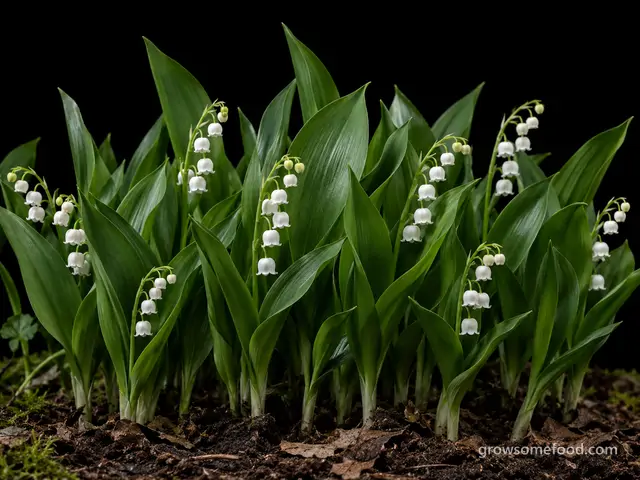
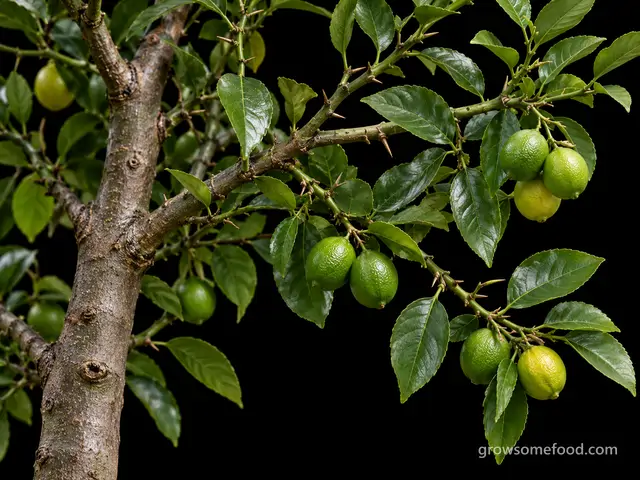
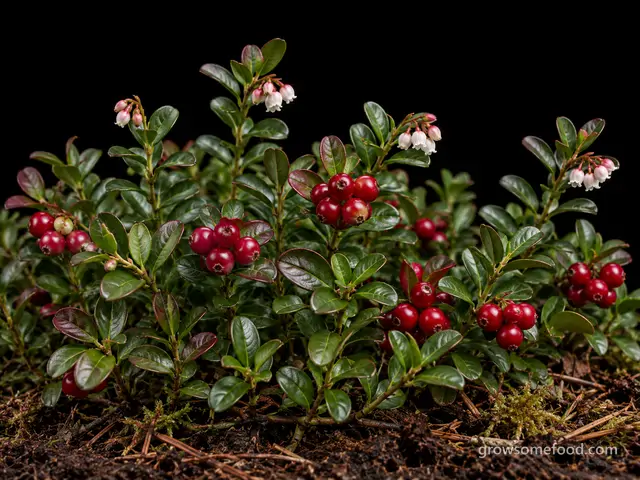
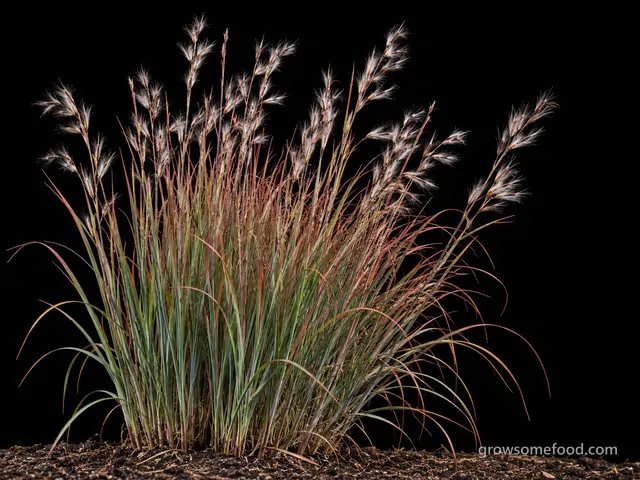
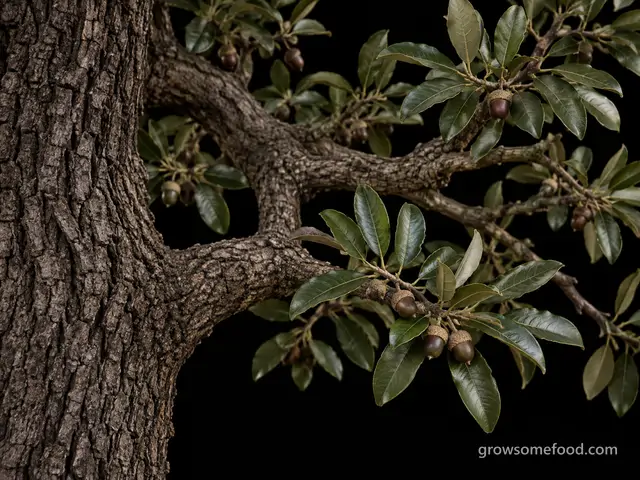
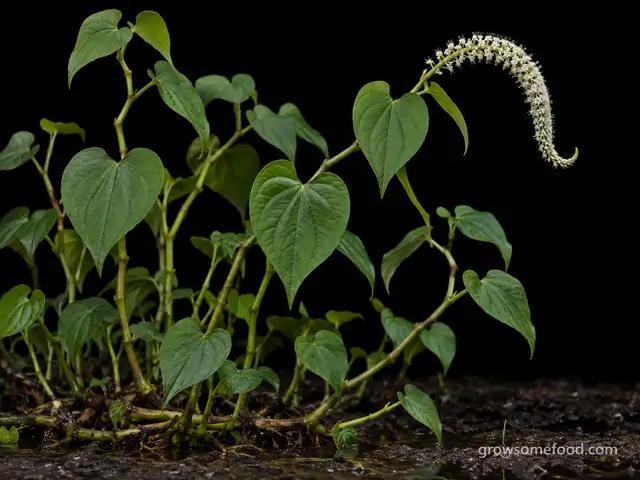
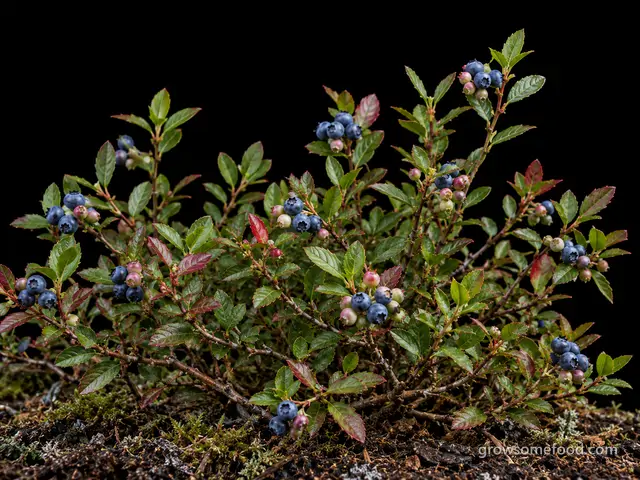
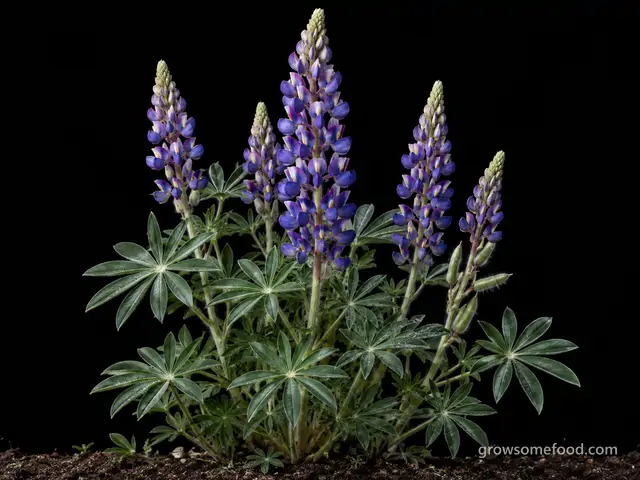
Lupine
Lupinus perennis (and the perennial garden hybrids, Lupinus x Russell Group)
Plant with care
Plant now · until Nov 30
M
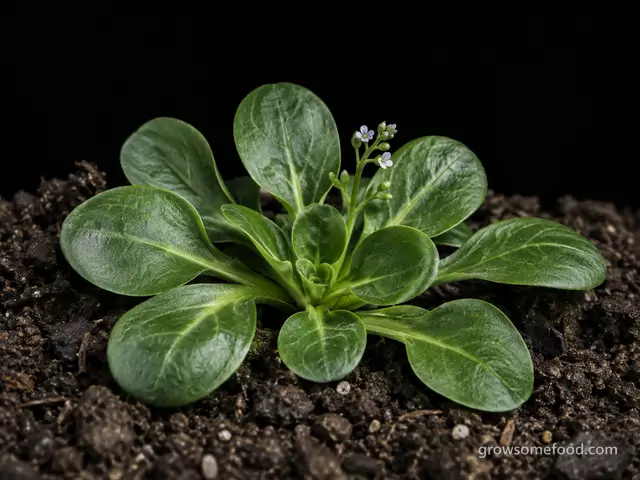
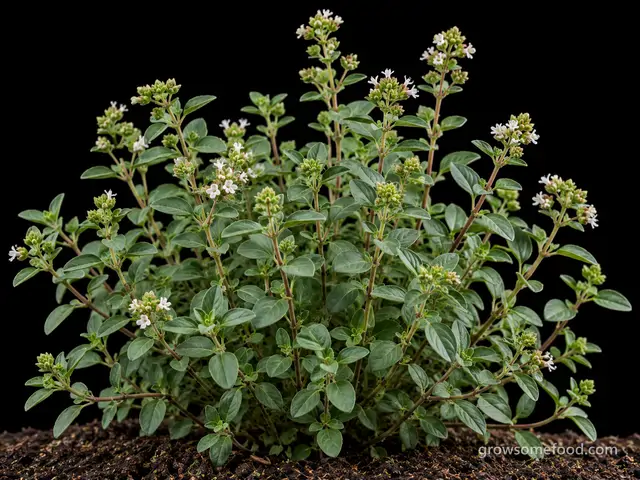
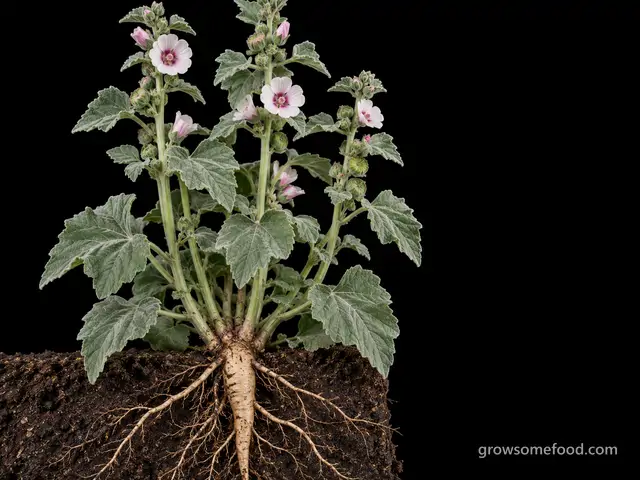
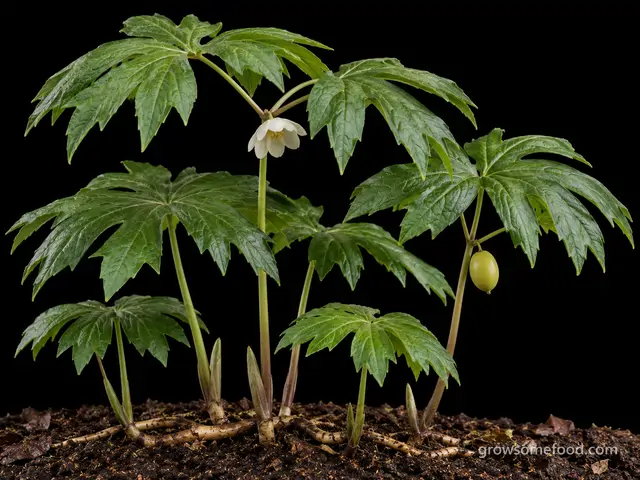
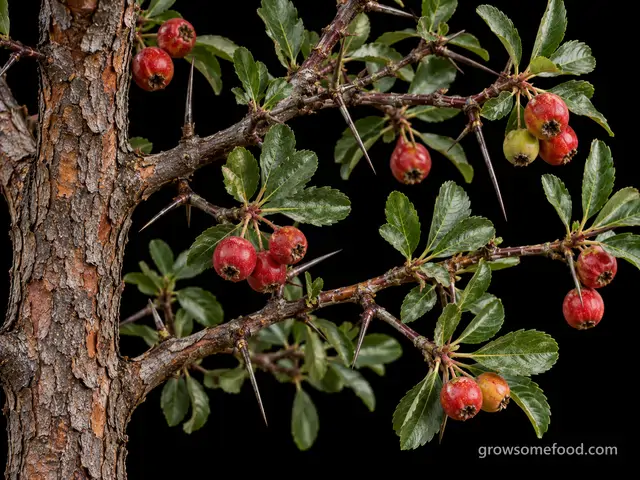
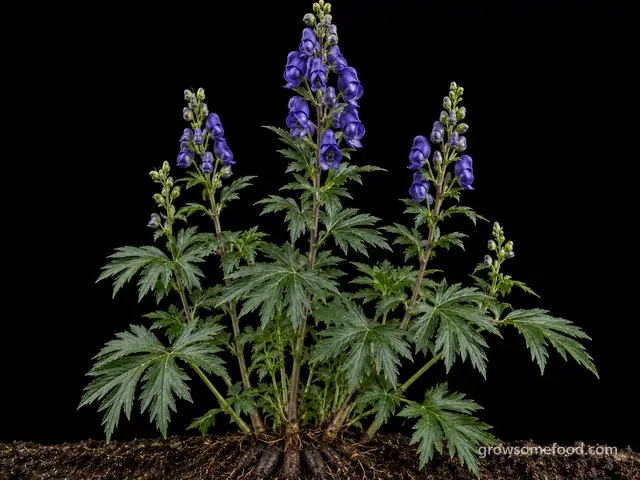
Monkshood
Aconitum napellus (and related Aconitum spp.)
Plant with care
Plant now · until Oct 25
N
O
P
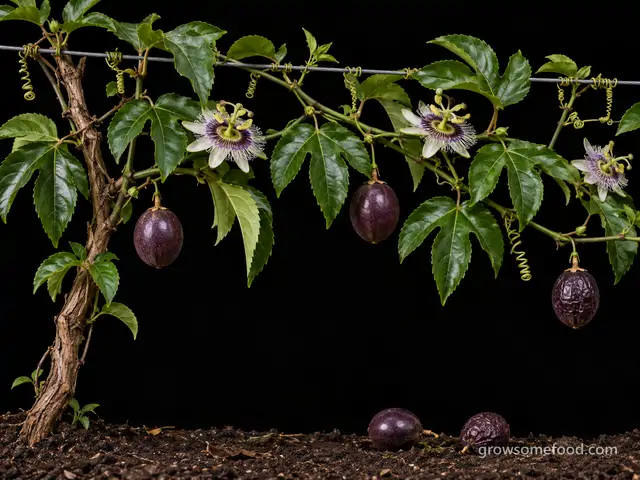
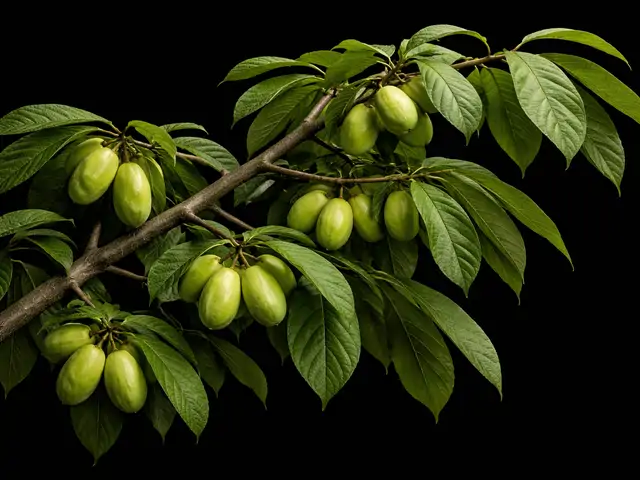
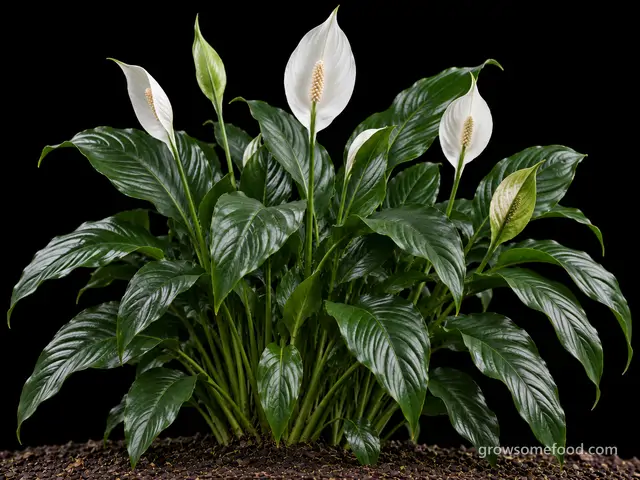
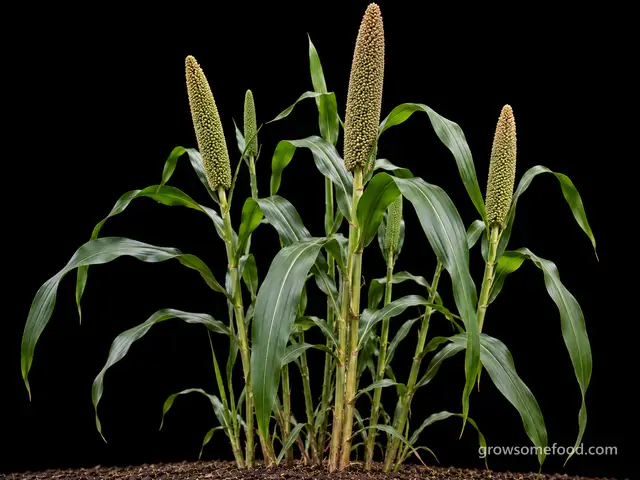
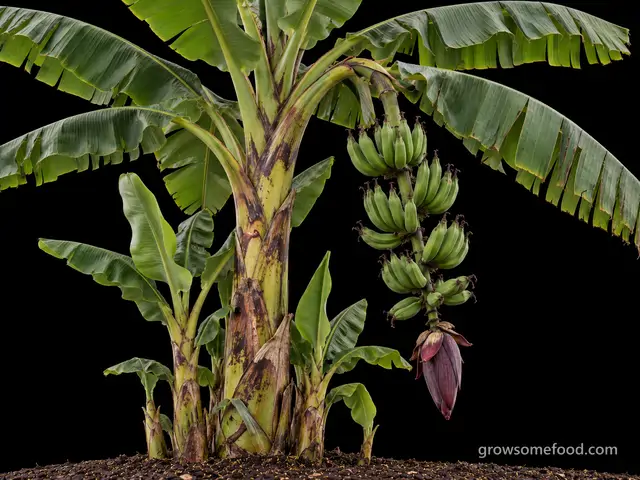
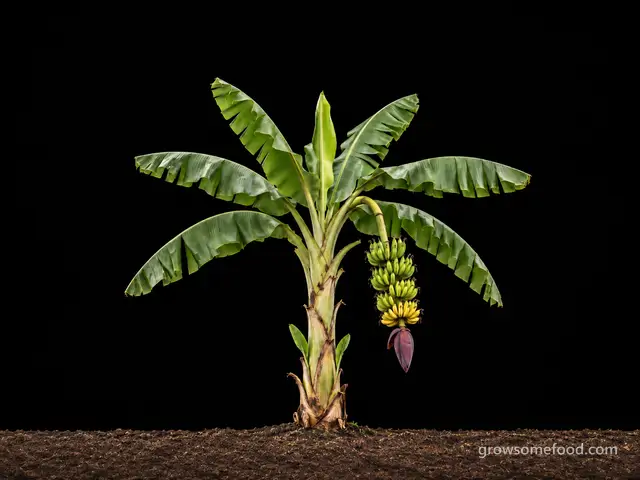
Plantain (Cooking Banana)
Musa x paradisiaca (AAB Plantain group) and related ABB cooking bananas
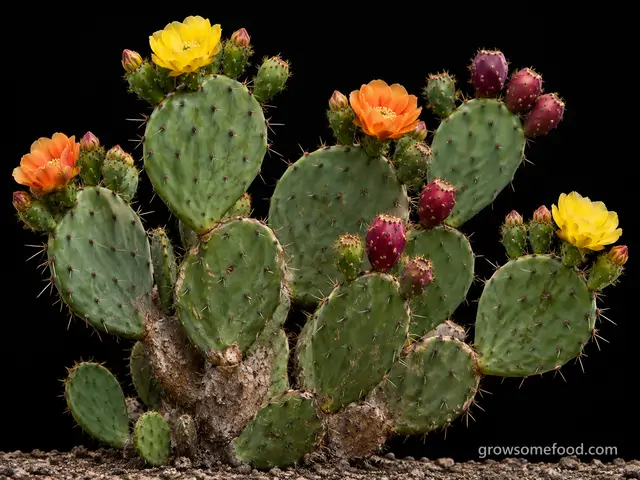
Prickly Pear
Opuntia (esp. O. humifusa, O. ficus-indica)
Plant with care
Apr 10 – Jun 19
Q
R
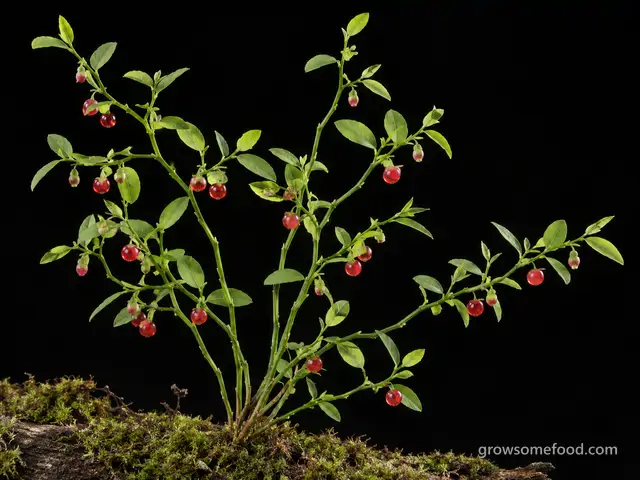
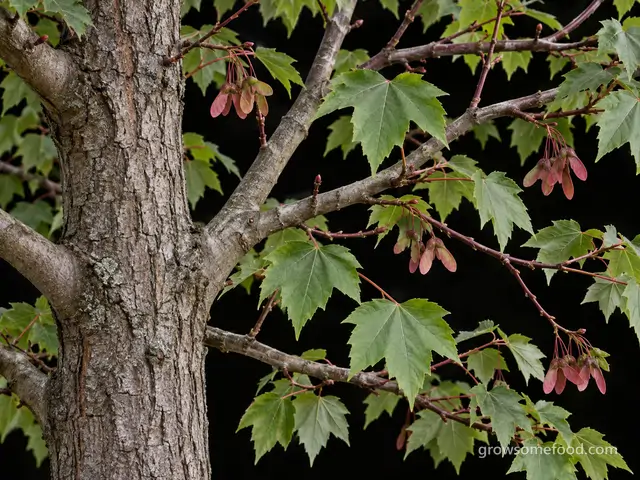
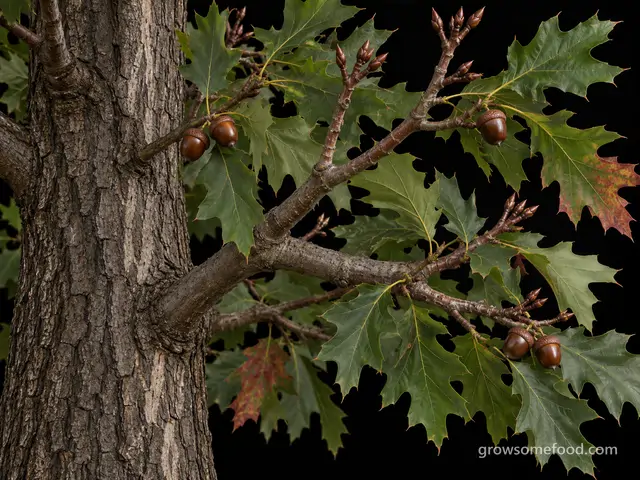
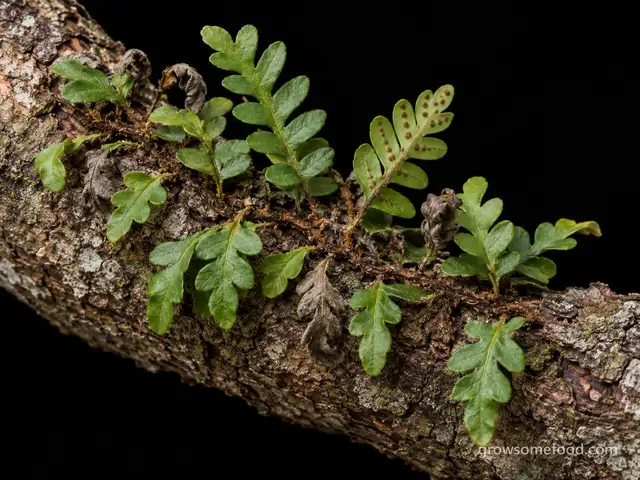
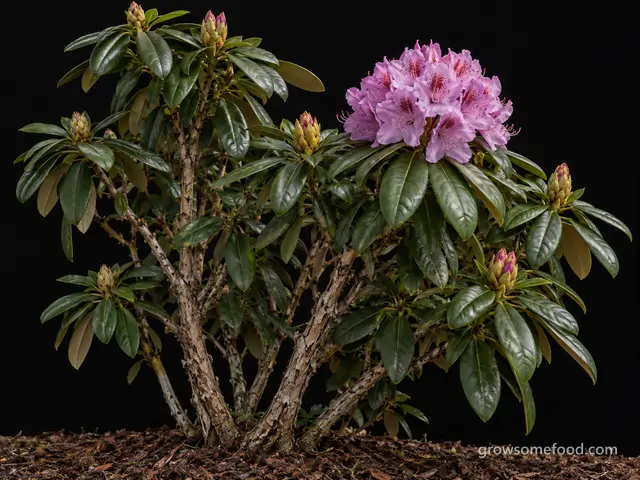
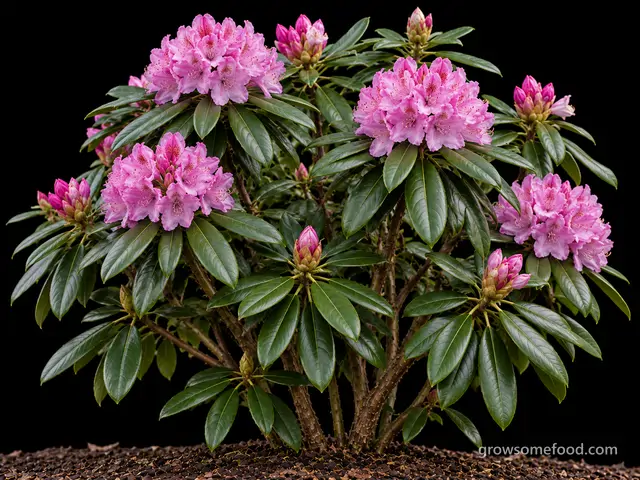
Rhododendron (Garden Hybrid)
Rhododendron hybrids (largely R. catawbiense, R. fortunei, R. yakushimanum and R. carolinianum parentage)
Plant with care
Mar 20 – May 22