
Add it to your home screen and it opens full screen: no browser bars, one tap away, and everything stays signed in. Free, nothing to download from an app store.
- Tap the Share button in your browser
- Scroll down and choose “Add to Home Screen”
- Open GrowSomeFood from your home screen
- Open your browser’s menu
- Choose “Add to Home screen” or “Install app”
- Open GrowSomeFood from your home screen

Recipes
THE GARDEN KITCHENGROWN WITH CARE. MADE TO SHARE.
Good things growing.
Great things cooking.
Fresh picks, simple suppers, and a little inspiration for whatever your garden brings to the table.
Find something delicious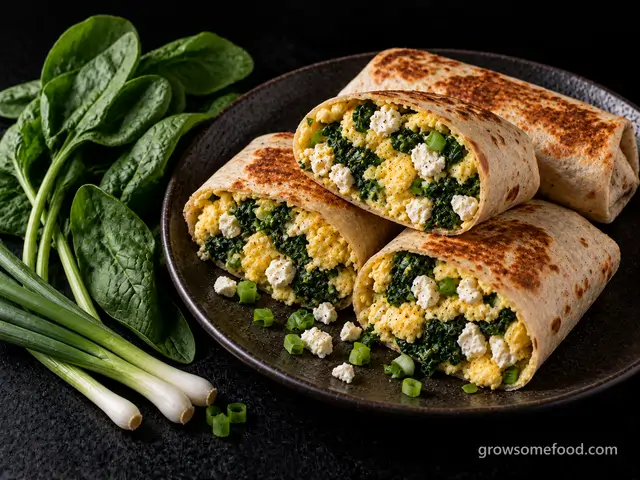 A LITTLE INSPIRATIONSpinach & Feta Breakfast Burritos30 min
 OPEN THE COOKBOOK
What sounds good?
38 recipes to make your own
38 recipes
 In season
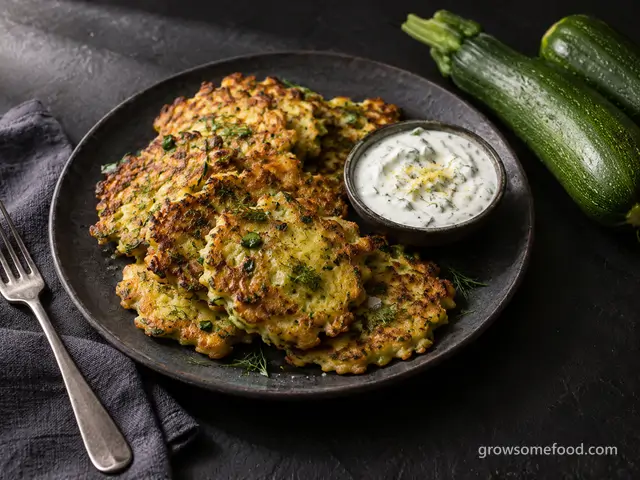
Crispy Zucchini Fritters
Golden pan-fried fritters that turn a zucchini glut into dinner: grated squash, soft herbs, and a lemony…
From the garden: Summer Squash, Green Onion, Fresh soft herbs
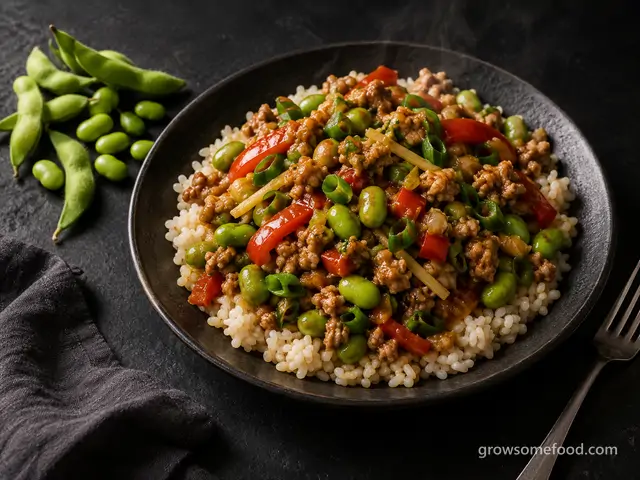
Ginger Turkey and Edamame Rice Bowls
Ground turkey stir-fried with fresh ginger and garlic, tossed with a heap of shelled edamame and sweet…
From the garden: Edamame, Ginger, Garlic +2 more
 In season
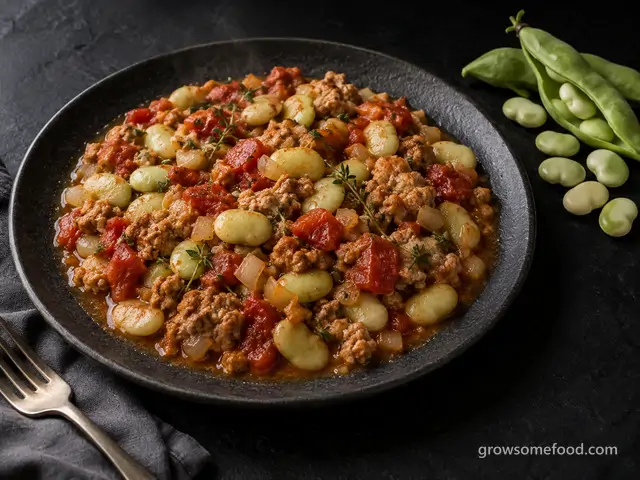
Smoky Turkey and Lima Bean Skillet
Fresh shelled limas simmered right in the pan with browned ground turkey, tomatoes, thyme, and smoked paprika…
From the garden: Lima Bean, Tomato, Onion +3 more
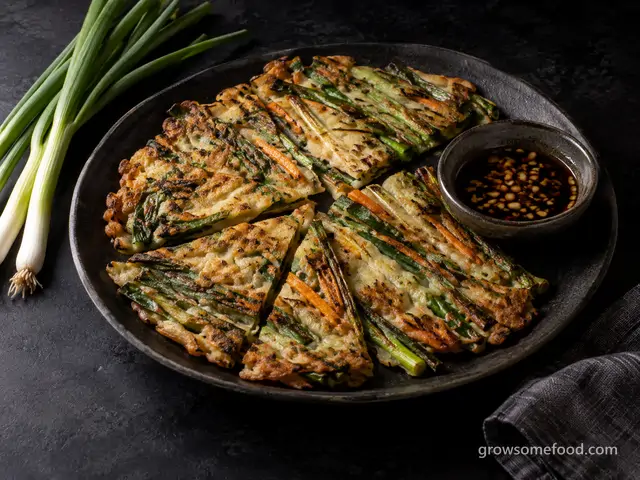
Korean Scallion Pancakes
Pajeon, the Korean pancake built around whole scallions rather than batter: a thin, crisp-edged round of…
From the garden: Green Onion, Carrot, Pepper +1 more
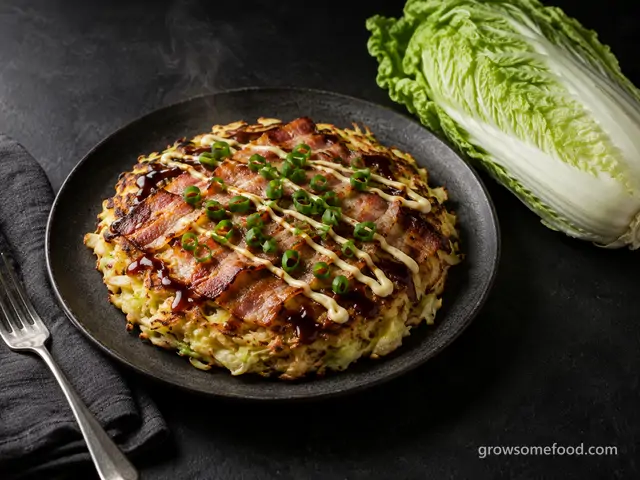
Napa Cabbage Okonomiyaki
Osaka's savory cabbage pancake: shredded napa bound in a light batter, griddled under bacon, and finished…
From the garden: Napa Cabbage, Green Onion
 In season
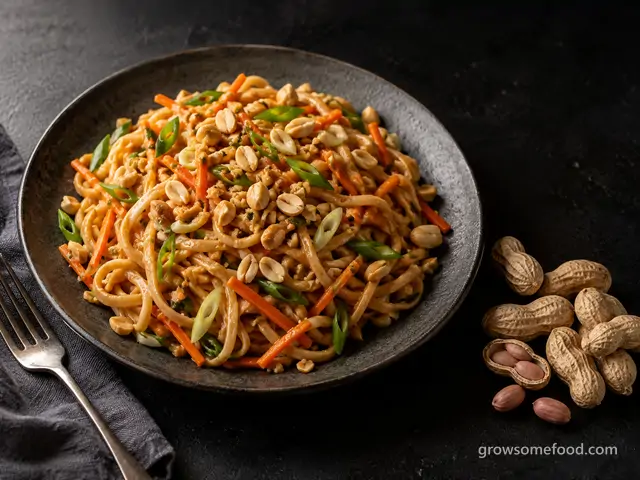
Peanut Noodles with Fresh Roasted Peanuts
Warm noodles in the classic peanut sauce (soy, rice vinegar, ginger, a little brown sugar), piled with…
From the garden: Peanut, Garlic, Carrot +1 more
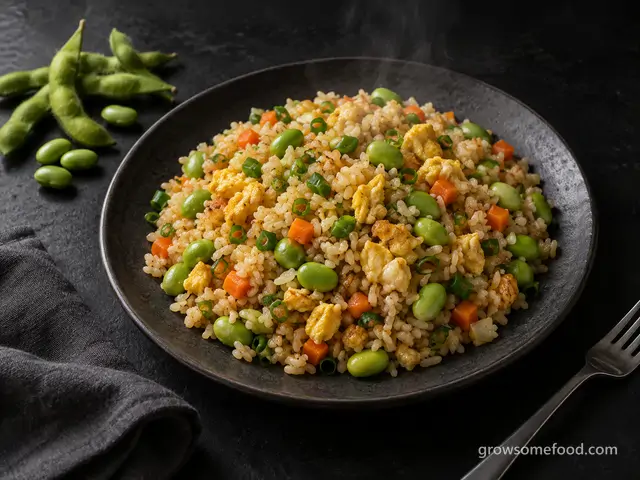
Edamame Fried Rice
Wok-style fried rice studded with sweet edamame, egg, and green onion: the classic use for day-old rice and a…
From the garden: Edamame, Carrot, Green Onion +1 more
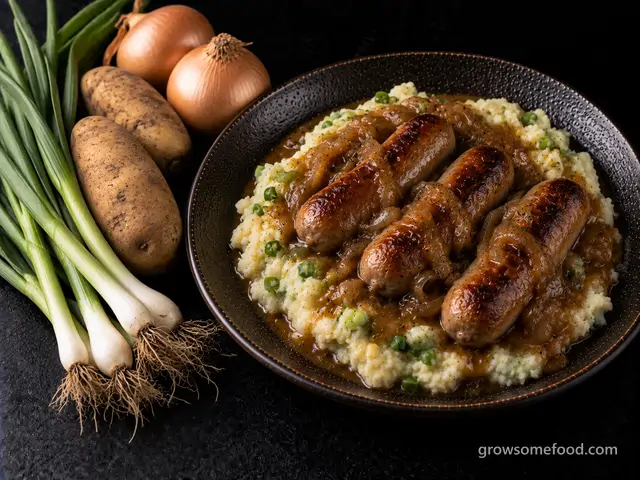
Scallion Champ with Sausages
The Irish supper of buttered mash shot through with scallions steeped in warm milk, served with browned pork…
From the garden: Green Onion, Potato, Onion
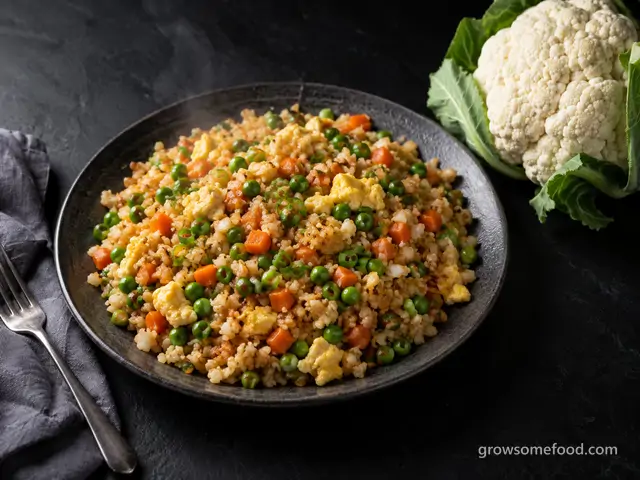
Cauliflower Fried Rice
A whole head of cauliflower grated into rice and stir-fried hot with eggs, peas, carrots, and soy sauce: the…
From the garden: Cauliflower, Carrot, Pea +2 more
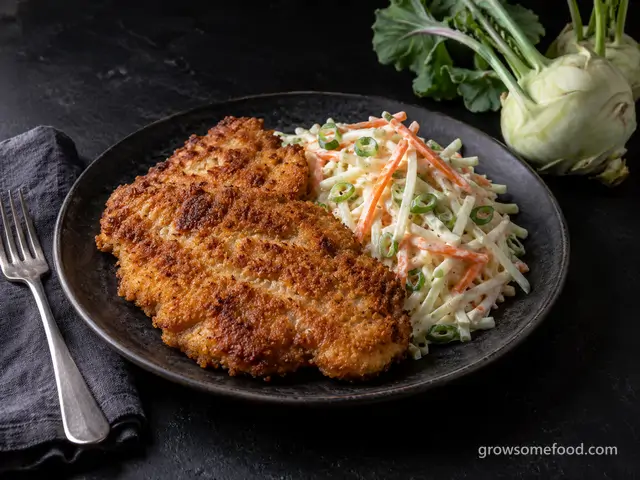
Crispy Chicken Cutlets with Kohlrabi Slaw
Schnitzel-style panko-breaded chicken cutlets with the Central European counterpoint: a crunchy, creamy-tangy…
From the garden: Kohlrabi, Carrot, Green Onion
 In season
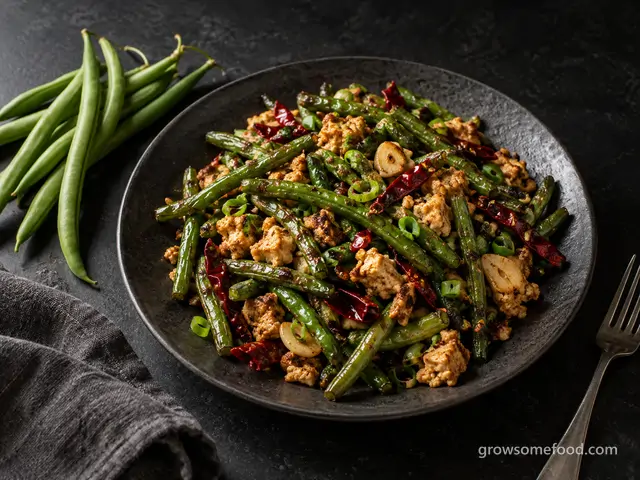
Dry-Fried Green Beans with Tofu
The Sichuan restaurant classic done at home: green beans blistered in a hot dry pan until wrinkled and sweet…
From the garden: Snap Bean, Pepper, Garlic +1 more
 In season
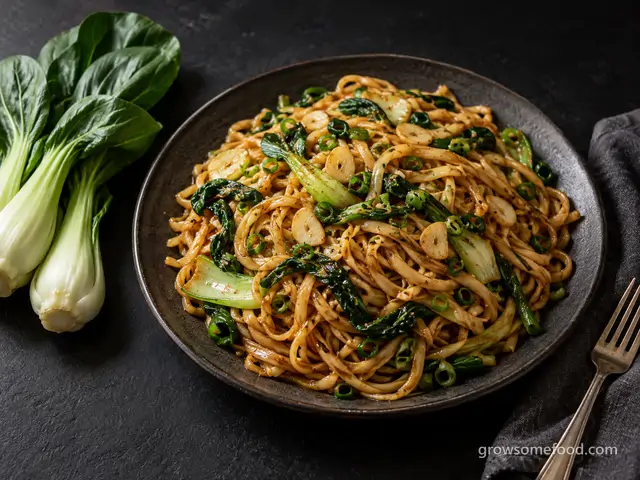
Garlic Noodles with Stir-Fried Greens
Glossy soy-butter garlic noodles tangled with quick stir-fried garden greens, faster than takeout and…
From the garden: Leafy greens, Garlic, Green Onion
 In season
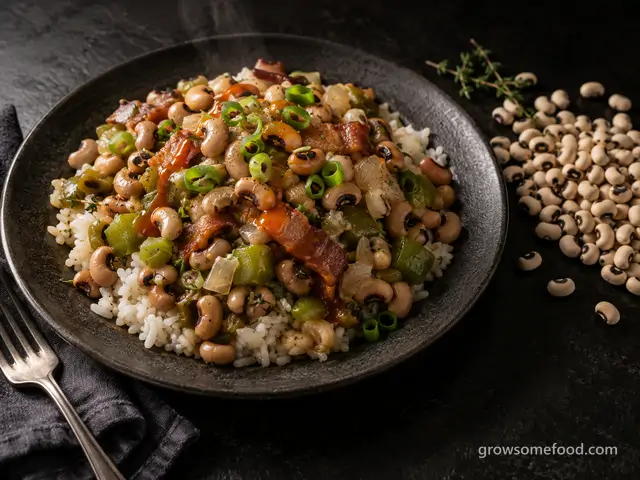
Hoppin' John (Black-Eyed Peas and Rice)
The Lowcountry classic: black-eyed peas simmered with bacon, onion, celery, and green pepper, served over…
From the garden: Southern Pea, Onion, Pepper +3 more
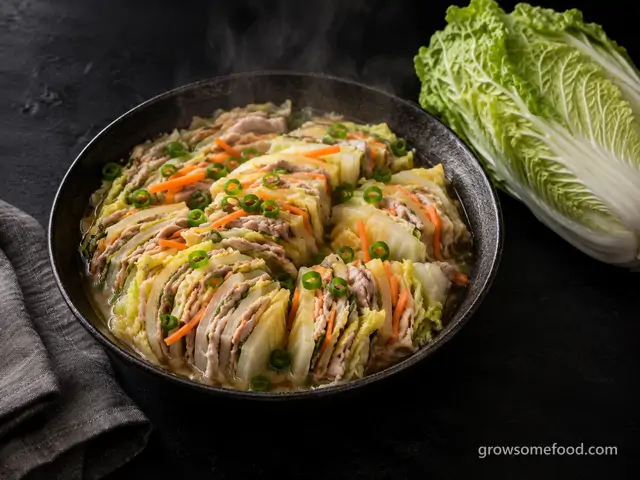
Napa Cabbage Mille-Feuille Nabe
Whole napa leaves and thin pork are stacked, sliced, and packed upright in one pot, then simmered in ginger…
From the garden: Napa Cabbage, Carrot, Green Onion
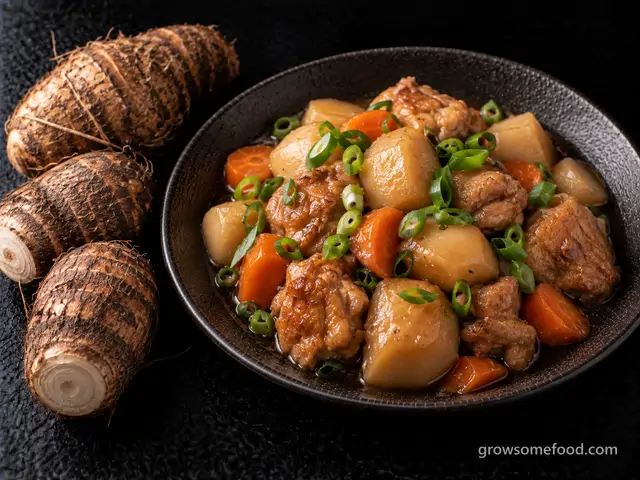
Taro and Chicken Nimono
The Japanese home simmer for satoimo: taro parboiled to lose its slipperiness, then cooked slowly with…
From the garden: Taro, Carrot, Green Onion
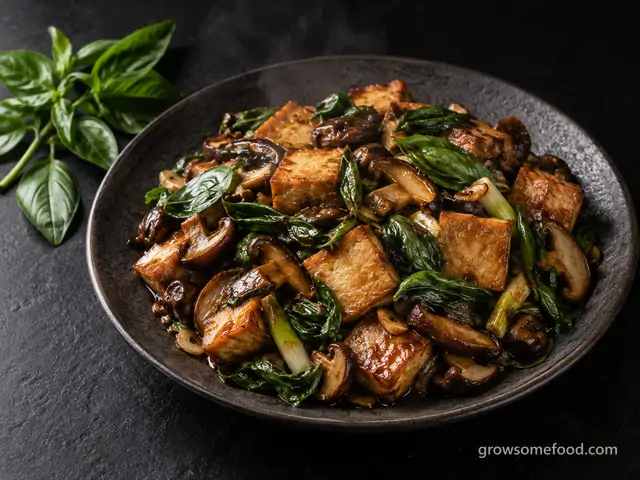
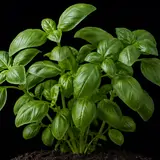
Three Cup Basil Tofu
The Taiwanese clay pot classic gone vegan: tofu and mushrooms glazed in sesame oil, soy sauce, and rice wine…
From the garden: Basil, Garlic, Green Onion
 In season
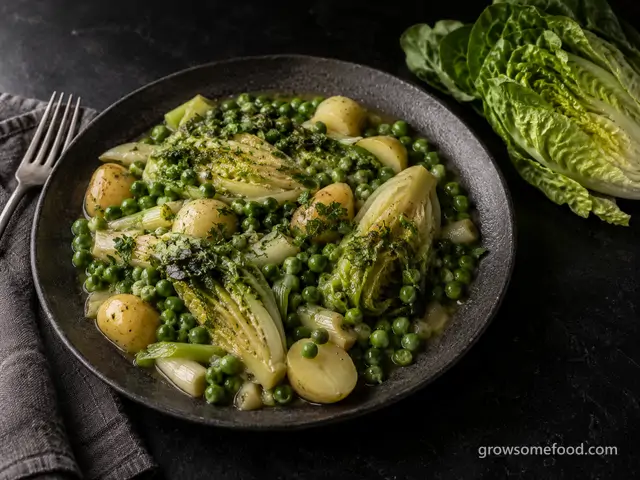
Braised Lettuce and Peas
Petits pois à la française made with olive oil: lettuce hearts braised with peas, spring onions, and new…
From the garden: Lettuce, Pea, Potato +2 more
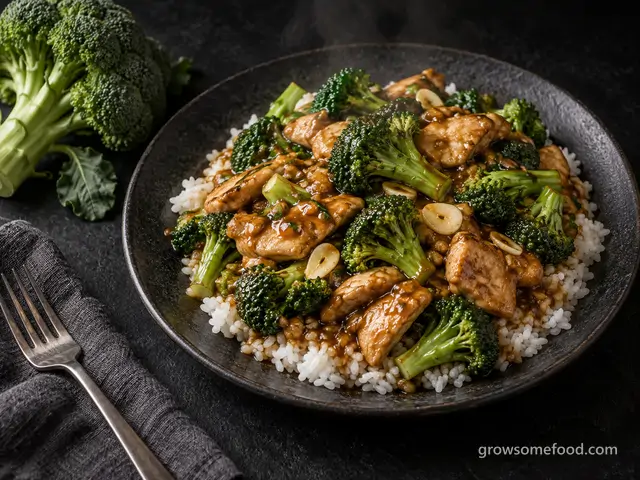

Chicken and Broccoli Stir-Fry
The takeout classic made at home: crisp-tender broccoli and velveted chicken tossed in a glossy ginger-garlic…
From the garden: Broccoli, Garlic, Green Onion
 In season
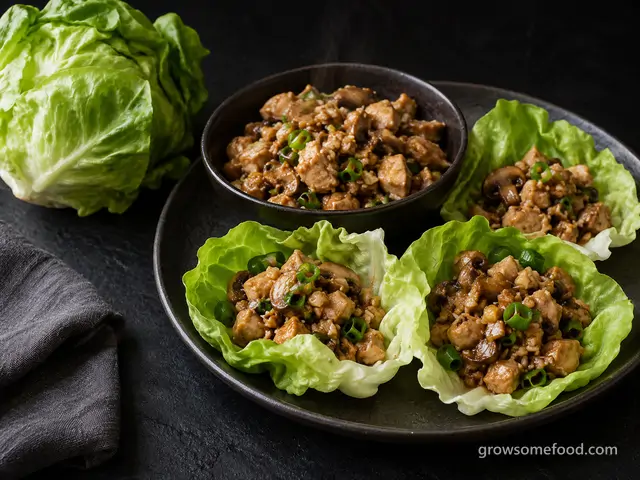
Chicken Lettuce Wraps
The restaurant favorite: a savory-sweet skillet of chopped chicken, mushrooms, and ginger spooned into crisp…
From the garden: Lettuce, Green Onion, Garlic
 In season
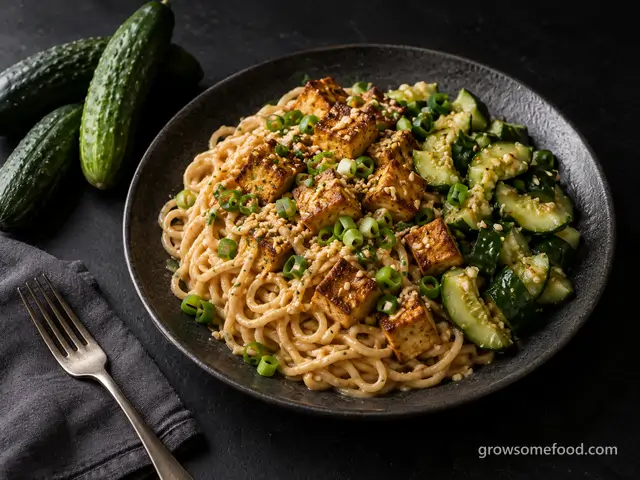
Cold Peanut Noodles with Smashed Cucumbers
Chilled noodles in a creamy peanut-sesame sauce with garlicky smashed cucumber salad and crisped tofu: the…
From the garden: Cucumber, Garlic, Green Onion
 In season
Foraged Spring Salad with Warm Bacon Dressing
The old Pennsylvania Dutch wilted-greens supper: tender foraged greens barely wilted under a hot, sweet-sour…
From the garden: Wild salad greens, Green Onion
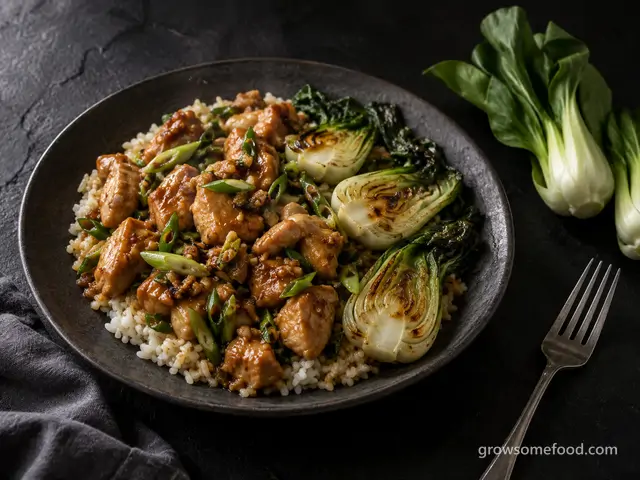
Ginger Chicken with Seared Bok Choy
Halved baby bok choy seared until the cut sides char, tossed with silky ginger-soy chicken in a glossy pan…
From the garden: Bok Choy, Garlic, Green Onion
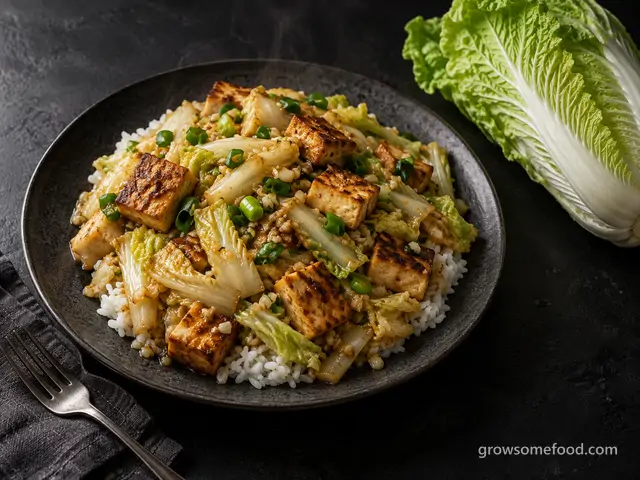
Napa Cabbage and Tofu Stir-Fry
A weeknight wok classic: crisp-edged tofu and a whole head of napa cabbage tossed in a glossy garlic-ginger…
From the garden: Napa Cabbage, Garlic, Green Onion
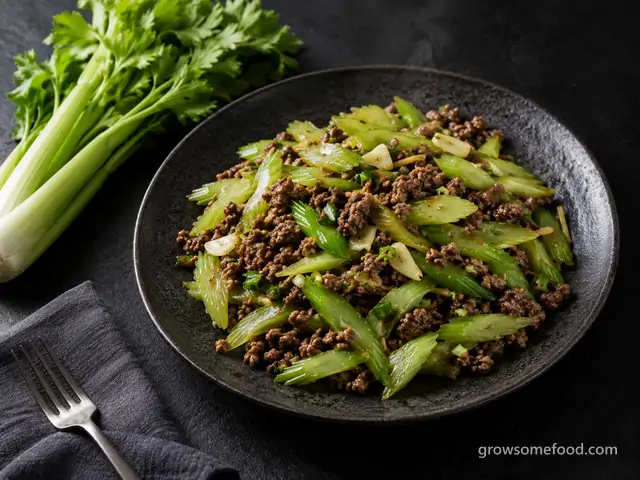
Stir-Fried Celery with Minced Beef
A fast Sichuan-style home dish: celery cut on a sharp bias and tossed over high heat with garlicky minced…
From the garden: Celery, Garlic, Green Onion
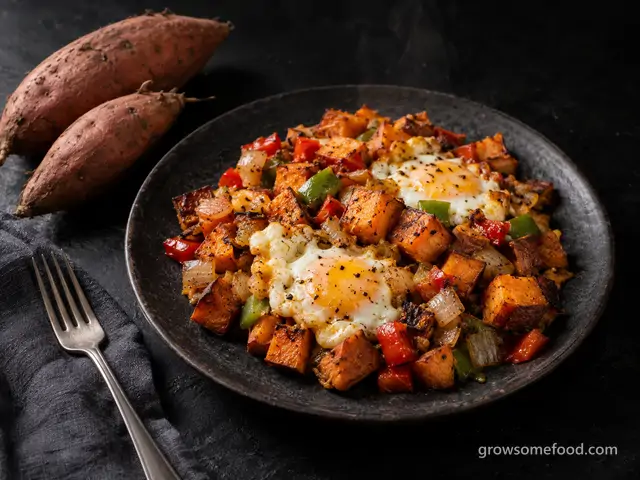

Sweet Potato Breakfast Hash
Crispy-edged sweet potato cubes with peppers and onion, finished with eggs cracked right into the skillet…
From the garden: Sweet Potato, Pepper, Onion +1 more
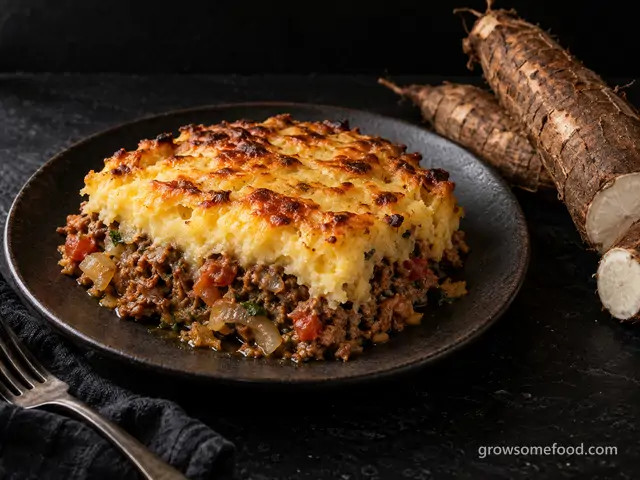

Brazilian Escondidinho de Mandioca
Brazil's northeastern comfort bake: seasoned beef hidden under a smooth cassava puree and browned under…
From the garden: Cassava, Onion, Garlic +3 more
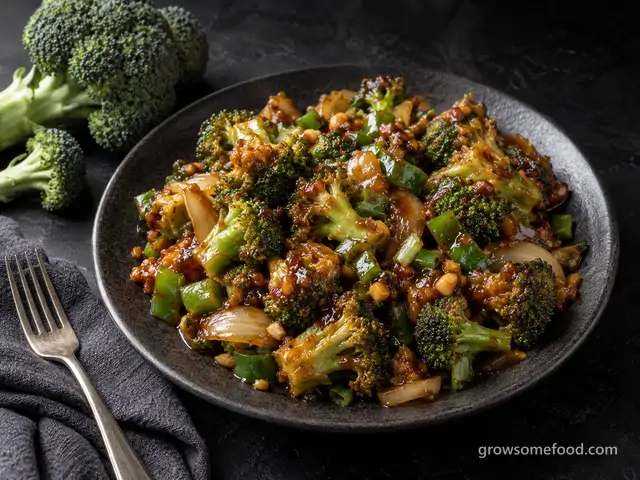
Crispy Broccoli Manchurian
The Indo-Chinese takeout favorite made at home: broccoli florets fried in a light cornstarch batter, then…
From the garden: Broccoli, Onion, Pepper +2 more
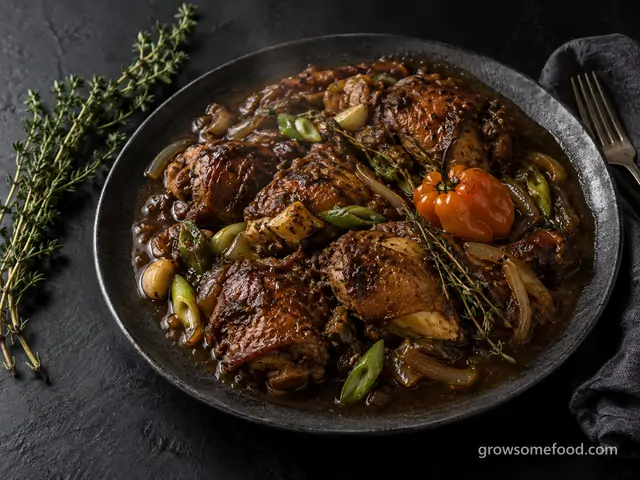 In season
Jamaican Brown Stew Chicken
Chicken browned in caramelized sugar, then braised with a bundle of thyme, scallions, and one whole scotch…
From the garden: Hardy herbs, Green Onion, Onion +3 more
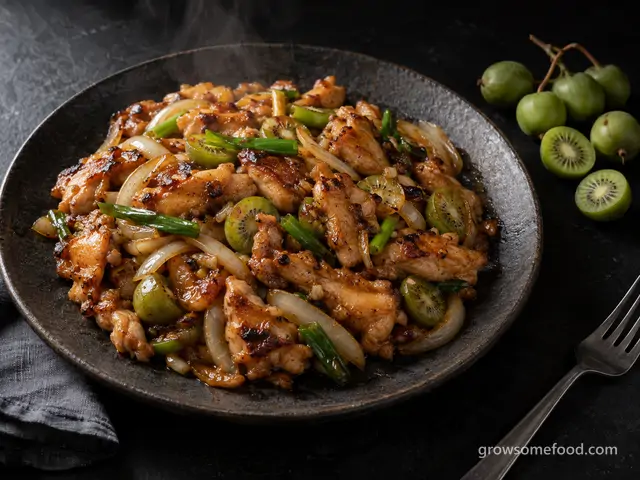 In season
Kiwiberry Chicken Bulgogi
Korean dak bulgogi with the fruit doing the work: pureed kiwiberries tenderize and sweeten the chicken, and…
From the garden: Hardy Kiwi, Onion, Garlic +1 more
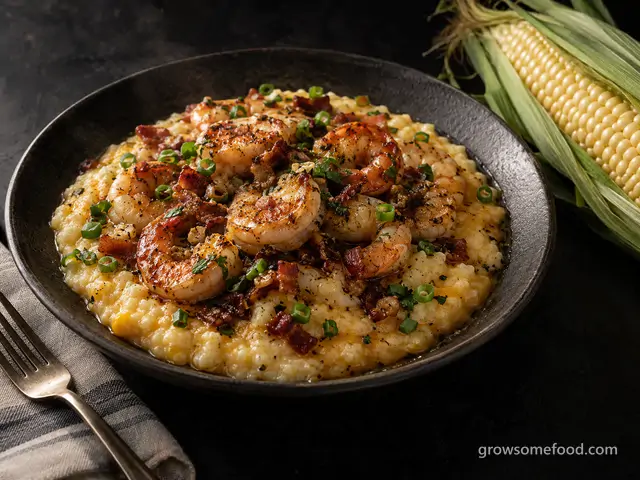

Lowcountry Shrimp and Grits
The Carolina Lowcountry standard: coarse home-ground grits cooked slow with butter and cheddar, topped with…
From the garden: Grain Corn & Popcorn, Garlic, Green Onion +1 more
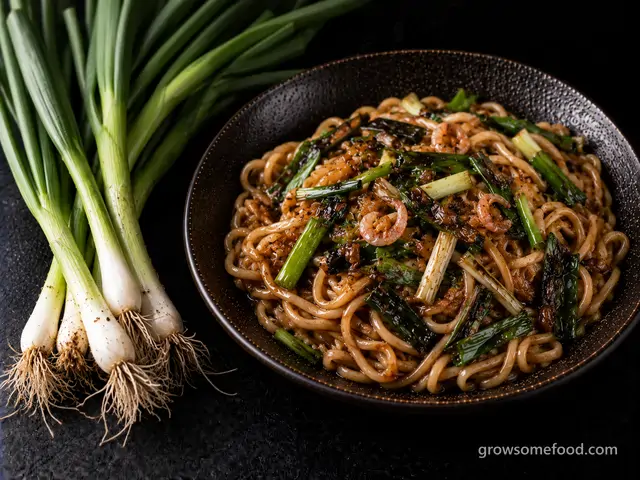
Shanghai Scallion Oil Noodles
Cong you ban mian, the Shanghai bowl where two bunches of scallions fry slowly down into dark, sweet oil that…
From the garden: Green Onion, Leafy greens
Spinach & Feta Breakfast Burritos
Soft-scrambled eggs, a skilletful of wilted spinach, and salty feta rolled into tortillas: eat one warm and…
From the garden: Spinach, Green Onion
 In season
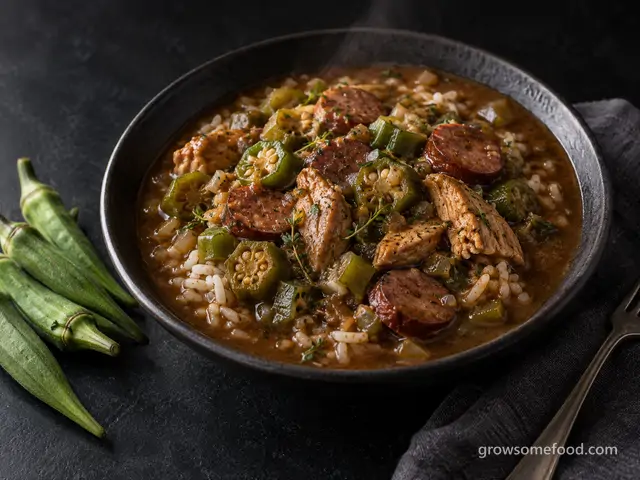
Chicken and Sausage Gumbo with Okra
A Louisiana-style gumbo built on a slow, chocolate-brown roux, the holy trinity, smoked sausage, chicken…
From the garden: Okra, Onion, Pepper +3 more
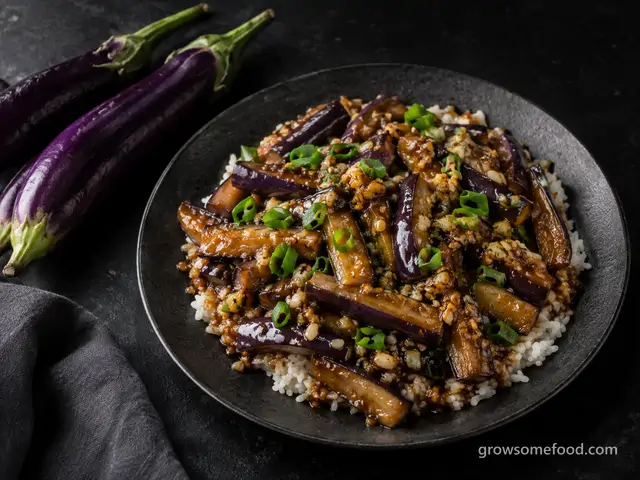
Chinese Garlic Eggplant Stir-Fry
Silky eggplant batons glazed in the classic Sichuan-style sweet-savory garlic sauce (soy, rice vinegar, and…
From the garden: Eggplant, Garlic, Green Onion
 In season
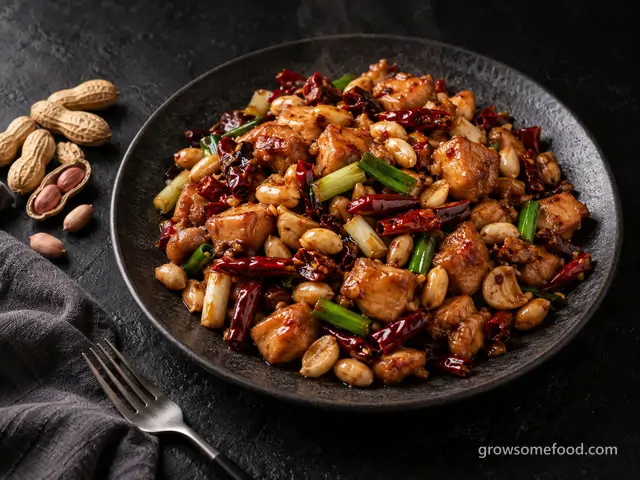
Kung Pao Chicken with Peanuts
The Sichuan classic: cubes of chicken flash-fried with dried chiles, then tossed in a sweet-sour soy glaze…
From the garden: Peanut, Pepper, Garlic +1 more
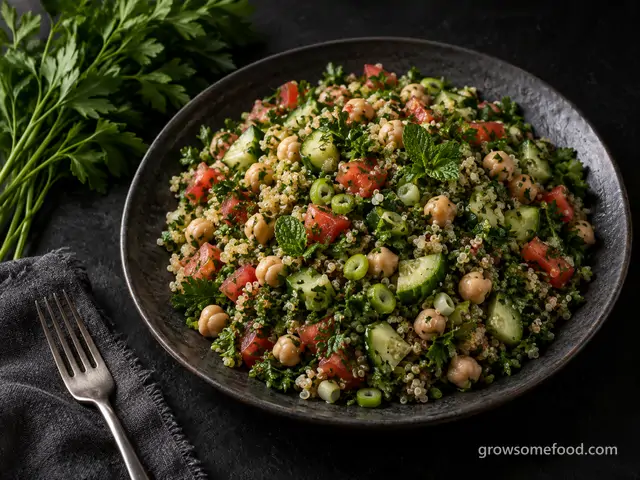

Quinoa Tabbouleh with Chickpeas
A parsley-forward tabbouleh-style dinner salad: loads of chopped herbs, tomato, and cucumber tossed with…
From the garden: Parsley, Mint, Tomato +2 more
 In season
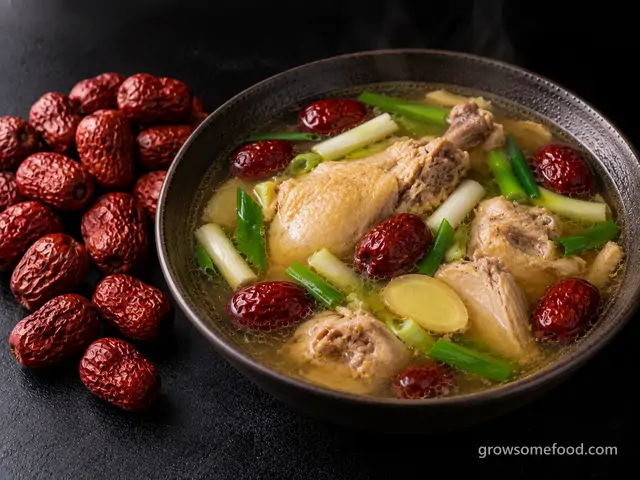
Red Date Chicken Soup
A gentle Chinese hong zao soup: a whole chicken simmered slowly with dried jujubes, ginger and scallion until…
From the garden: Jujube, Green Onion, Goji Berry
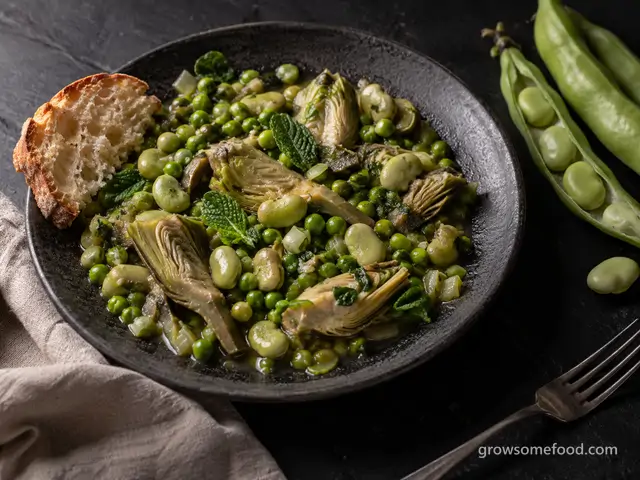
Vignarola (Roman Spring Stew)
The Roman spring braise of fava beans, artichokes, and peas cooked soft together in olive oil with spring…
From the garden: Fava Bean, Artichoke, Pea +2 more