Add it to your home screen and it opens full screen: no browser bars, one tap away, and everything stays signed in. Free, nothing to download from an app store.
- Tap the Share button in your browser
- Scroll down and choose “Add to Home Screen”
- Open GrowSomeFood from your home screen
- Open your browser’s menu
- Choose “Add to Home screen” or “Install app”
- Open GrowSomeFood from your home screen
Recipes
Simple dinners built around what a home garden actually grows.
51 recipes
 In season
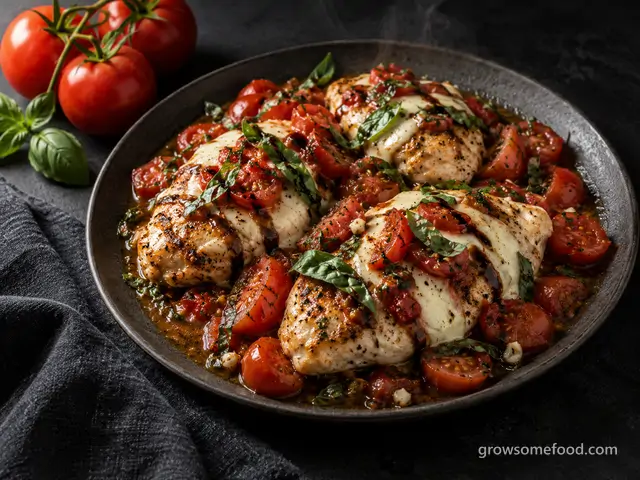
Caprese Chicken Skillet
Seared chicken breasts smothered with garden tomatoes, melted mozzarella, and basil, finished with a balsamic…
From the garden: Tomato, Basil, Garlic
 In season
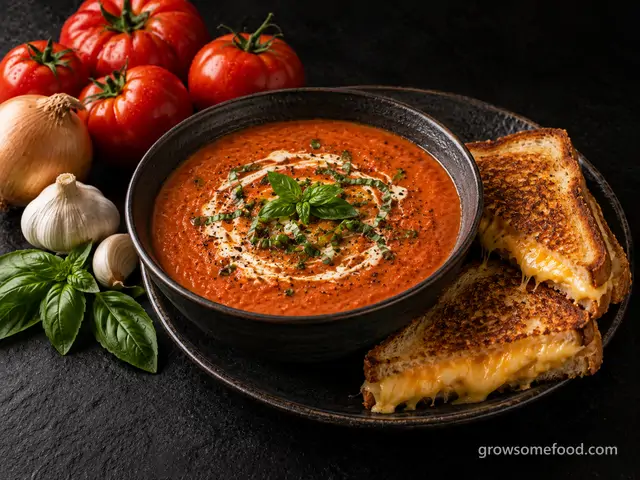
Roasted Tomato Soup with Grilled Cheese
Deeply flavored soup from oven-roasted garden tomatoes, blended silky with a touch of cream, plus crisp…
From the garden: Tomato, Onion, Garlic +1 more
 In season
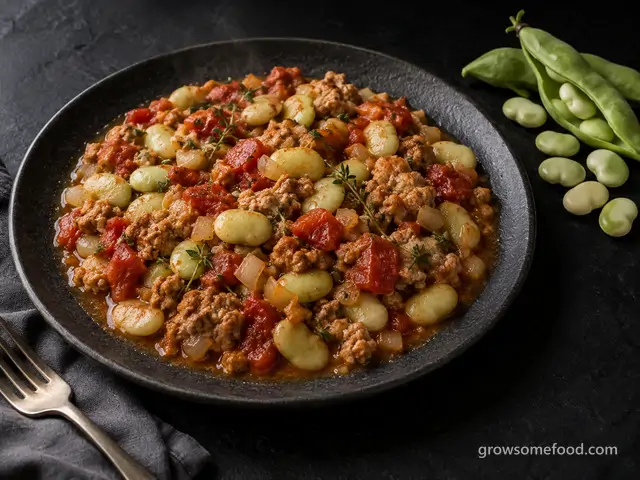
Smoky Turkey and Lima Bean Skillet
Fresh shelled limas simmered right in the pan with browned ground turkey, tomatoes, thyme, and smoked paprika…
From the garden: Lima Bean, Tomato, Onion +3 more
 In season
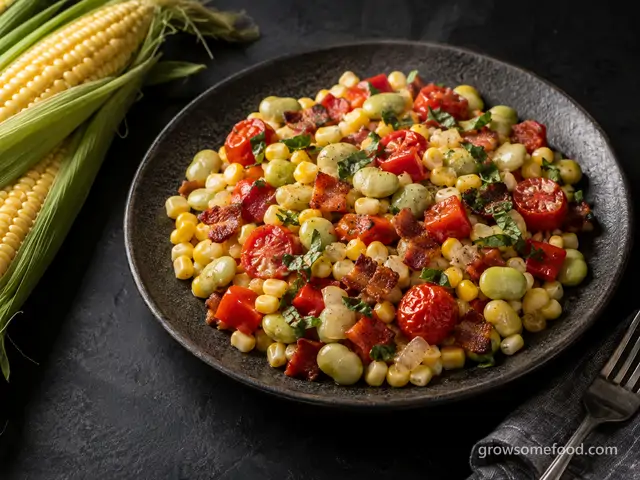
Summer Succotash Skillet
The Southern classic of sweet corn and lima beans with bacon, peppers, and burst cherry tomatoes, finished…
From the garden: Sweet Corn, Lima Bean, Tomato +4 more
 In season
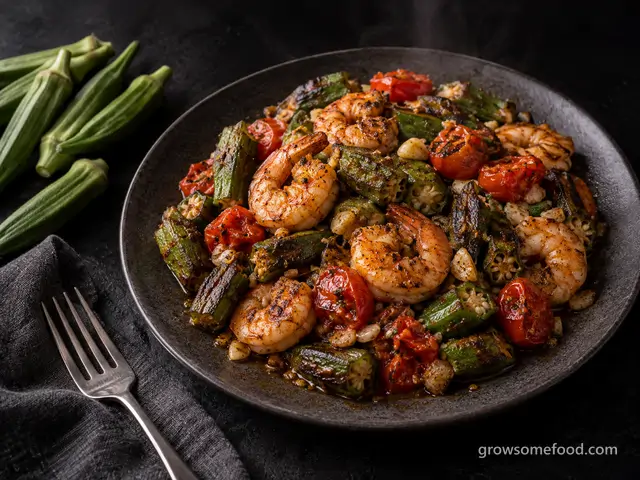
Charred Okra and Shrimp Skillet
Okra seared hard until blistered and crisp-tender (no slime in sight) tossed with garlicky Cajun-spiced…
From the garden: Okra, Tomato, Garlic
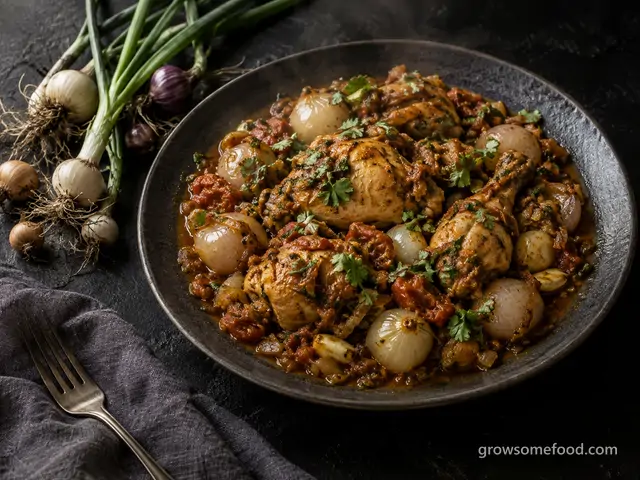
Chicken Dopiaza with Small Onions
The Mughlai braise whose name means two onions: half browned down into the masala, half fried whole and…
From the garden: Perennial onions, Garlic, Tomato +1 more

Chicken Milanese with Arugula
The Italian cutlet done properly: chicken pounded thin, breaded in panko and parmesan, fried until deep gold…
From the garden: Arugula, Tomato, Onion
 In season
Classic Shakshuka
Eggs poached directly in a skillet of spiced, slow-simmered tomatoes and peppers: the North African classic…
From the garden: Tomato, Pepper, Onion +2 more
 In season
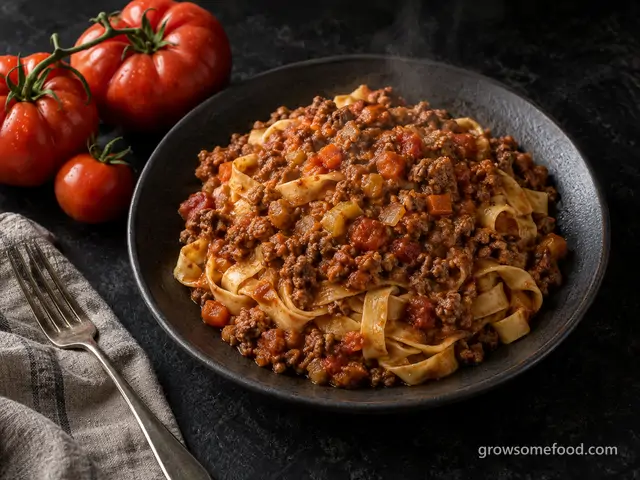
Fresh Tomato Bolognese Ragu
A slow, Bologna-style meat sauce built on four pounds of fresh garden tomatoes instead of a can: ground beef…
From the garden: Tomato, Onion, Carrot +1 more
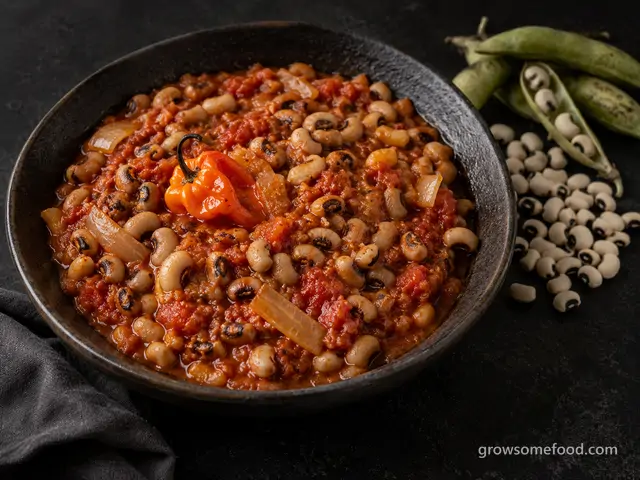
Ghanaian Red Red Bean Stew
Red Red, the West African weeknight staple: black-eyed peas stewed into a deep, slow-browned onion and tomato…
From the garden: Southern Pea, Onion, Tomato +2 more
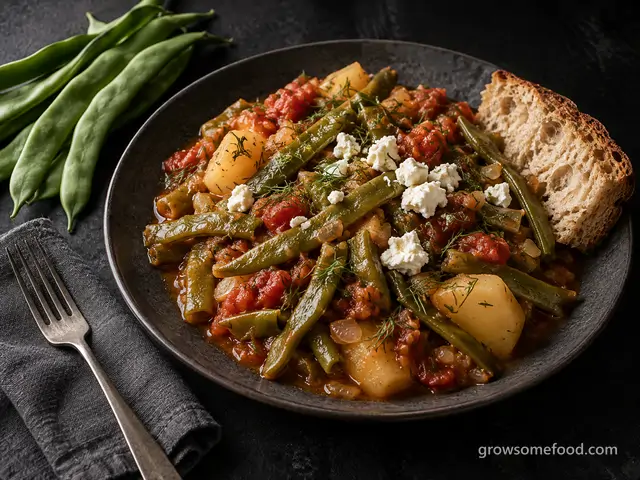
Greek-Style Braised Pole Beans with Tomatoes
Fasolakia, the Greek taverna classic: pole beans braised slowly in olive oil, tomatoes, and dill with…
From the garden: Pole Bean, Tomato, Onion +3 more
 In season
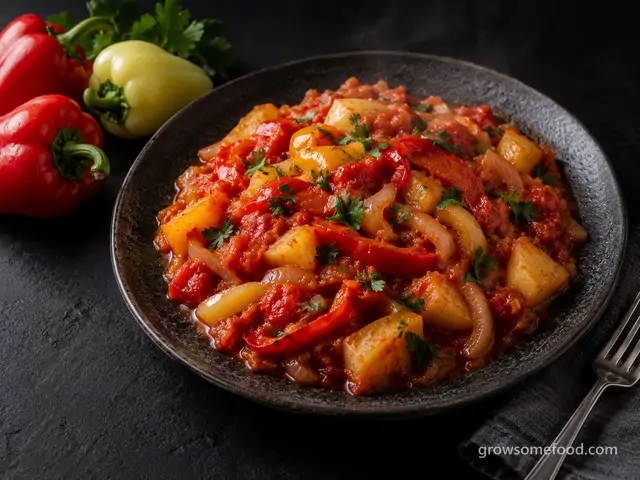
Hungarian Pepper Lecso
Hungary's answer to a pepper glut: sweet peppers and tomatoes stewed slowly in paprika oil with onions and…
From the garden: Pepper, Tomato, Onion +2 more
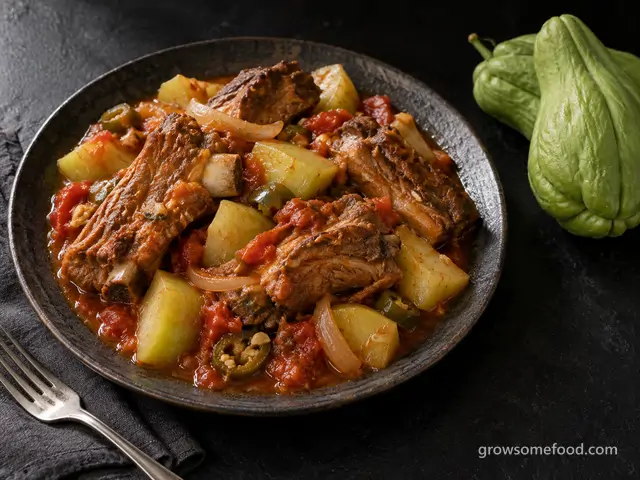
Braised Country Ribs with Chayote
Meaty country-style pork ribs browned hard, then simmered in a chile-tomato broth until they slump off the…
From the garden: Chayote, Tomato, Onion +3 more
 In season
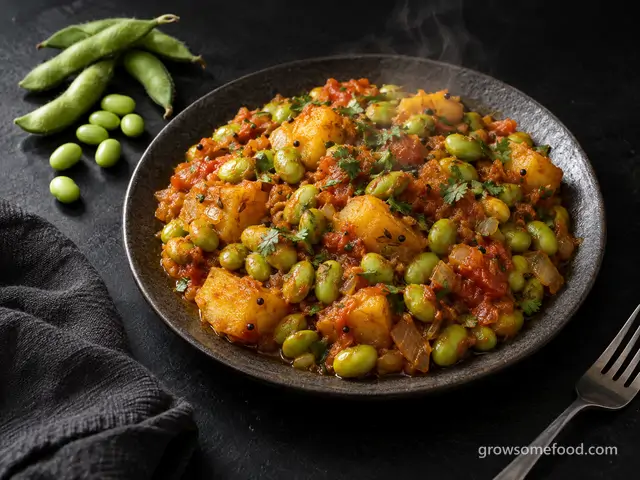
Gujarati Green Soybean Curry
Fresh green soybeans and potatoes simmered in a mustard seed and cumin tomato masala, the Gujarati shaak that…
From the garden: Edamame, Potato, Onion +5 more
 In season
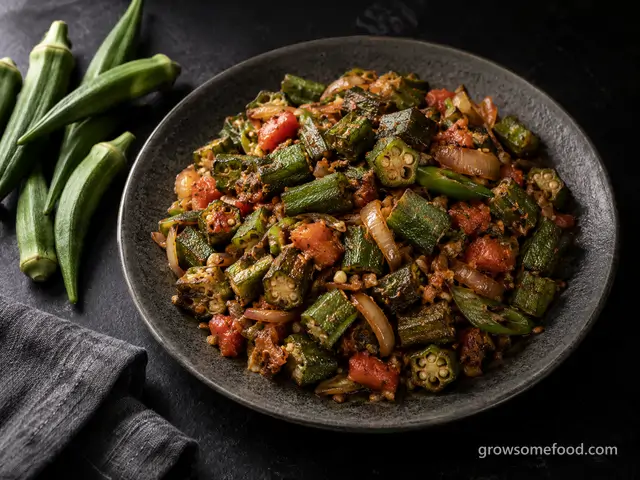
North Indian Bhindi Masala
India's everyday okra dish: pods dry-fried hard in a wide pan, then folded through cumin-scented onions and…
From the garden: Okra, Onion, Tomato +3 more
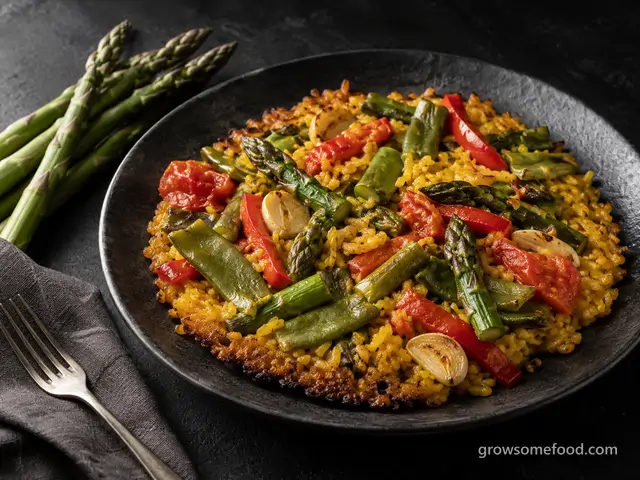
Spring Vegetable Paella
The Valencian vegetable paella: asparagus, green beans, and sweet peppers over saffron rice, cooked flat and…
From the garden: Asparagus, Snap Bean, Pepper +5 more
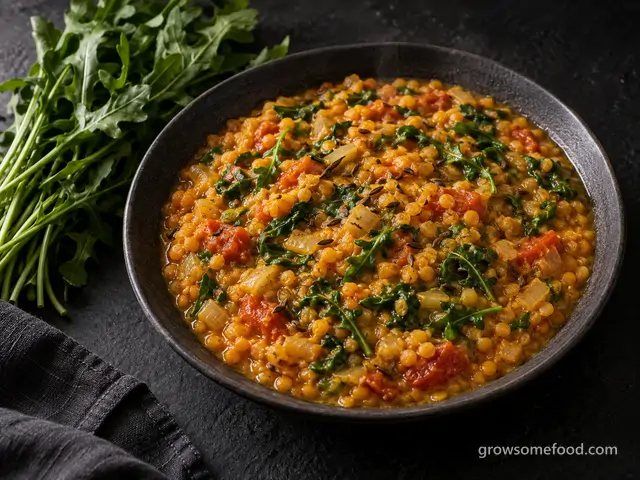
Arugula and Red Lentil Dal
A weeknight North Indian pot: red lentils simmered soft with tomato and turmeric, finished with a crackling…
From the garden: Arugula, Onion, Tomato +5 more

Big Garden Salad with Crispy Chickpeas
A dinner-worthy salad straight from the beds: crunchy greens and whatever vegetables are ready, topped with…
From the garden: Salad greens, Cucumber, Tomato +2 more
 In season
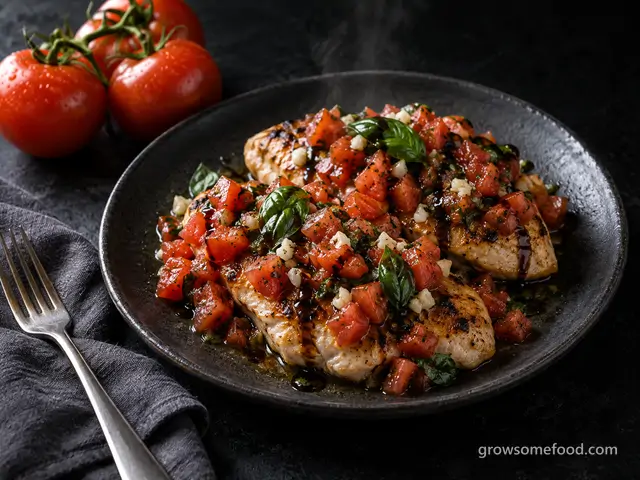
Bruschetta Chicken
Golden pan-seared chicken breasts piled with the classic bruschetta topping: juicy chopped tomatoes, basil…
From the garden: Tomato, Basil, Garlic
 In season
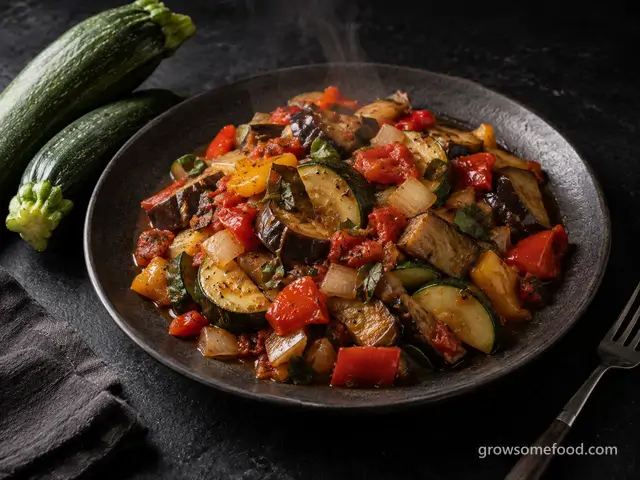
Classic Ratatouille
The Provençal summer stew: zucchini, eggplant, peppers, and tomatoes each sautéed to keep their character…
From the garden: Summer Squash, Eggplant, Pepper +5 more
 In season
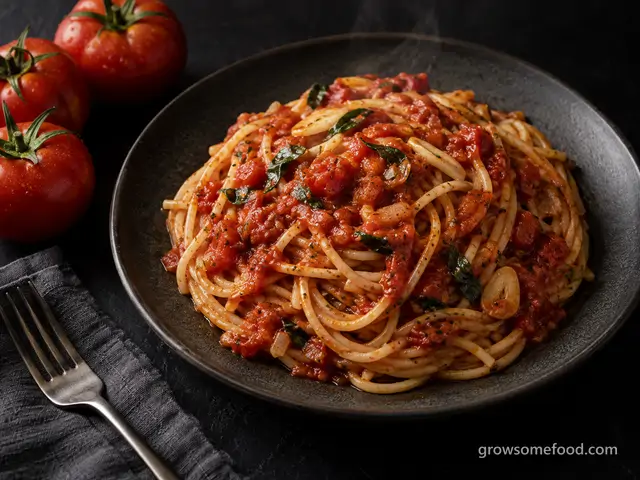
Fresh Tomato Marinara with Spaghetti
A from-scratch marinara that tastes like August: ripe garden tomatoes simmered with garlic, onion, and torn…
From the garden: Tomato, Garlic, Onion +1 more
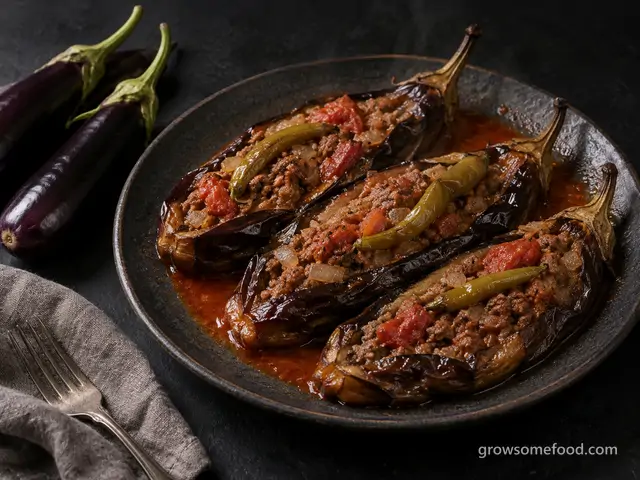
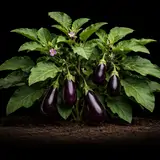
Karniyarik (Turkish Lamb-Stuffed Eggplant)
Whole eggplants fried until they collapse, split open, and packed with a spiced ground lamb, tomato, and…
From the garden: Eggplant, Onion, Garlic +3 more

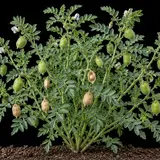
Moroccan Lamb and Chickpea Tagine
Lamb shoulder braised low and slow with dried homegrown chickpeas, onion, ginger, cinnamon, and cumin until…
From the garden: Chickpea, Onion, Garlic +4 more
 In season
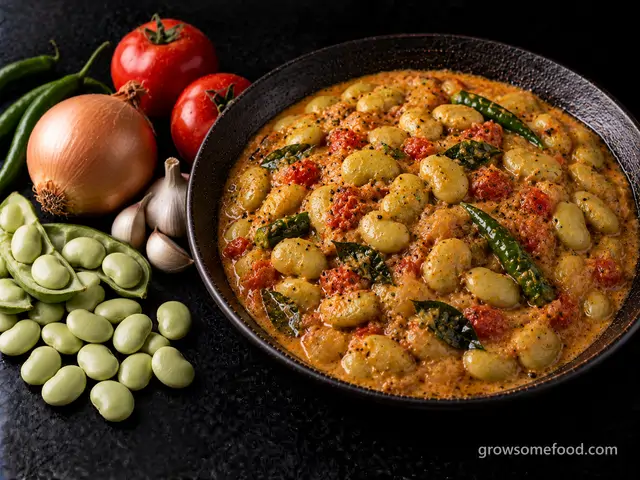
South Indian Double Bean Curry
Double beans, as South India calls lima beans, simmered in a mustard seed tempering with onion, tomato, and…
From the garden: Lima Bean, Onion, Tomato +5 more
 In season
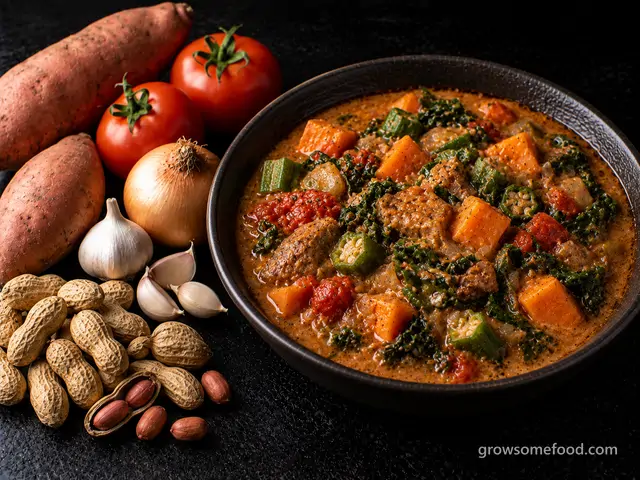
West African Groundnut Stew
Roasted peanuts ground to paste and simmered with tomato, sweet potato, okra, and greens into the thick…
From the garden: Peanut, Sweet Potato, Tomato +5 more
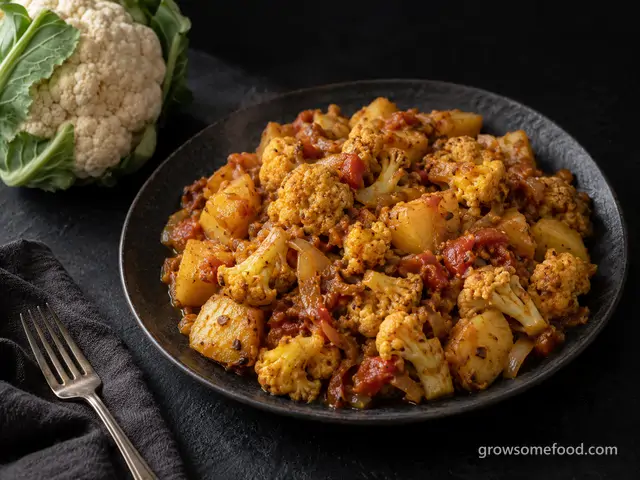
Aloo Gobi (Cauliflower and Potato Curry)
The North Indian home classic: cauliflower and potatoes browned in oil, then simmered with tomato, ginger…
From the garden: Cauliflower, Potato, Onion +4 more
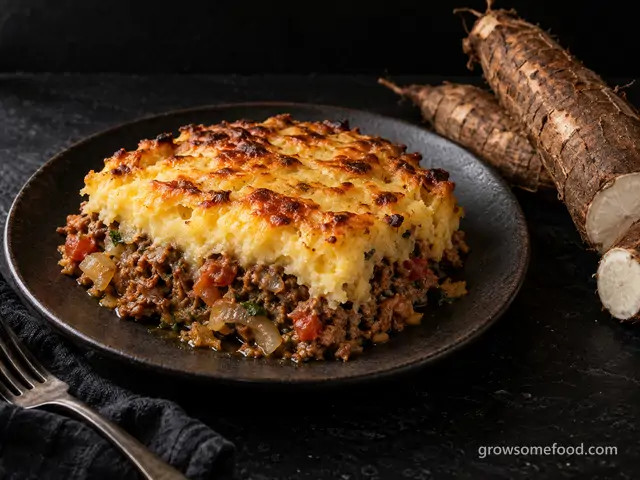

Brazilian Escondidinho de Mandioca
Brazil's northeastern comfort bake: seasoned beef hidden under a smooth cassava puree and browned under…
From the garden: Cassava, Onion, Garlic +3 more
 In season
Caprese Sandwich
Thick slabs of ripe tomato, fresh mozzarella, and a fistful of basil on olive-oil-brushed ciabatta with…
From the garden: Tomato, Basil
 In season
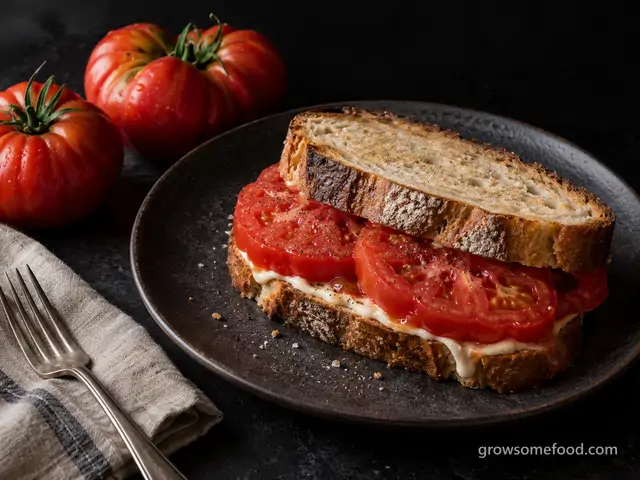
Garden Tomato Sandwich
The peak-season ritual: thick slabs of a just-picked tomato on good bread with mayonnaise, salt, and pepper.
From the garden: Tomato, Basil
 In season
Garden Veggie Frittata
A skillet frittata that soaks up whatever the garden hands you: sautéed zucchini, tomato, and onion set in…
From the garden: Summer Squash, Tomato, Onion +1 more
 In season
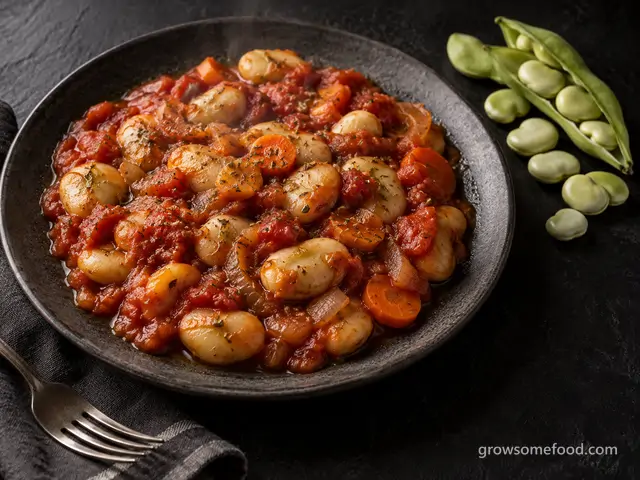
Greek Baked Limas in Tomato
Gigantes plaki, the Greek taverna standard: lima beans baked slowly in a garlicky tomato sauce with olive oil…
From the garden: Lima Bean, Tomato, Onion +3 more
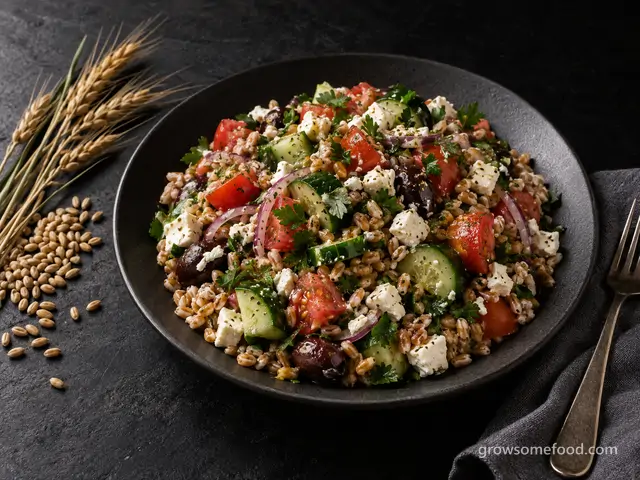
Greek Grain Berry Salad with Cucumber, Tomato, and Feta
Chewy home-grown grain berries tossed warm with a lemon-oregano dressing, then piled with cucumber, tomato…
From the garden: Homegrown grains, Cucumber, Tomato +5 more
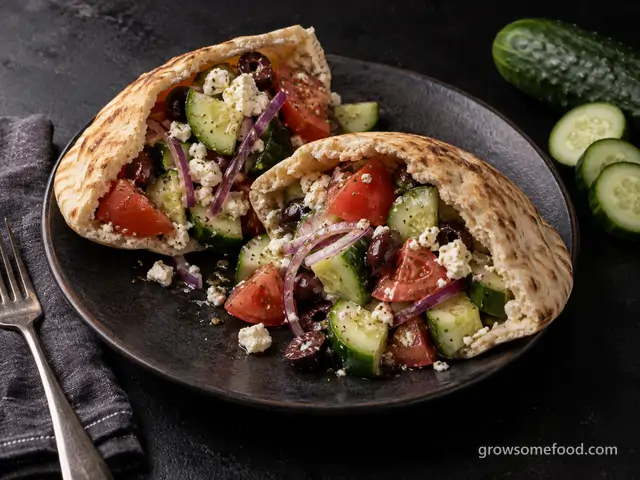
Greek Salad Pita Pockets
Crunchy cucumber, ripe tomato, feta, and olives in an oregano vinaigrette, drained and stuffed into pita…
From the garden: Cucumber, Tomato, Onion +1 more
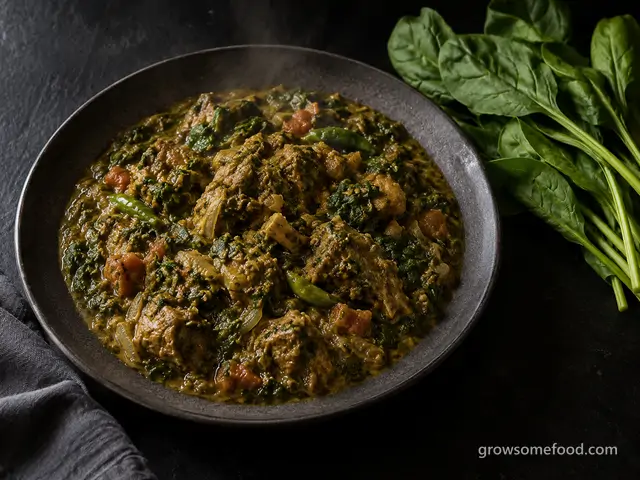
Palak Gosht (Punjabi Lamb and Spinach Curry)
Yogurt-marinated lamb shoulder braised until fork-tender, then folded into a whole pound of spinach blended…
From the garden: Spinach, Onion, Garlic +4 more
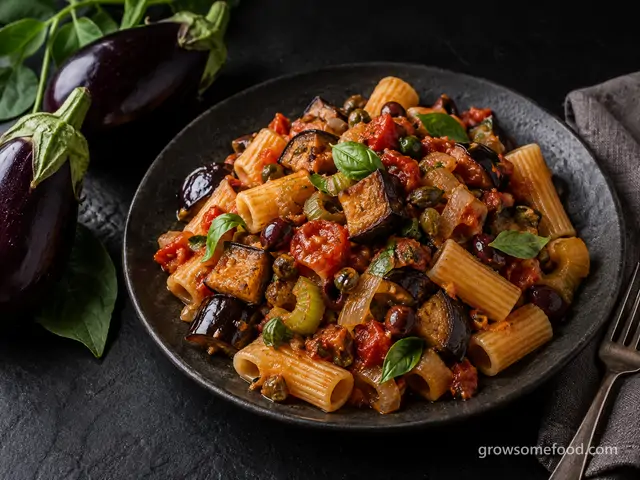
Sicilian Caponata Pasta
Sicily's sweet-and-sour eggplant stew (fried eggplant, celery, olives, and capers in a tangy tomato…
From the garden: Eggplant, Onion, Tomato +1 more
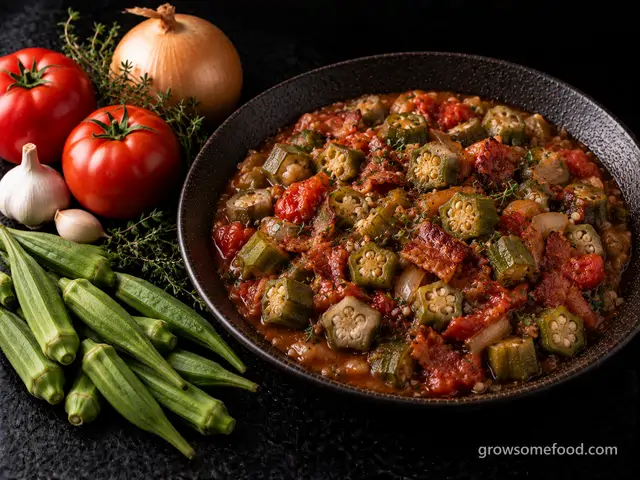 In season
Stewed Okra and Tomatoes
Okra simmered slowly with tomatoes, onion, and bacon until the pods turn silky and thicken the pot, the…
From the garden: Okra, Onion, Tomato +2 more
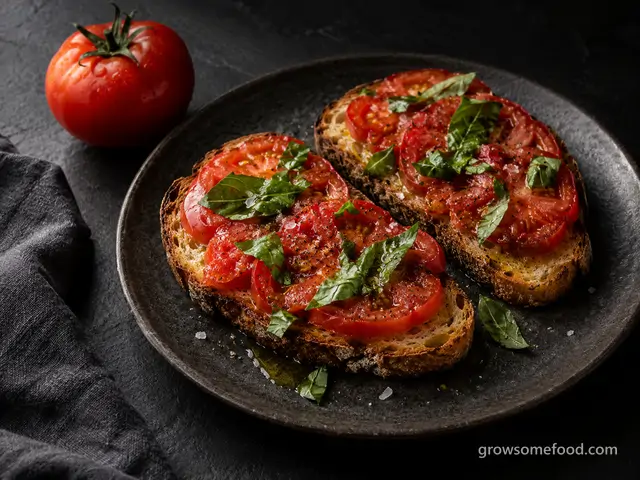 In season
Tomato Basil Breakfast Toast
A dead-ripe tomato on good toasted bread with torn basil, olive oil, and flaky salt: the five-minute…
From the garden: Tomato, Basil, Garlic
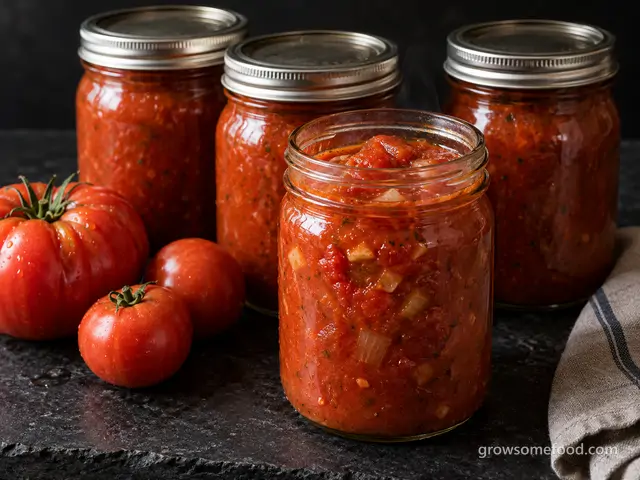 In season
Big-Batch Freezer Tomato Sauce
A simple simmered tomato sauce made by the potful and frozen flat in bags: no peeling, no canning gear, just…
From the garden: Tomato, Onion, Garlic +1 more
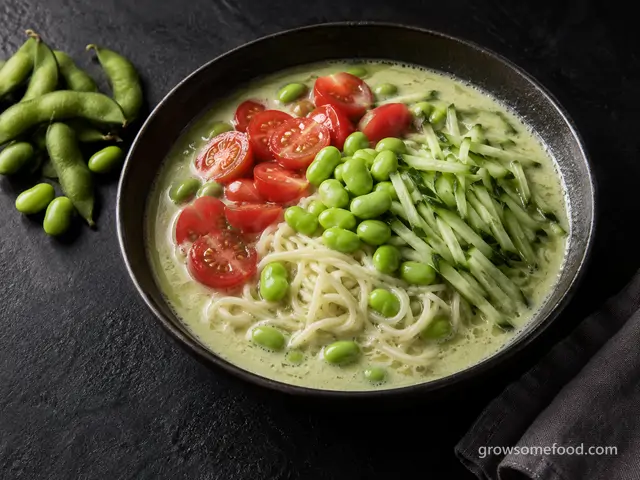 In season
Chilled Edamame Noodle Soup
The Korean summer classic made with fresh green soybeans: edamame blended into a cold, nutty broth and poured…
From the garden: Edamame, Cucumber, Tomato
 In season
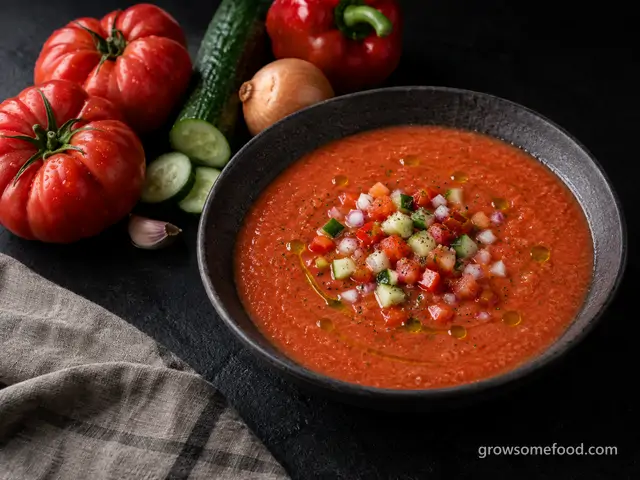
Gazpacho
The Andalusian classic: dead-ripe tomatoes blended raw with cucumber, pepper, and good olive oil into a silky…
From the garden: Tomato, Cucumber, Pepper +2 more
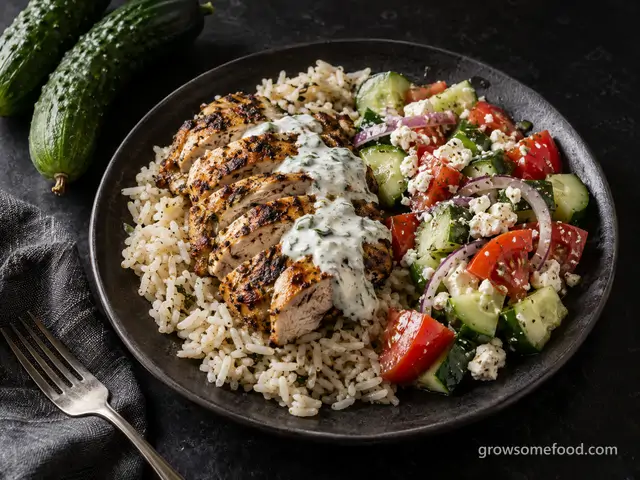
Greek Chicken Bowls with Cucumber-Tomato Salad
Oregano-marinated chicken over rice with a crunchy cucumber-tomato salad, feta, and a lemony yogurt sauce, a…
From the garden: Cucumber, Tomato, Onion +1 more
 In season
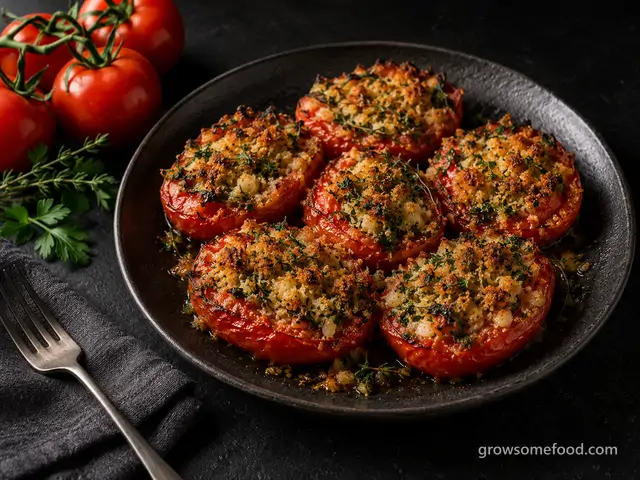
Provençal Baked Tomatoes
Tomates à la provençale: ripe halves roasted under a garlic and parsley crumb until the crust is deep gold…
From the garden: Tomato, Garlic, Parsley +1 more
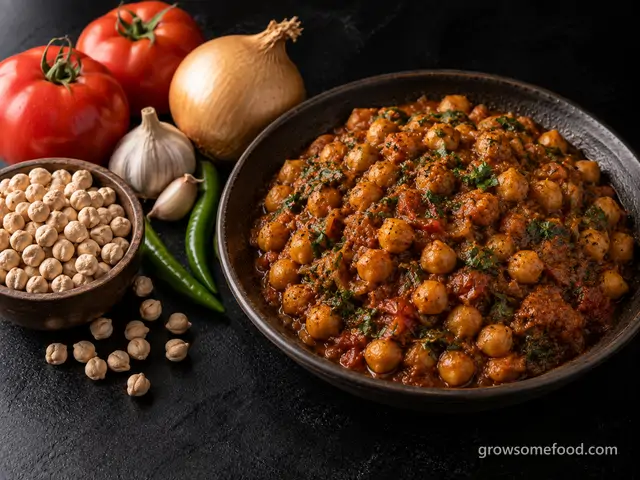
Punjabi Chana Masala
The Punjabi weeknight standard: whole chickpeas soaked and simmered soft, then finished in a dark onion and…
From the garden: Chickpea, Onion, Tomato +4 more
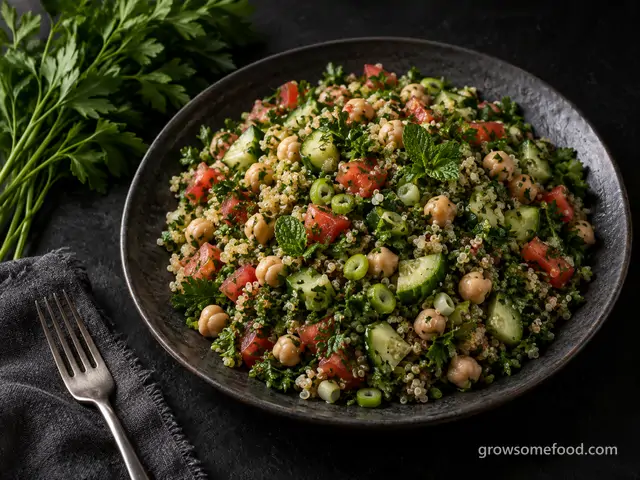
Quinoa Tabbouleh with Chickpeas
A parsley-forward tabbouleh-style dinner salad: loads of chopped herbs, tomato, and cucumber tossed with…
From the garden: Parsley, Mint, Tomato +2 more
 In season
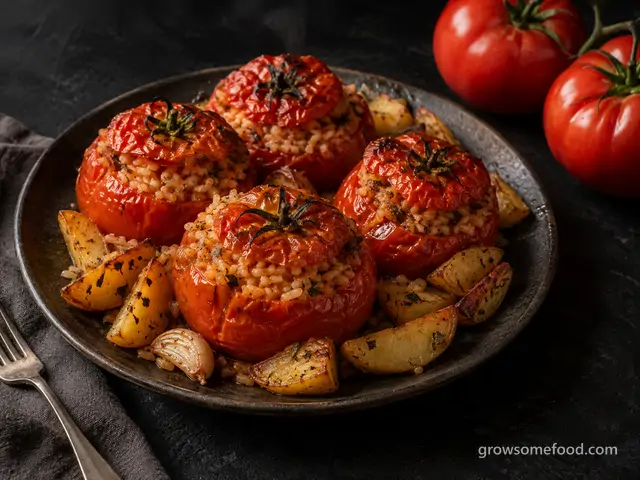
Rice-Stuffed Tomatoes
Roman pomodori al riso: big ripe tomatoes hollowed out and baked until slumped and sweet, filled with rice…
From the garden: Tomato, Garlic, Potato +1 more
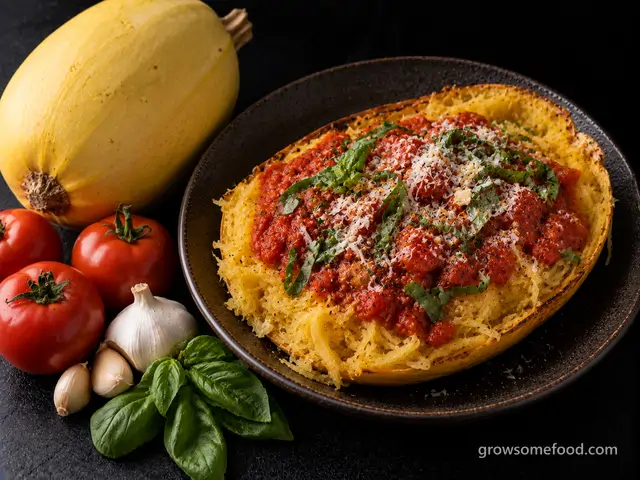
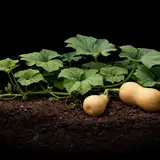
Roasted Spaghetti Squash Marinara
Spaghetti squash roasted until the flesh rakes into tender strands, topped with a garlicky fresh-tomato…
From the garden: Winter Squash, Garlic, Tomato +1 more
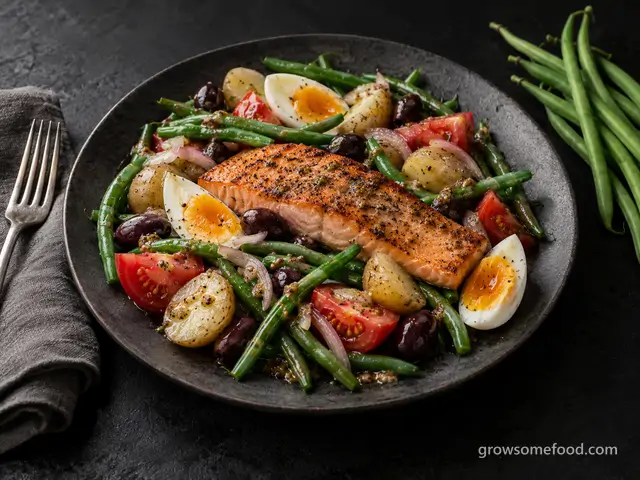
Salmon Niçoise Salad
The composed French classic done with seared salmon: crisp-tender green beans, baby potatoes, jammy eggs…
From the garden: Snap Bean, Potato, Tomato +2 more
 In season
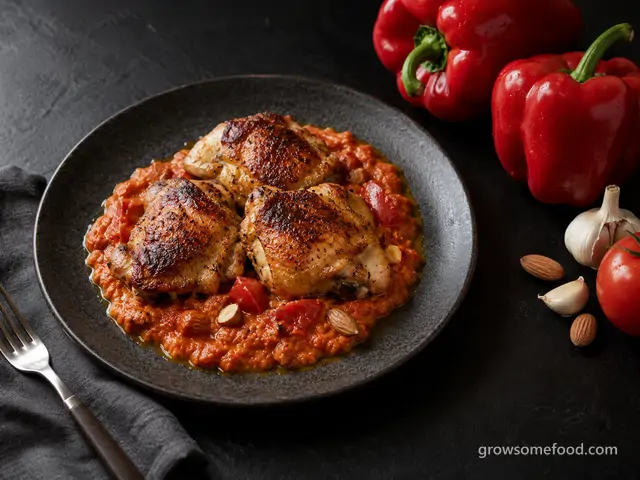
Seared Chicken with Romesco Sauce
Juicy seared chicken thighs over romesco, the Catalan sauce of charred red peppers, tomato, toasted almonds…
From the garden: Pepper, Tomato, Garlic +2 more
 In season
Yucatan Chicken and Lime Soup (Sopa de Lima)
The signature soup of the Yucatan: a clear, fragrant chicken broth sharpened with the juice of a whole…
From the garden: Lime, Onion, Garlic +3 more
 In season
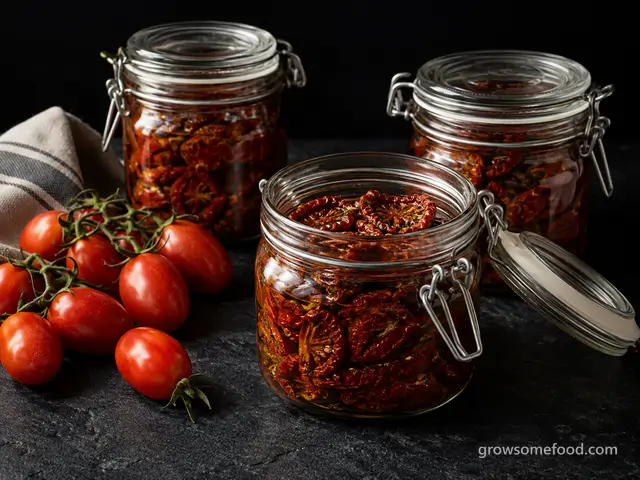
Oven-Dried Tomatoes
Halved tomatoes dried low and slow until chewy and intensely sweet: the sun-dried-tomato treatment, no…
From the garden: Tomato
 In season
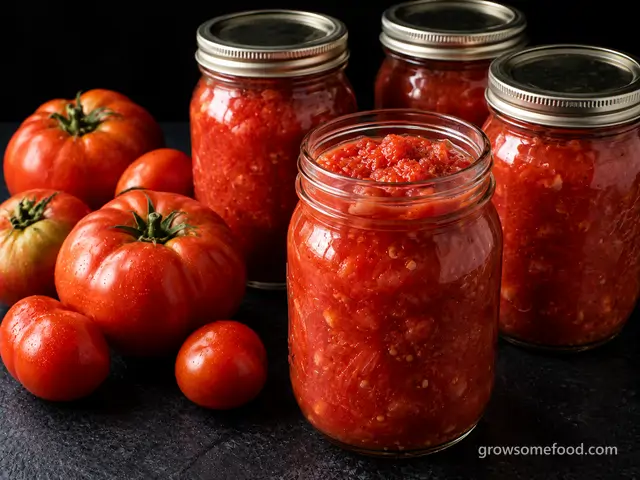
Water-Bath Crushed Tomatoes
The workhorse of the tomato pantry: peeled, crushed garden tomatoes acidified and processed in a…
From the garden: Tomato