
Add it to your home screen and it opens full screen: no browser bars, one tap away, and everything stays signed in. Free, nothing to download from an app store.
- Tap the Share button in your browser
- Scroll down and choose “Add to Home Screen”
- Open GrowSomeFood from your home screen
- Open your browser’s menu
- Choose “Add to Home screen” or “Install app”
- Open GrowSomeFood from your home screen

Recipes
THE GARDEN KITCHENGROWN WITH CARE. MADE TO SHARE.
Good things growing.
Great things cooking.
Fresh picks, simple suppers, and a little inspiration for whatever your garden brings to the table.
Find something delicious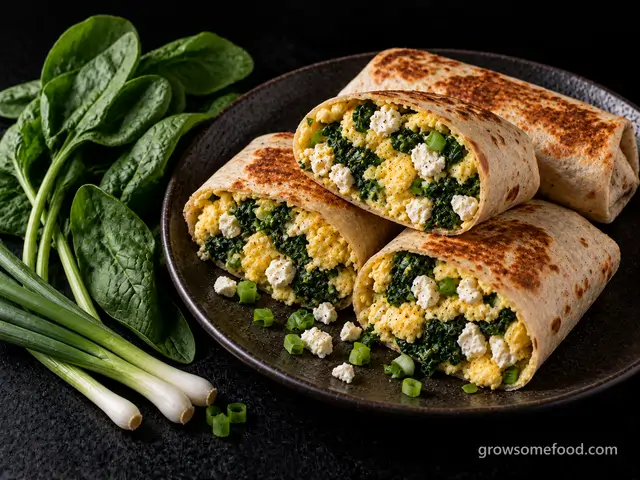 A LITTLE INSPIRATIONSpinach & Feta Breakfast Burritos30 min
 OPEN THE COOKBOOK
What sounds good?
19 recipes to make your own
19 recipes
 In season
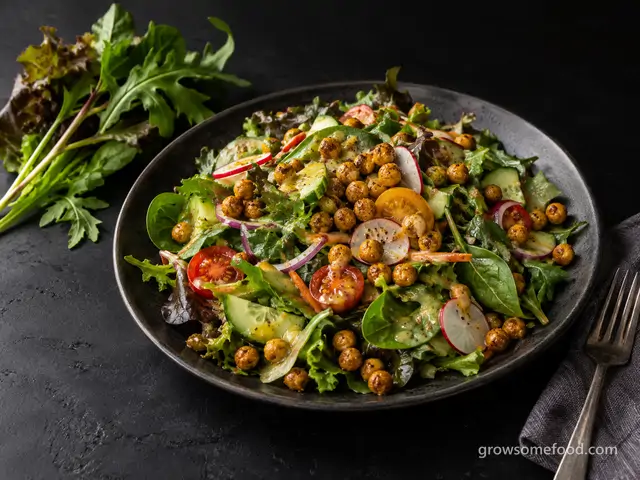
Big Garden Salad with Crispy Chickpeas
A dinner-worthy salad straight from the beds: crunchy greens and whatever vegetables are ready, topped with…
From the garden: Salad greens, Cucumber, Tomato +2 more
 In season
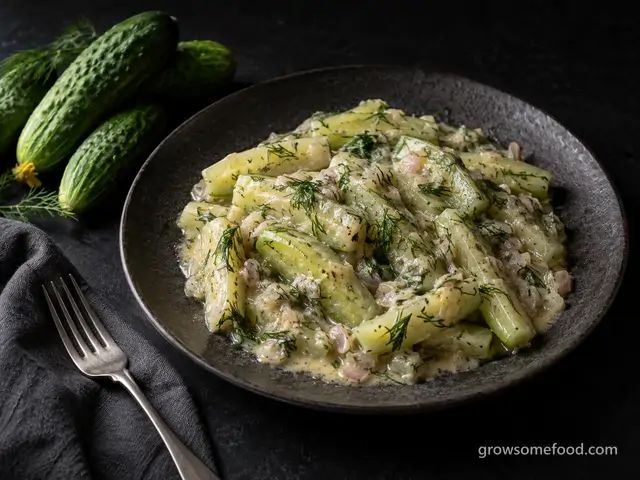
Butter-Braised Cucumbers with Dill
The old French answer to a cucumber glut: peeled batons salted and drained, braised in butter until barely…
From the garden: Cucumber, Shallot, Dill
 In season
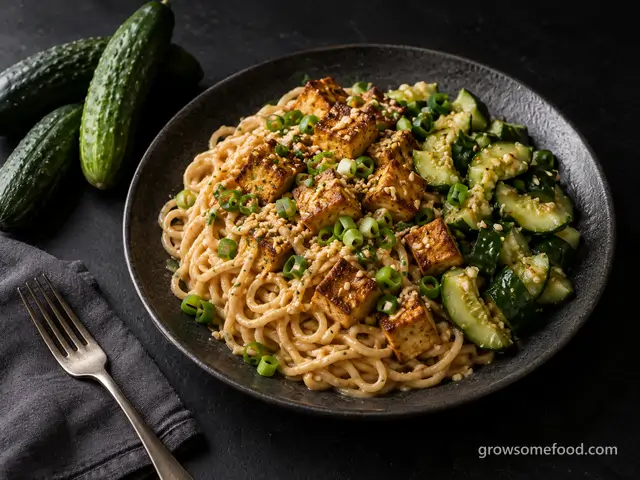
Cold Peanut Noodles with Smashed Cucumbers
Chilled noodles in a creamy peanut-sesame sauce with garlicky smashed cucumber salad and crisped tofu: the…
From the garden: Cucumber, Garlic, Green Onion
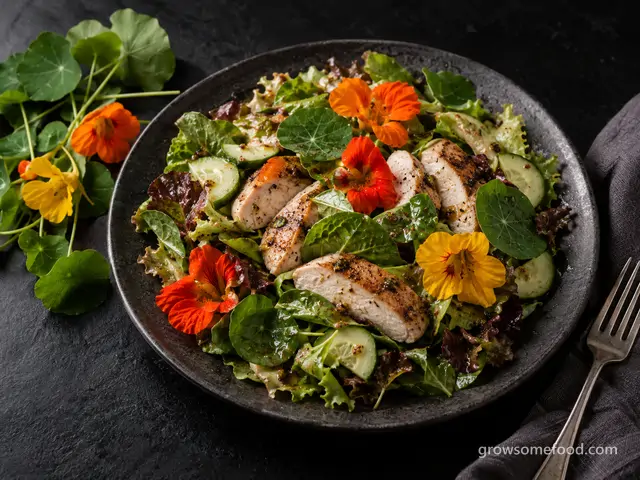

Nasturtium Summer Salad with Chicken
A dinner salad with real bite: peppery nasturtium leaves and flowers tossed with tender greens, cucumber, and…
From the garden: Nasturtium, Cucumber, Salad greens
 In season
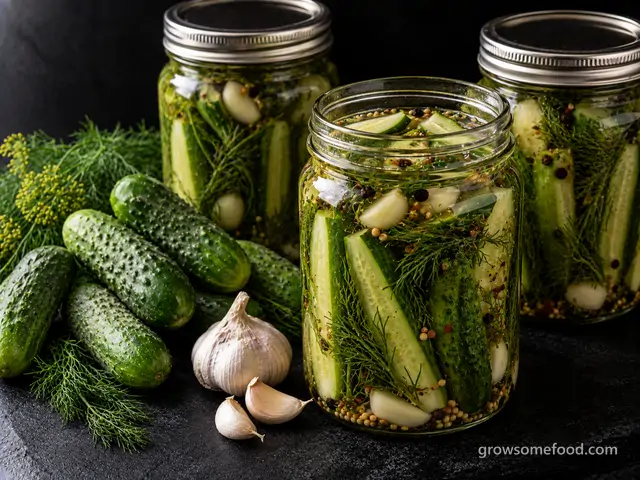
Refrigerator Dill Pickles
Crunchy garlic-dill pickles with zero canning required: pack a jar, pour over hot brine, and the fridge does…
From the garden: Cucumber, Dill, Garlic
 In season
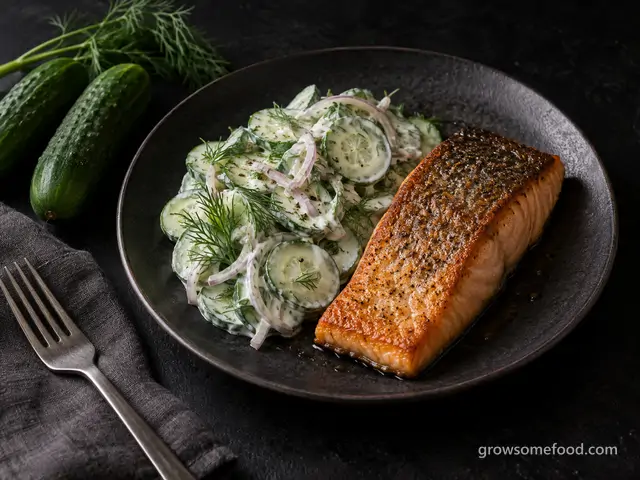
Seared Salmon with Cucumber-Dill Salad
Crisp-skinned salmon fillets next to the classic creamy cucumber-dill salad: cool, crunchy, and quick enough…
From the garden: Cucumber, Dill, Shallot
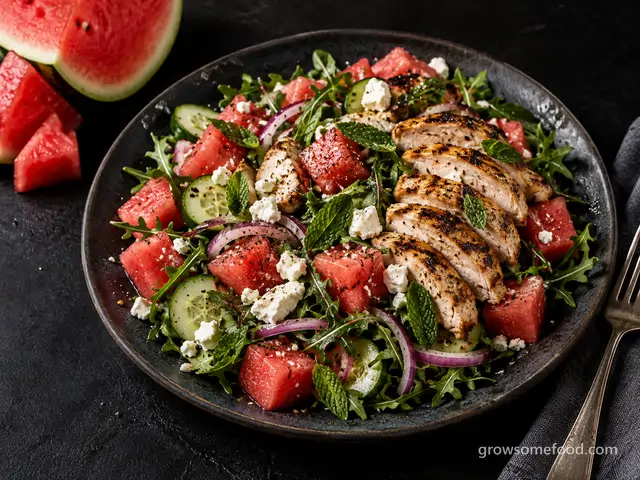

Watermelon-Feta Salad with Grilled Chicken
The classic sweet-salty pairing of cold watermelon, feta, and mint, built into a full dinner salad with…
From the garden: Watermelon, Mint, Cucumber +2 more
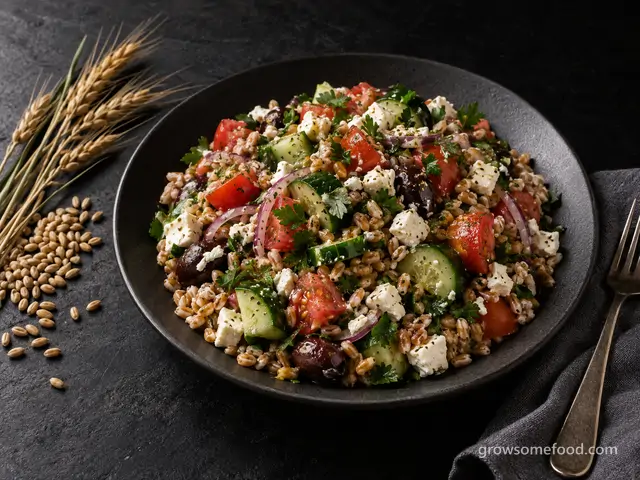
Greek Grain Berry Salad with Cucumber, Tomato, and Feta
Chewy home-grown grain berries tossed warm with a lemon-oregano dressing, then piled with cucumber, tomato…
From the garden: Homegrown grains, Cucumber, Tomato +5 more
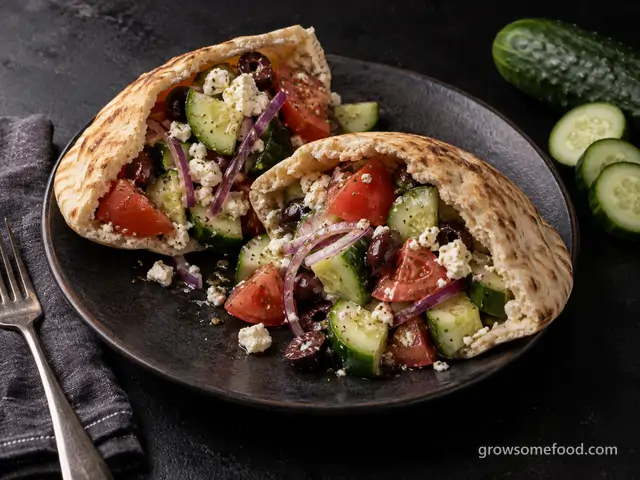 In season
Greek Salad Pita Pockets
Crunchy cucumber, ripe tomato, feta, and olives in an oregano vinaigrette, drained and stuffed into pita…
From the garden: Cucumber, Tomato, Onion +1 more
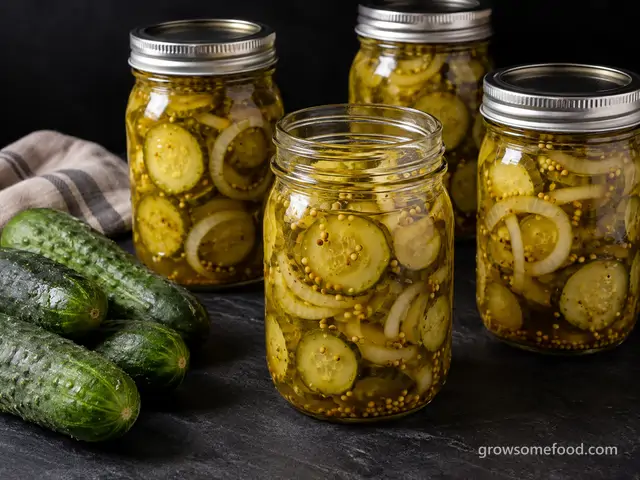 In season
Bread-and-Butter Pickles
Sweet-tangy cucumber and onion rounds in a mustard-seed brine: the sandwich-and-burger classic, canned for…
From the garden: Cucumber, Onion
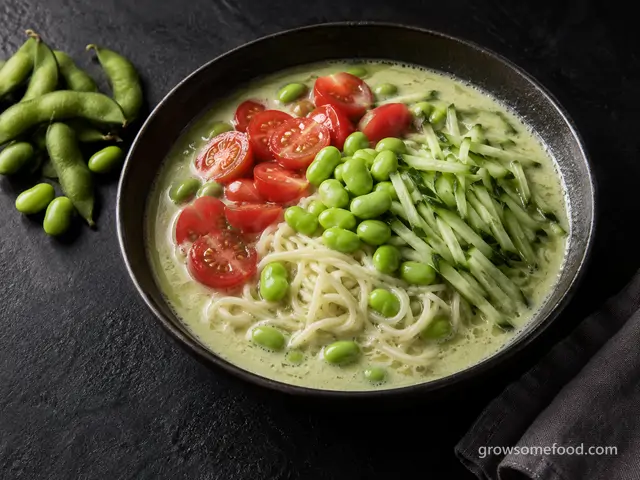

Chilled Edamame Noodle Soup
The Korean summer classic made with fresh green soybeans: edamame blended into a cold, nutty broth and poured…
From the garden: Edamame, Cucumber, Tomato
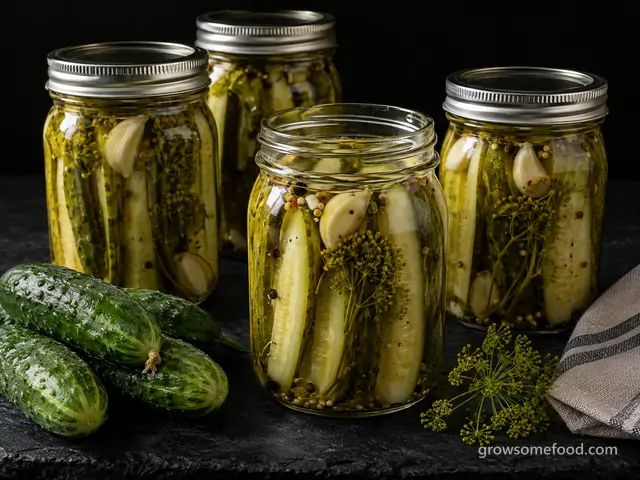 In season
Classic Dill Pickle Spears
The pantry classic: garlicky dill spears in a full-strength brine, water-bath canned so a summer glut of…
From the garden: Cucumber, Dill, Garlic
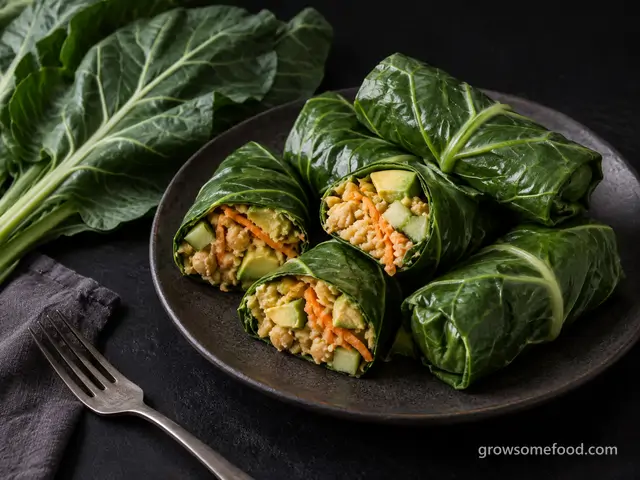

Collard Wraps with Lemony Chickpea Filling
Big blanched collard leaves rolled burrito-style around a lemony smashed-chickpea filling with grated carrot…
From the garden: Collard, Carrot, Cucumber +1 more
 In season
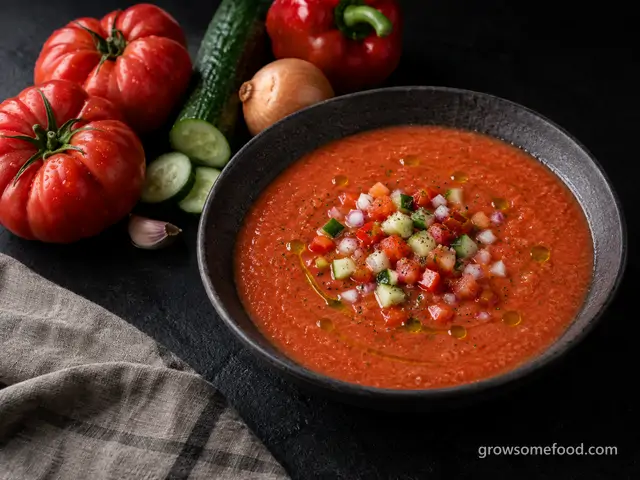
Gazpacho
The Andalusian classic: dead-ripe tomatoes blended raw with cucumber, pepper, and good olive oil into a silky…
From the garden: Tomato, Cucumber, Pepper +2 more
 In season
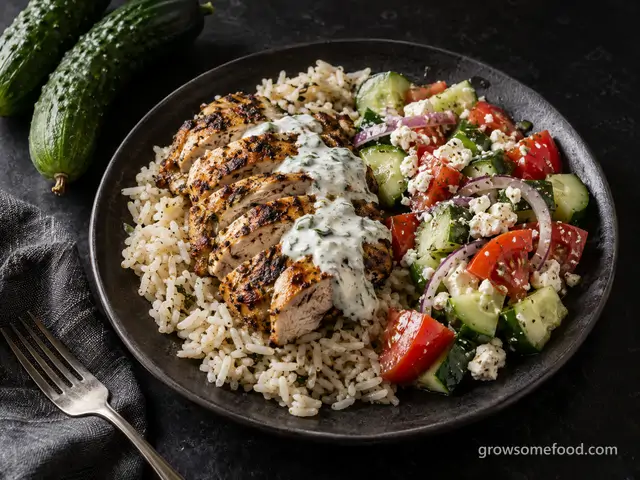
Greek Chicken Bowls with Cucumber-Tomato Salad
Oregano-marinated chicken over rice with a crunchy cucumber-tomato salad, feta, and a lemony yogurt sauce, a…
From the garden: Cucumber, Tomato, Onion +1 more
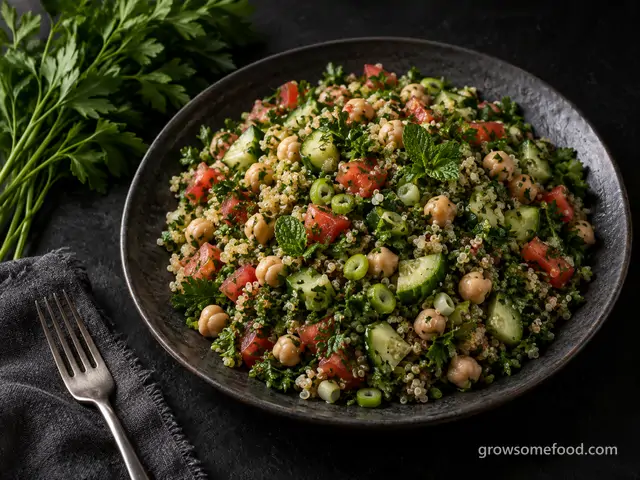

Quinoa Tabbouleh with Chickpeas
A parsley-forward tabbouleh-style dinner salad: loads of chopped herbs, tomato, and cucumber tossed with…
From the garden: Parsley, Mint, Tomato +2 more
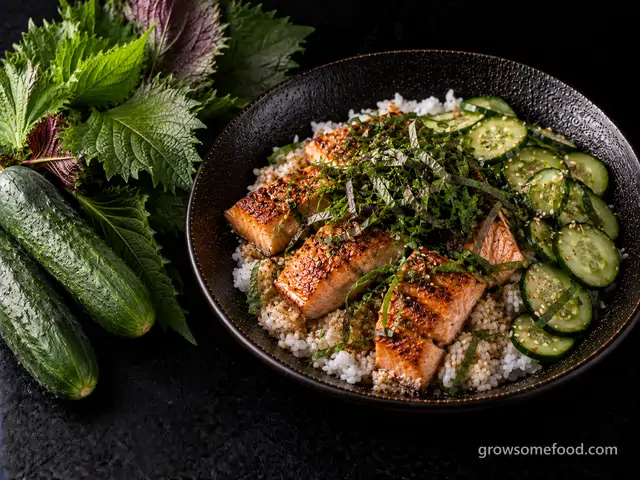
Shiso and Cucumber Rice Bowls
Japanese-style rice bowls: lightly seasoned rice, quick-salted cucumbers, seared salmon, and a generous…
From the garden: Shiso, Cucumber
 In season
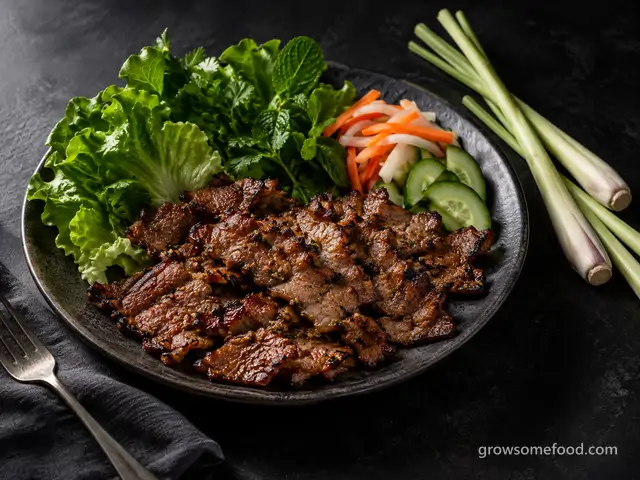
Vietnamese Lemongrass Grilled Pork
Thit nuong, the street-stall pork of Vietnam: thin slices of pork shoulder marinated in a thick paste of…
From the garden: Lemongrass, Garlic, Shallot +3 more
 In season
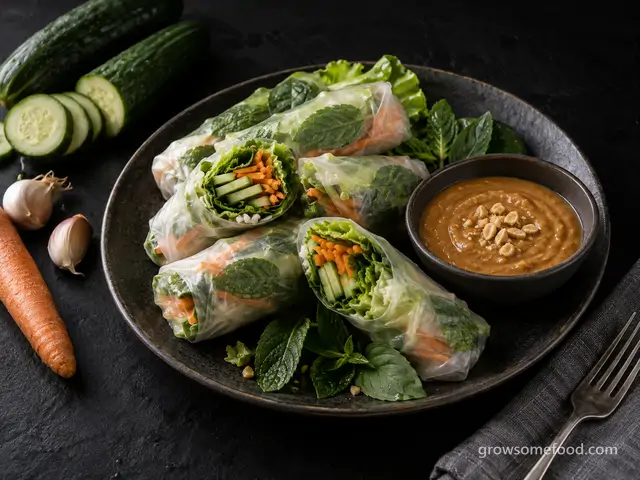
Summer Rolls with Garden Herbs and Peanut Sauce
Cool Vietnamese-style rice-paper rolls packed with crisp cucumber, carrot, lettuce, and whole mint and basil…
From the garden: Cucumber, Carrot, Lettuce +2 more